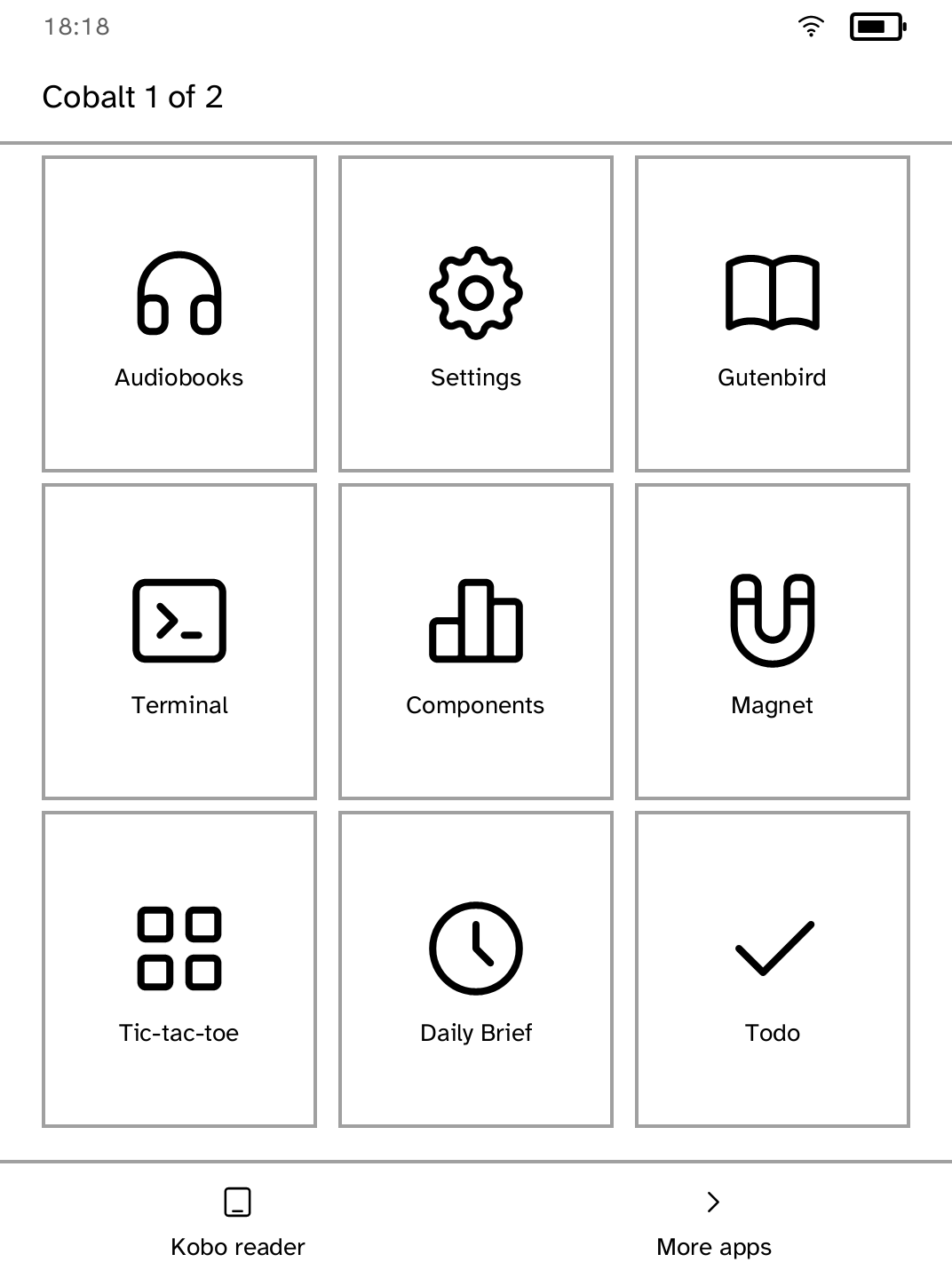
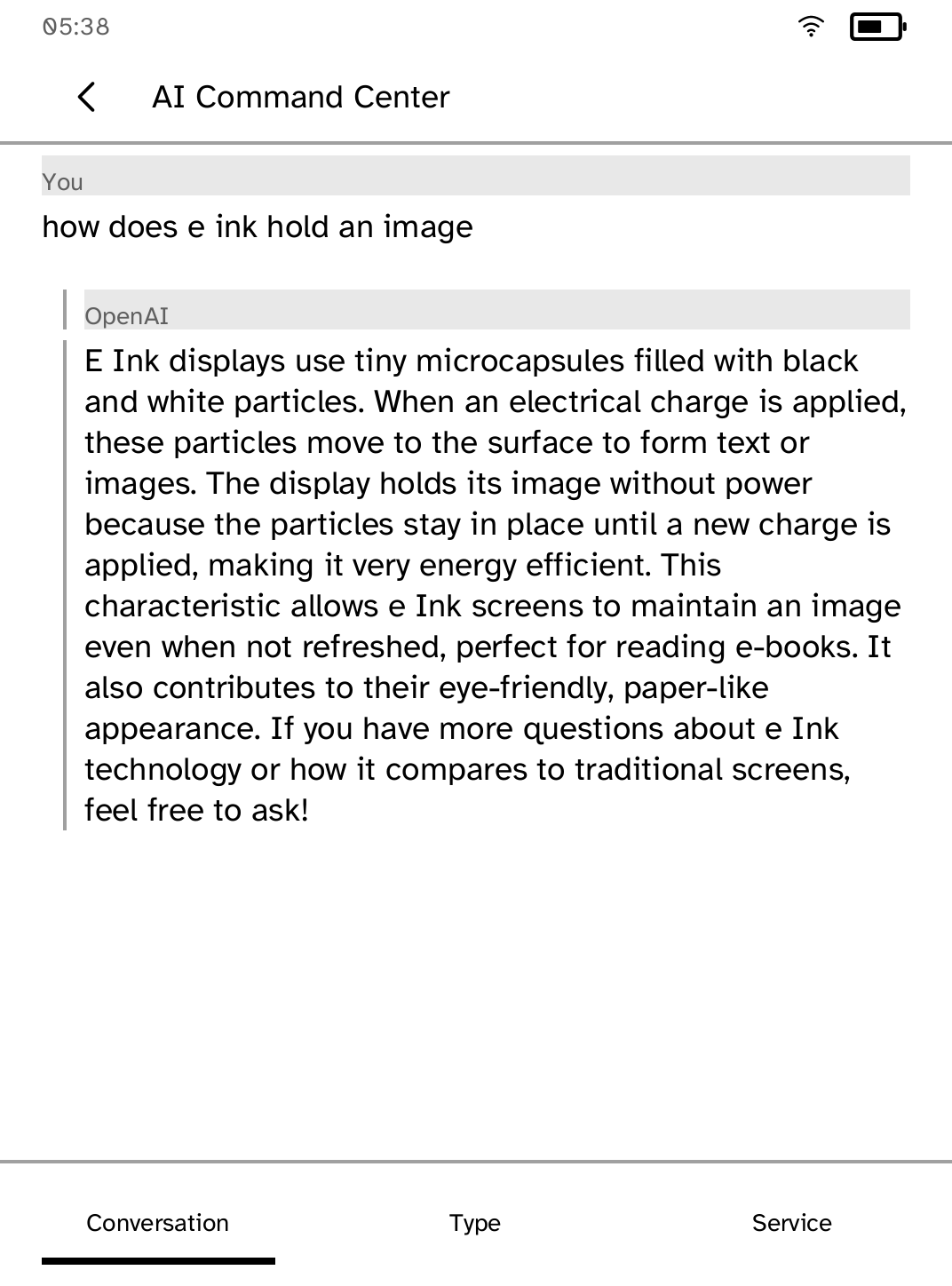
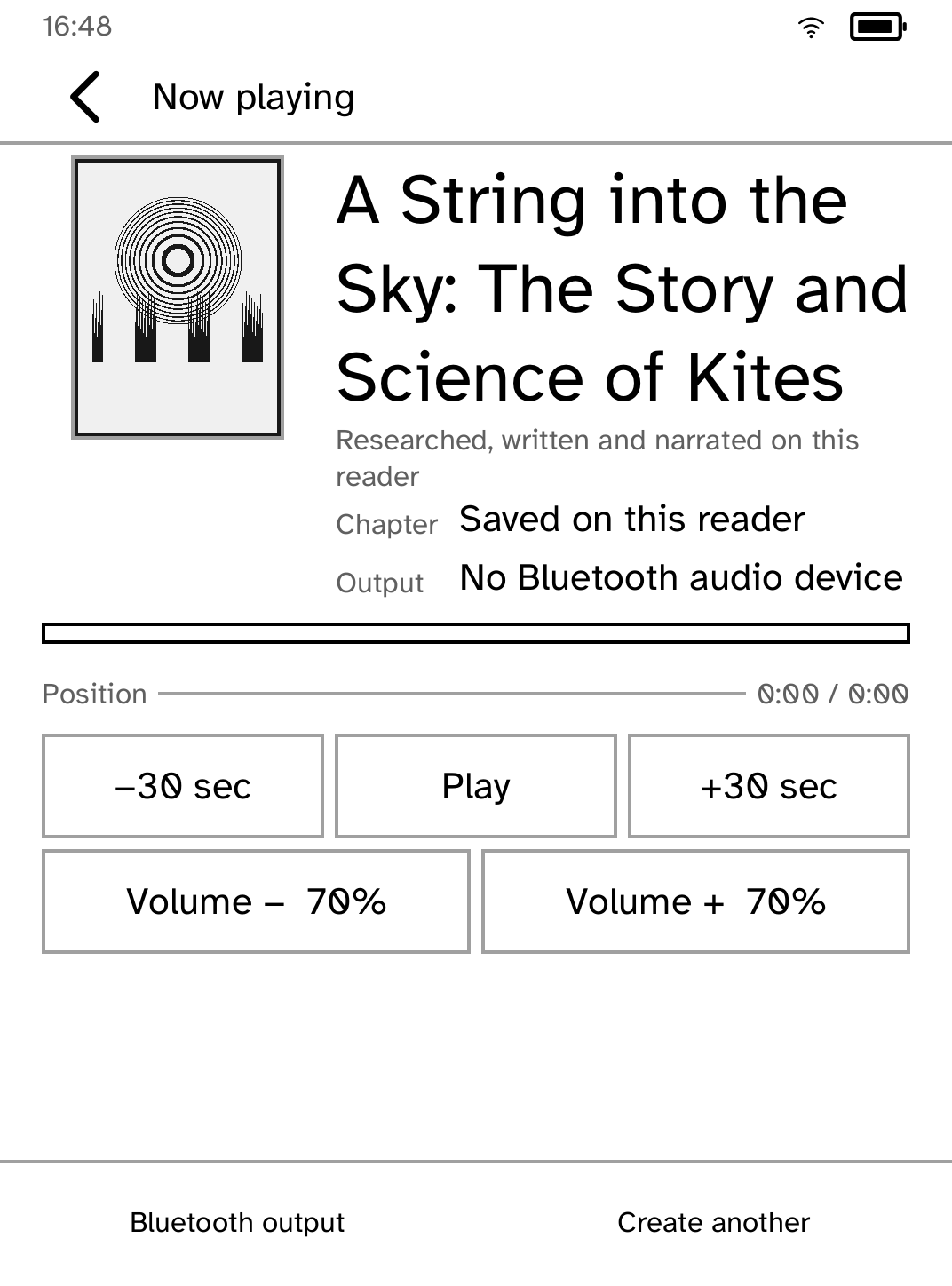
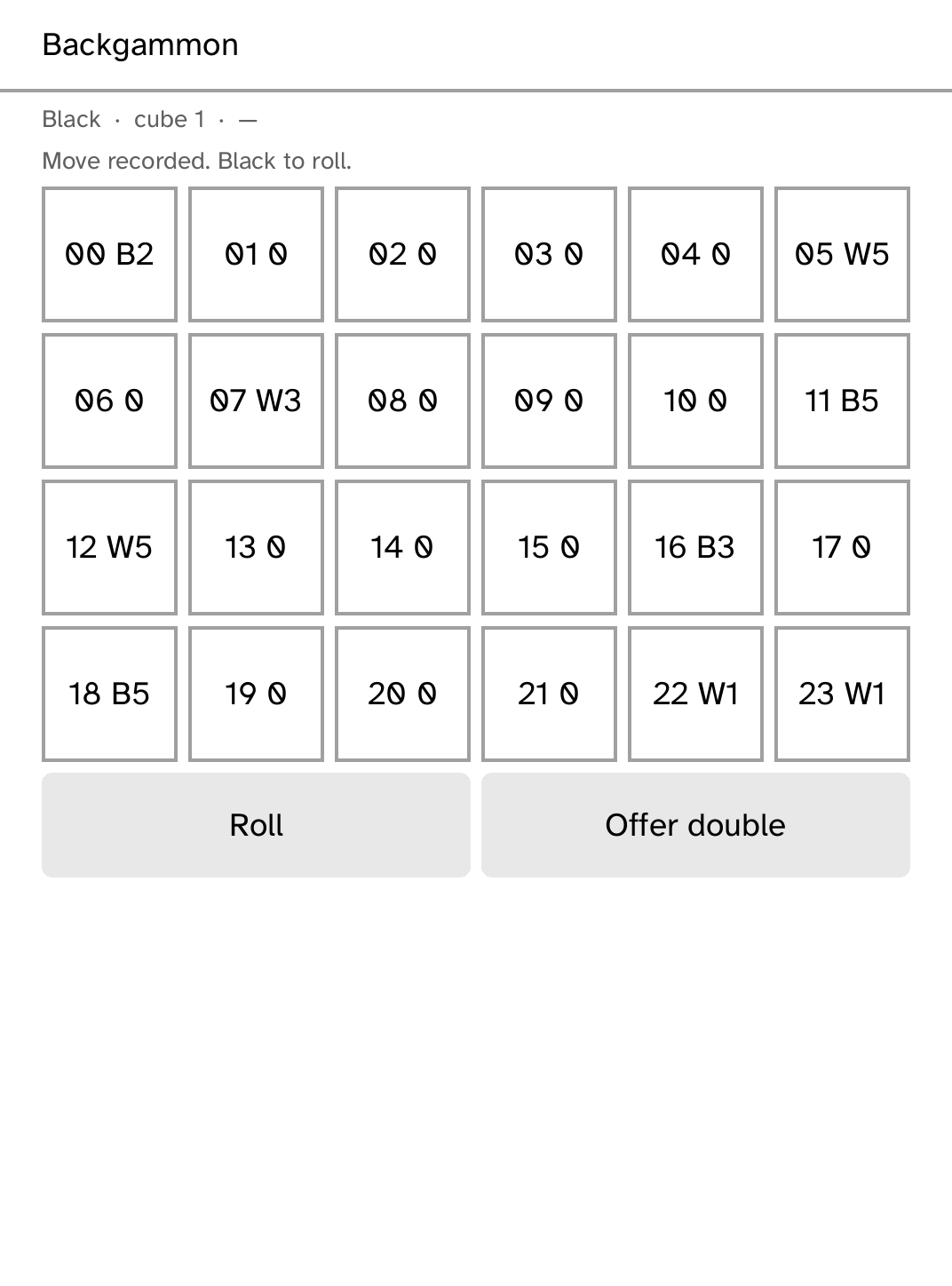
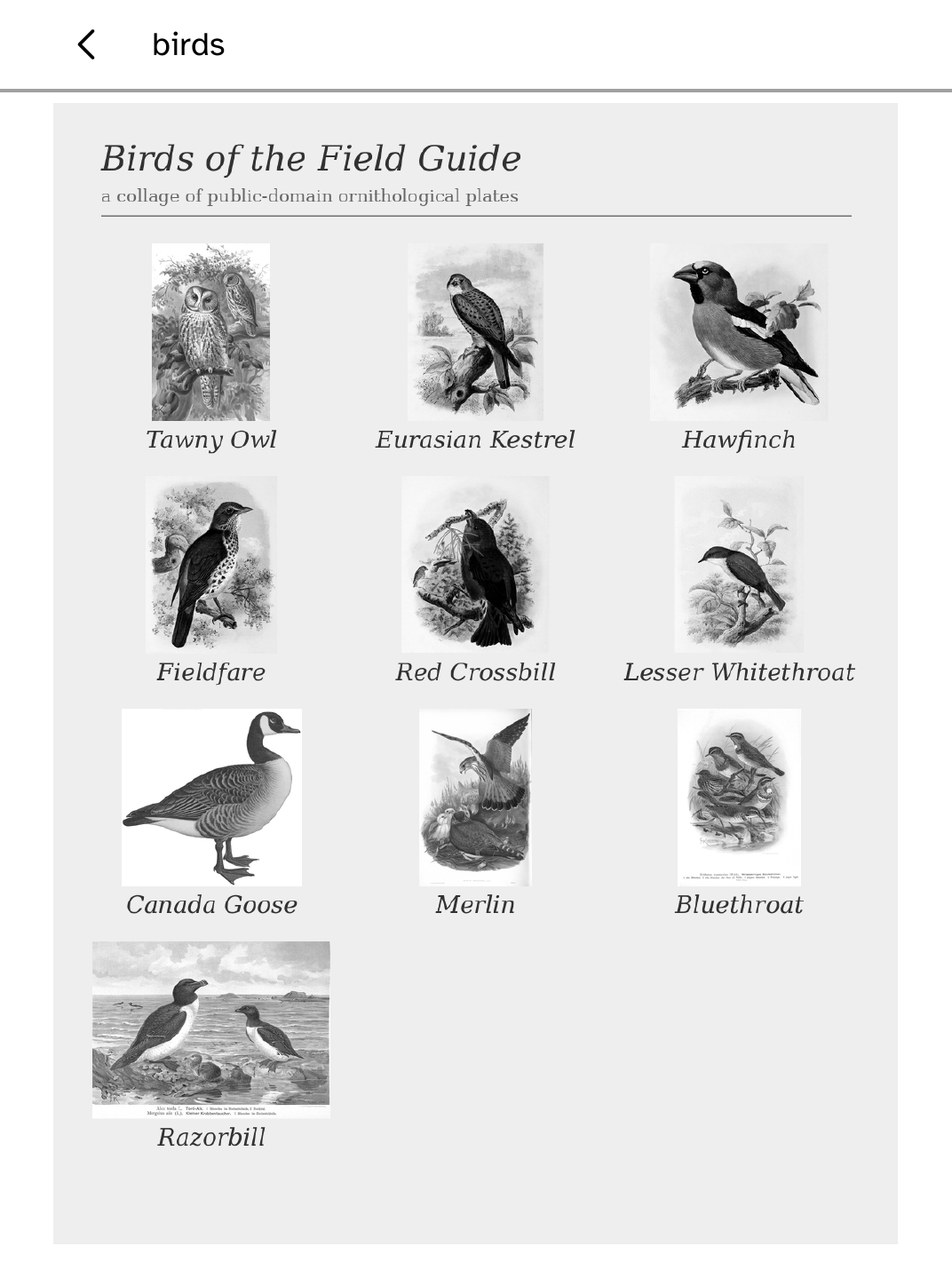
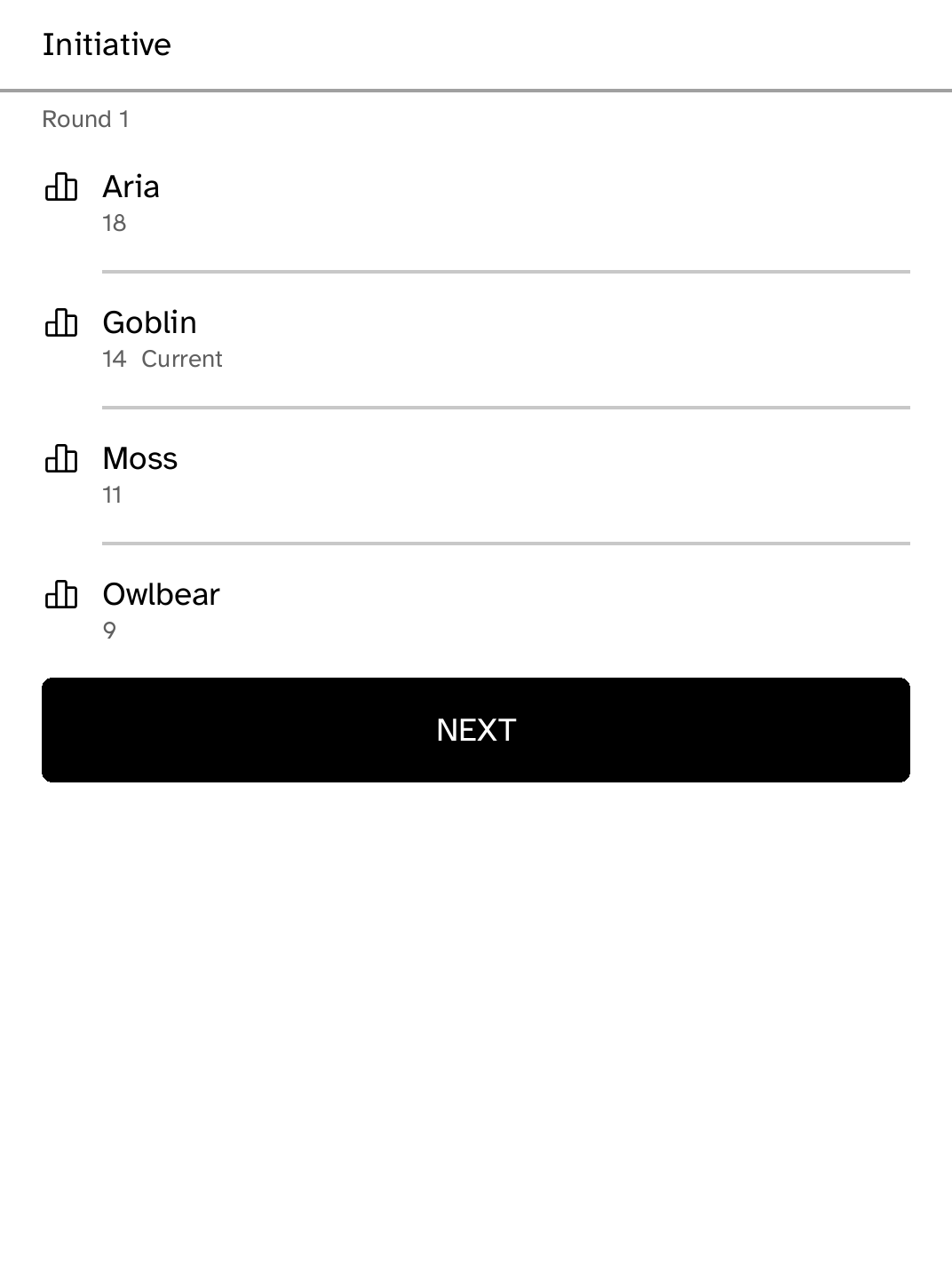
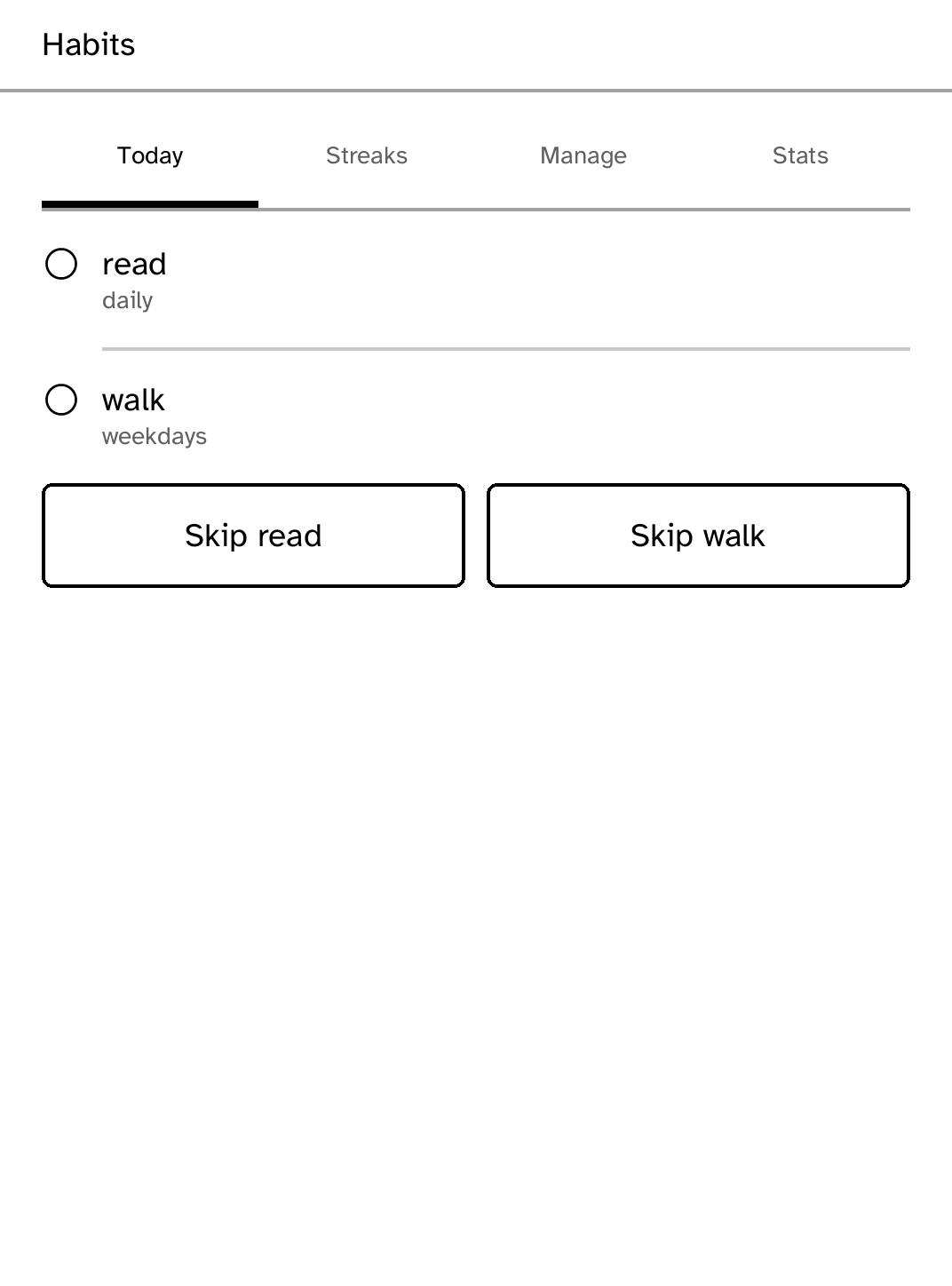
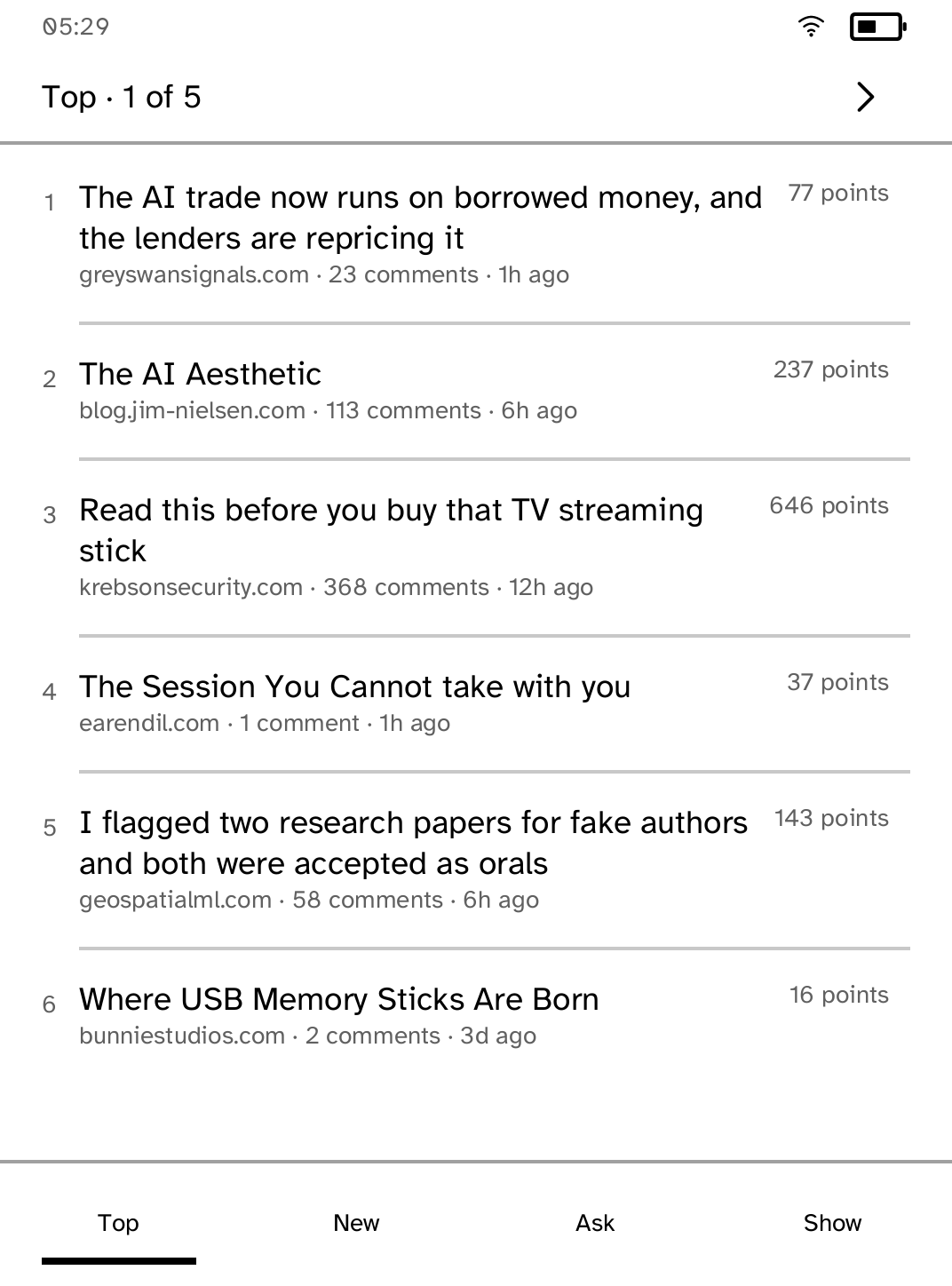
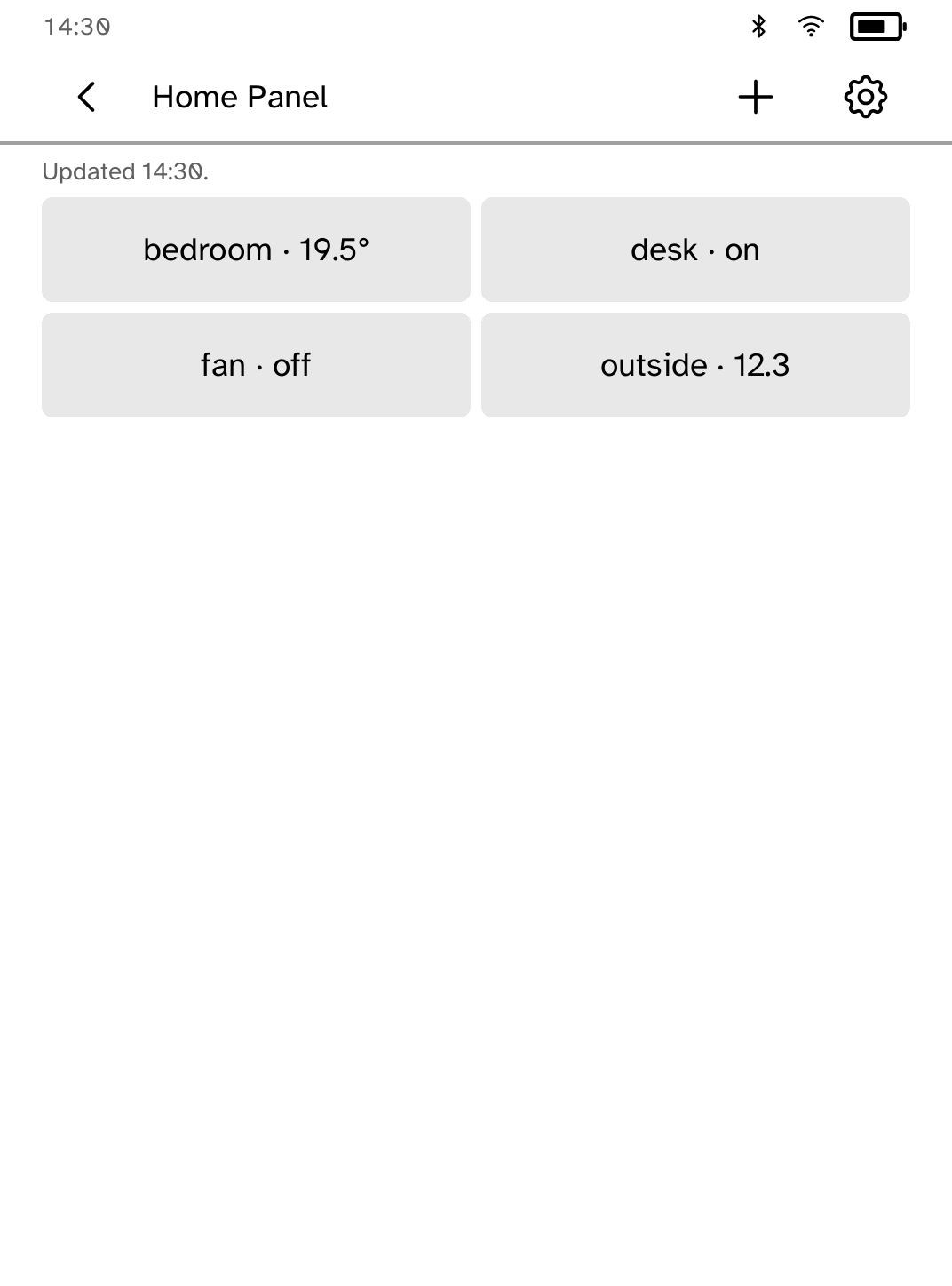
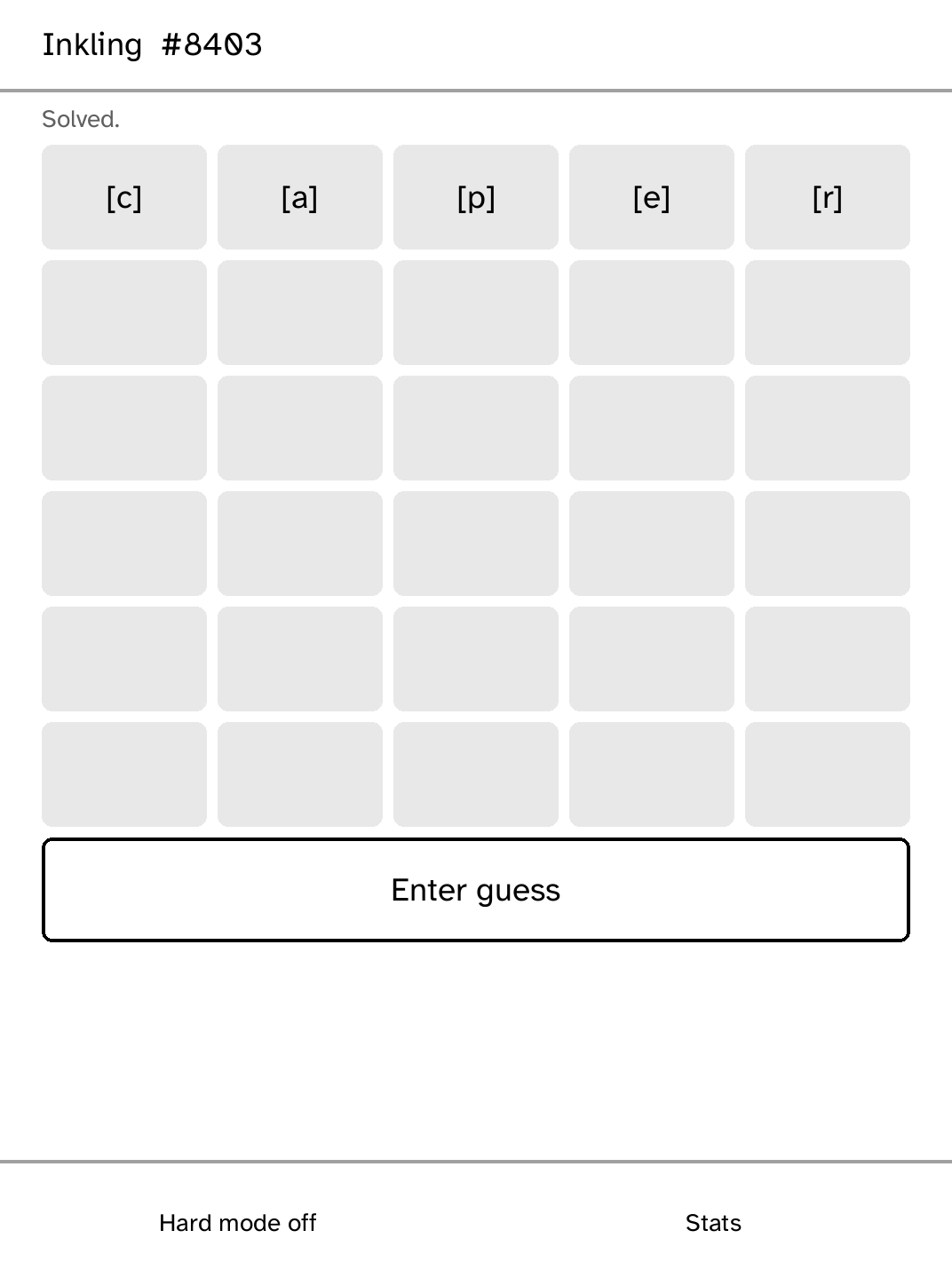
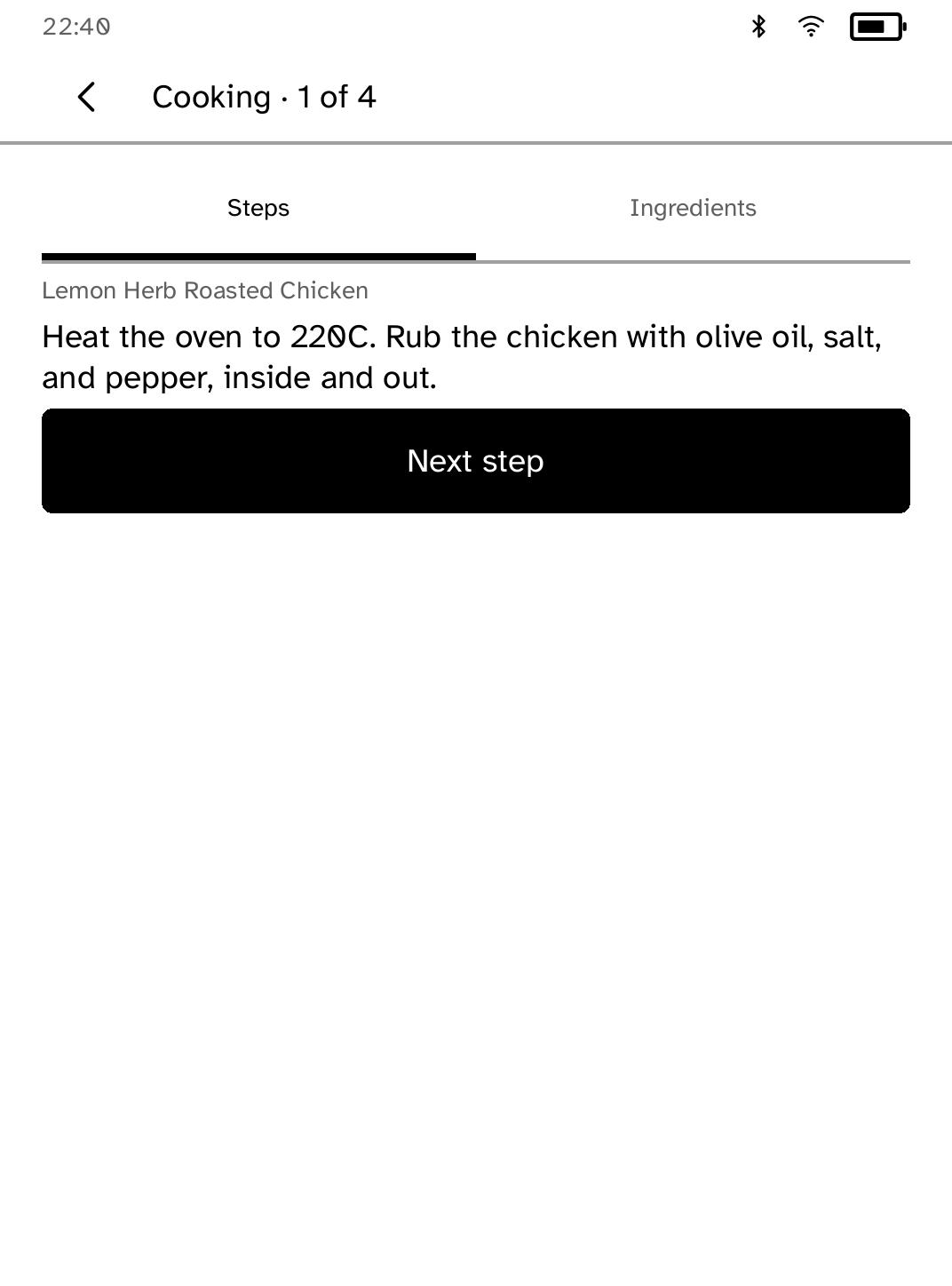
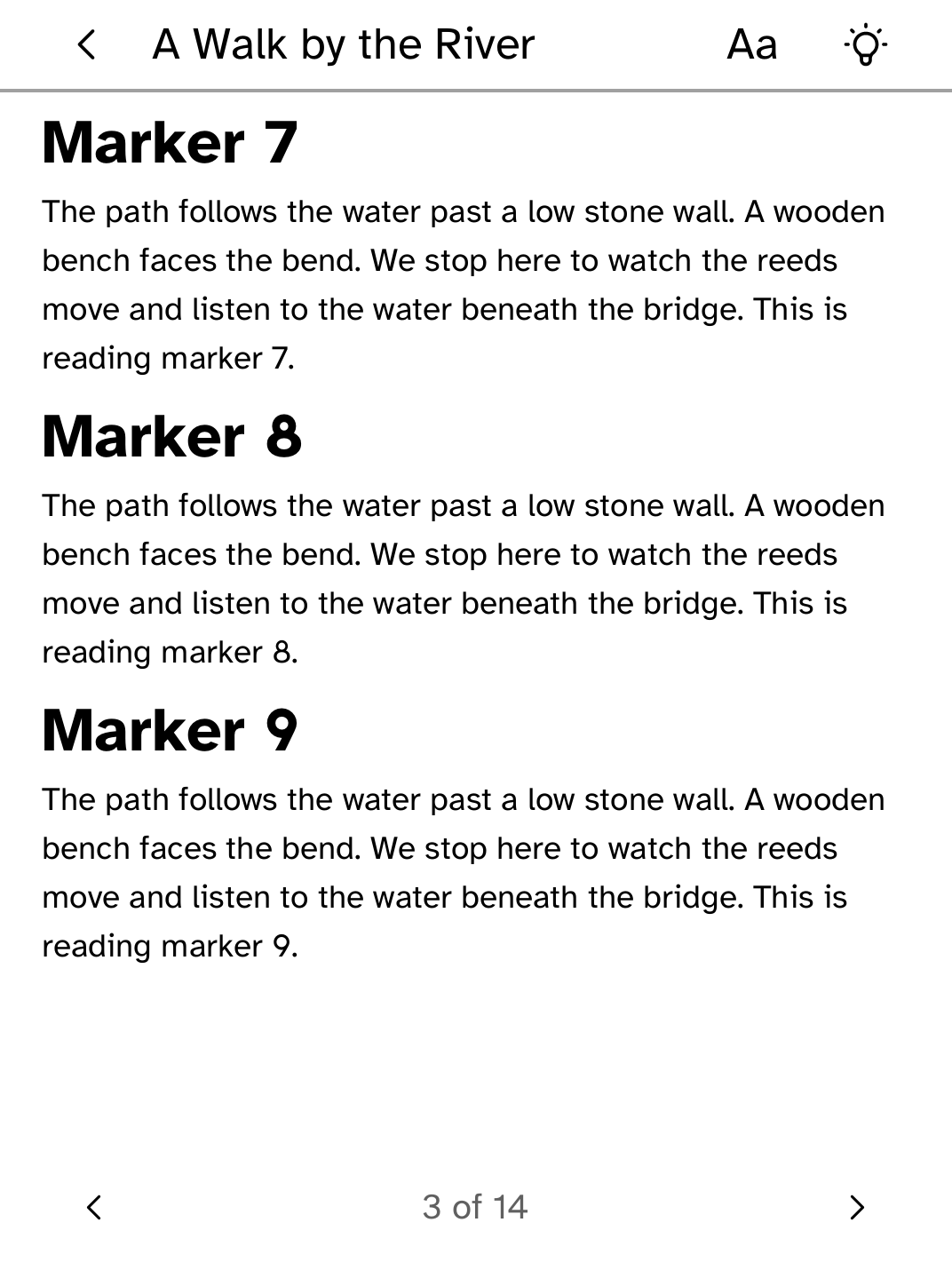
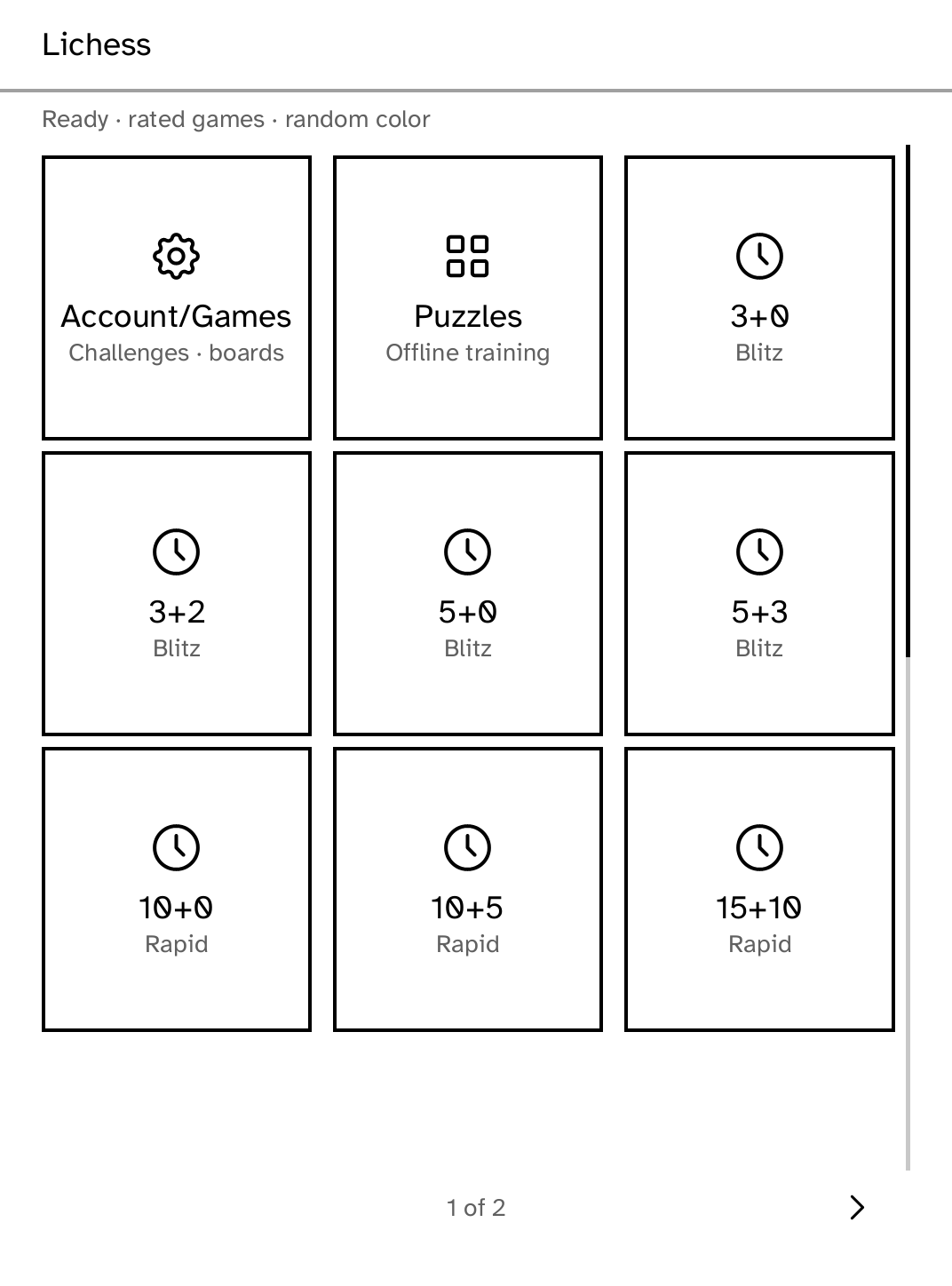
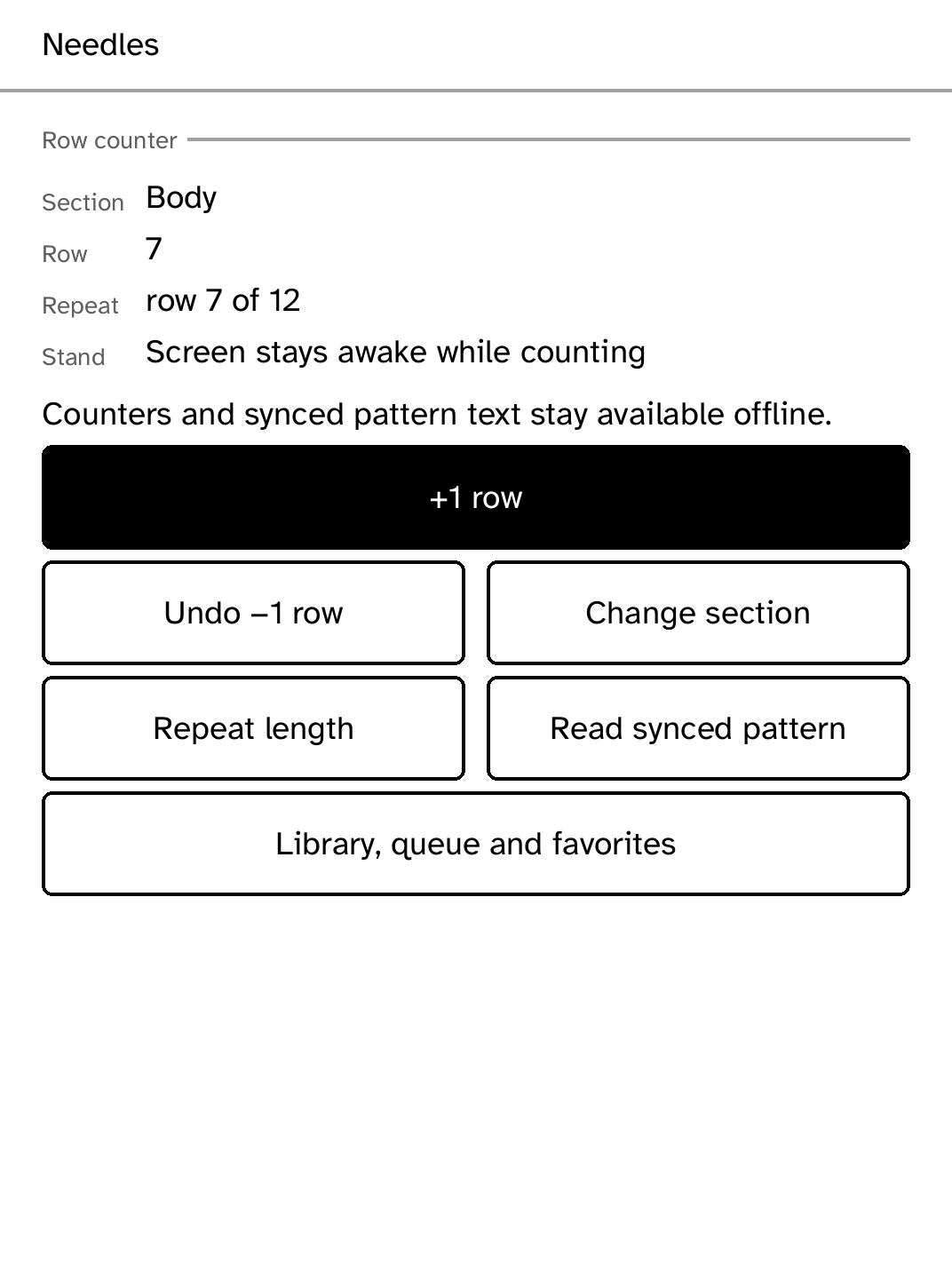
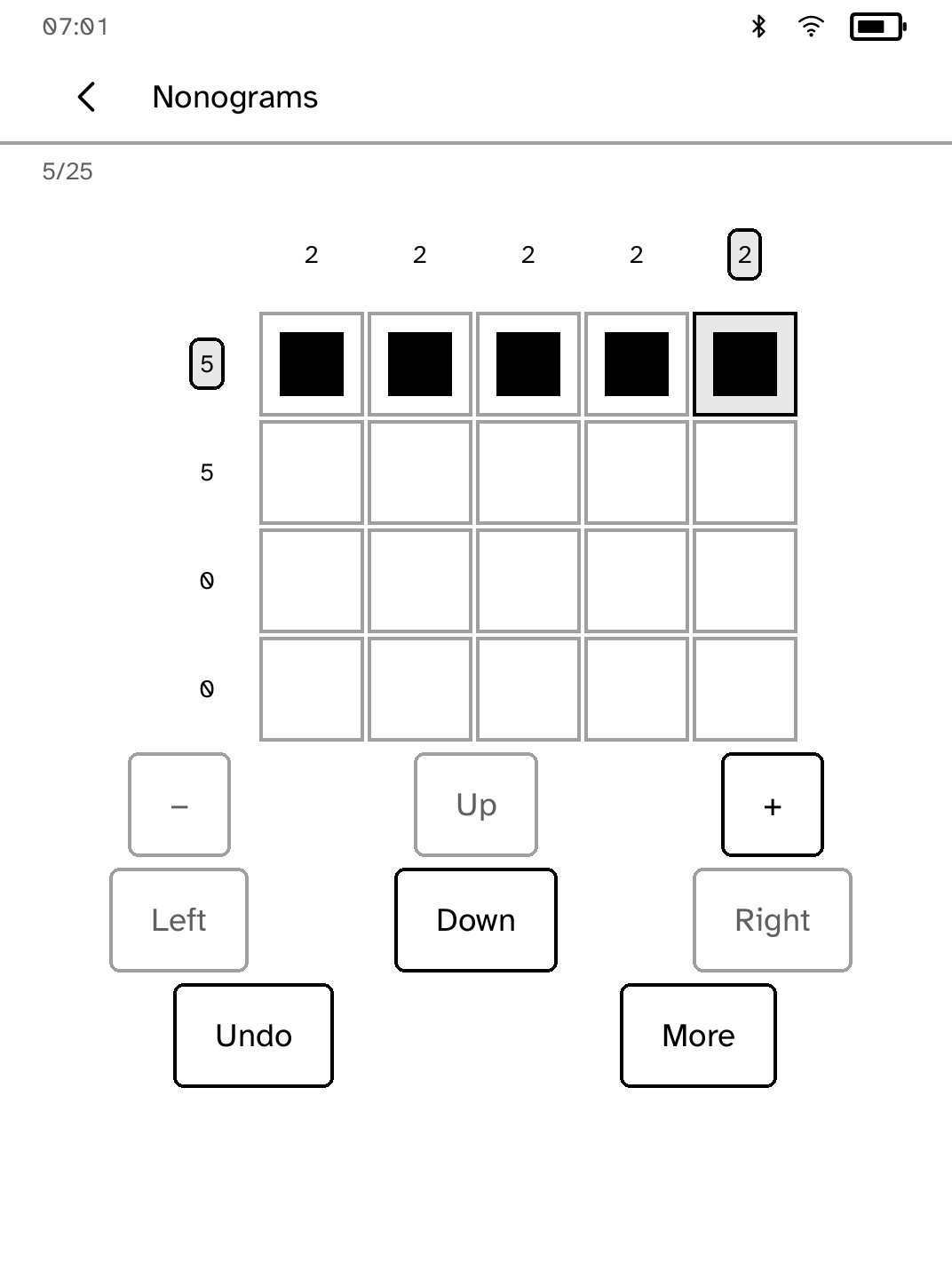
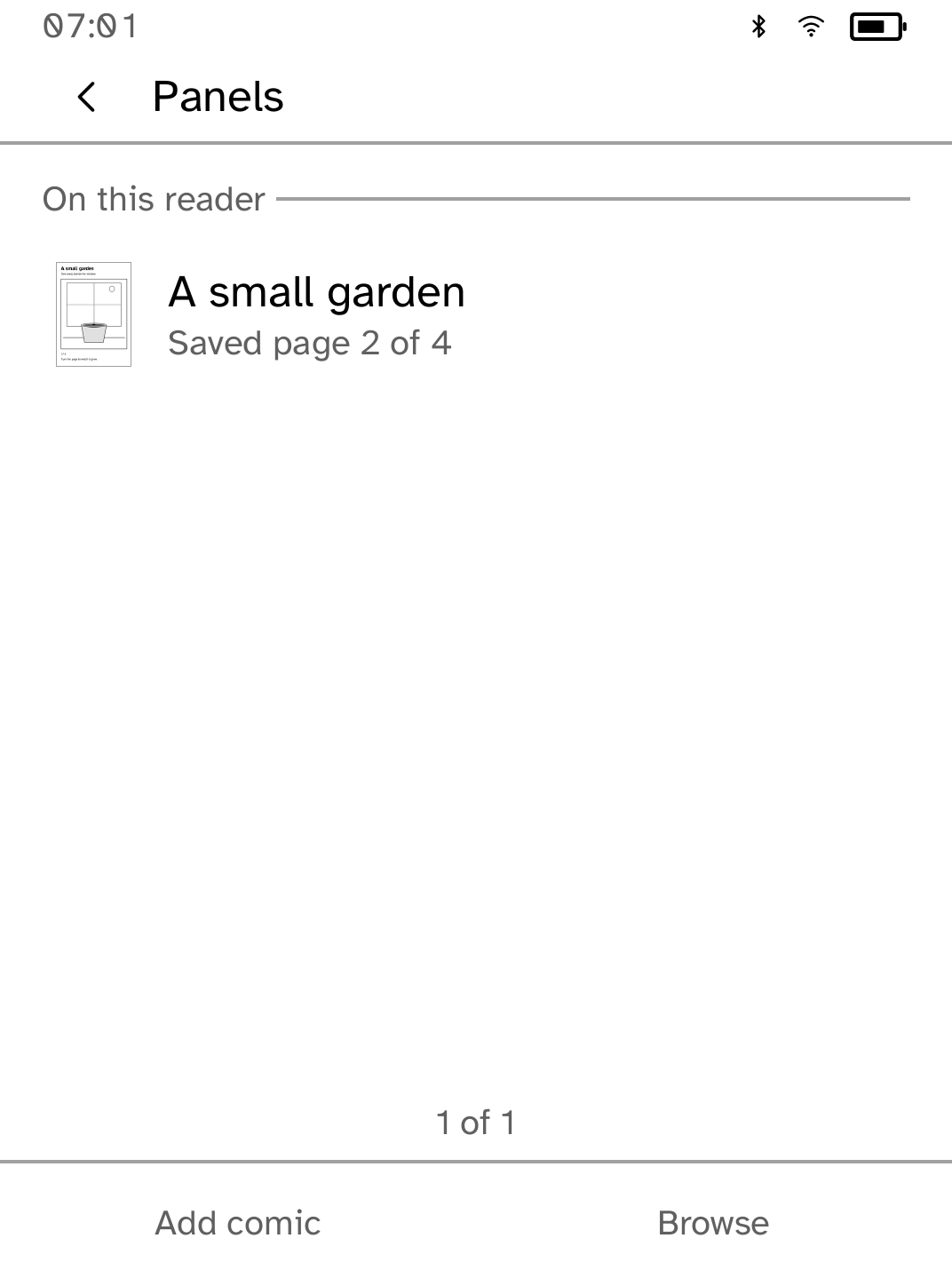
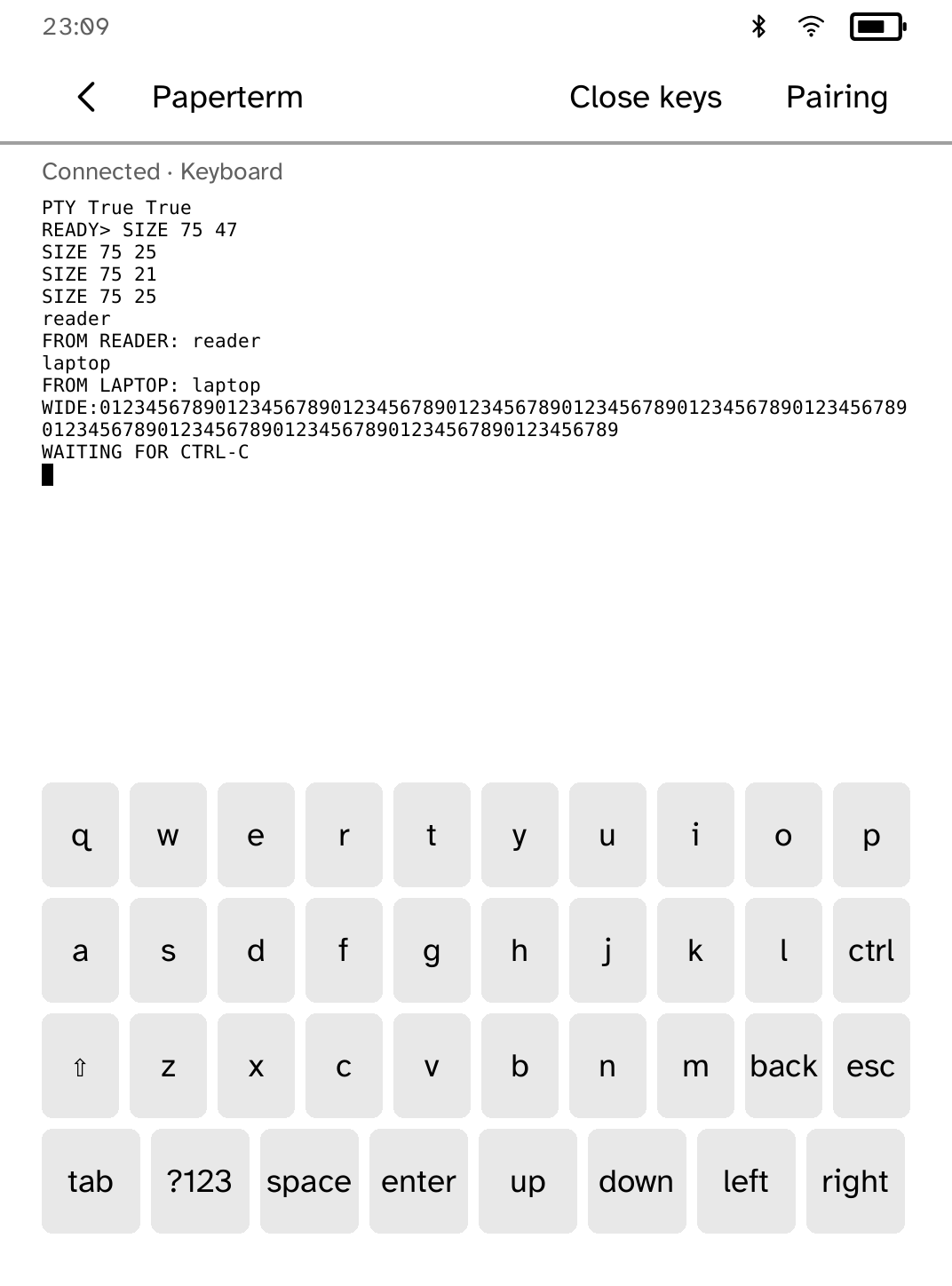
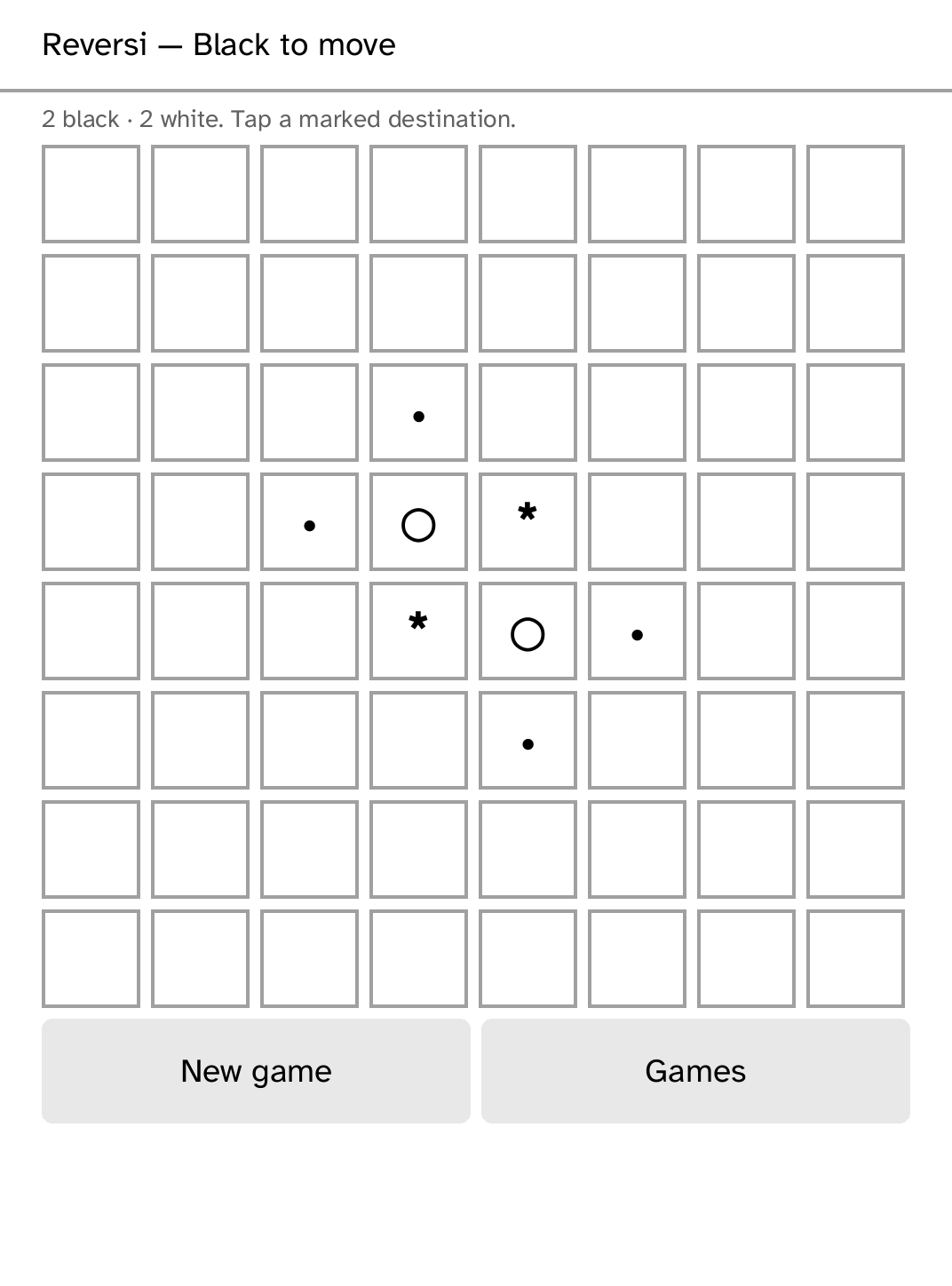
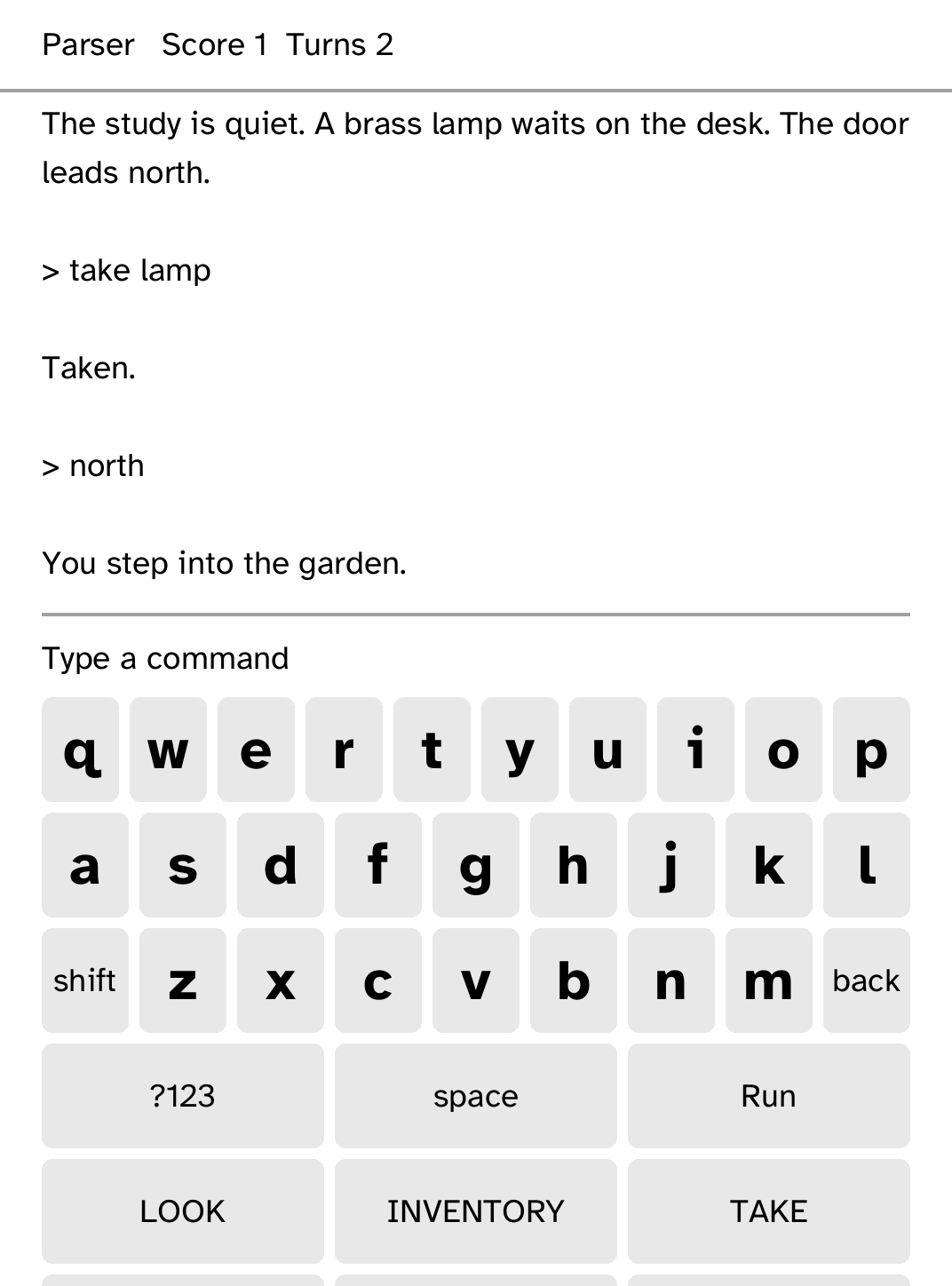
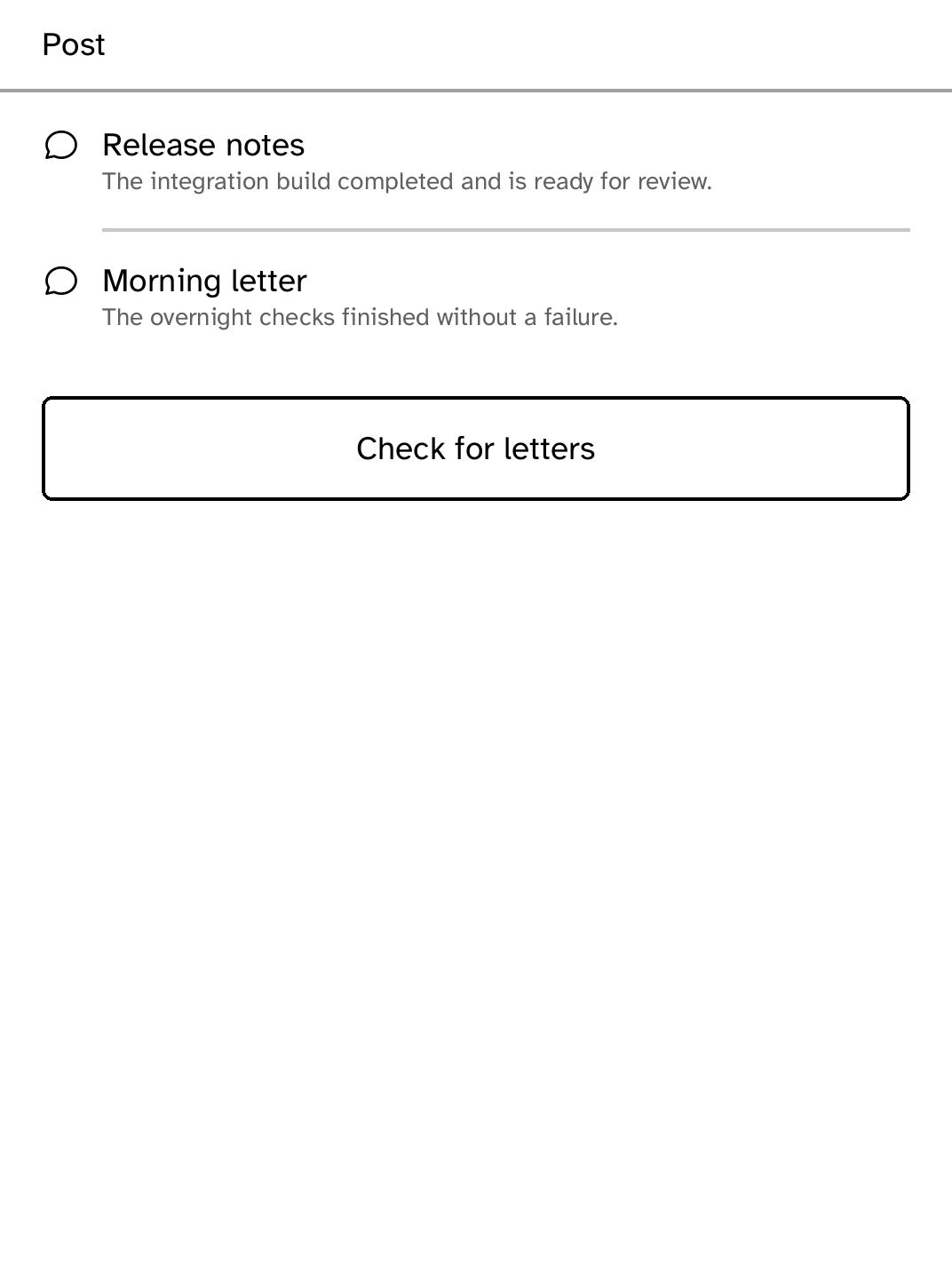
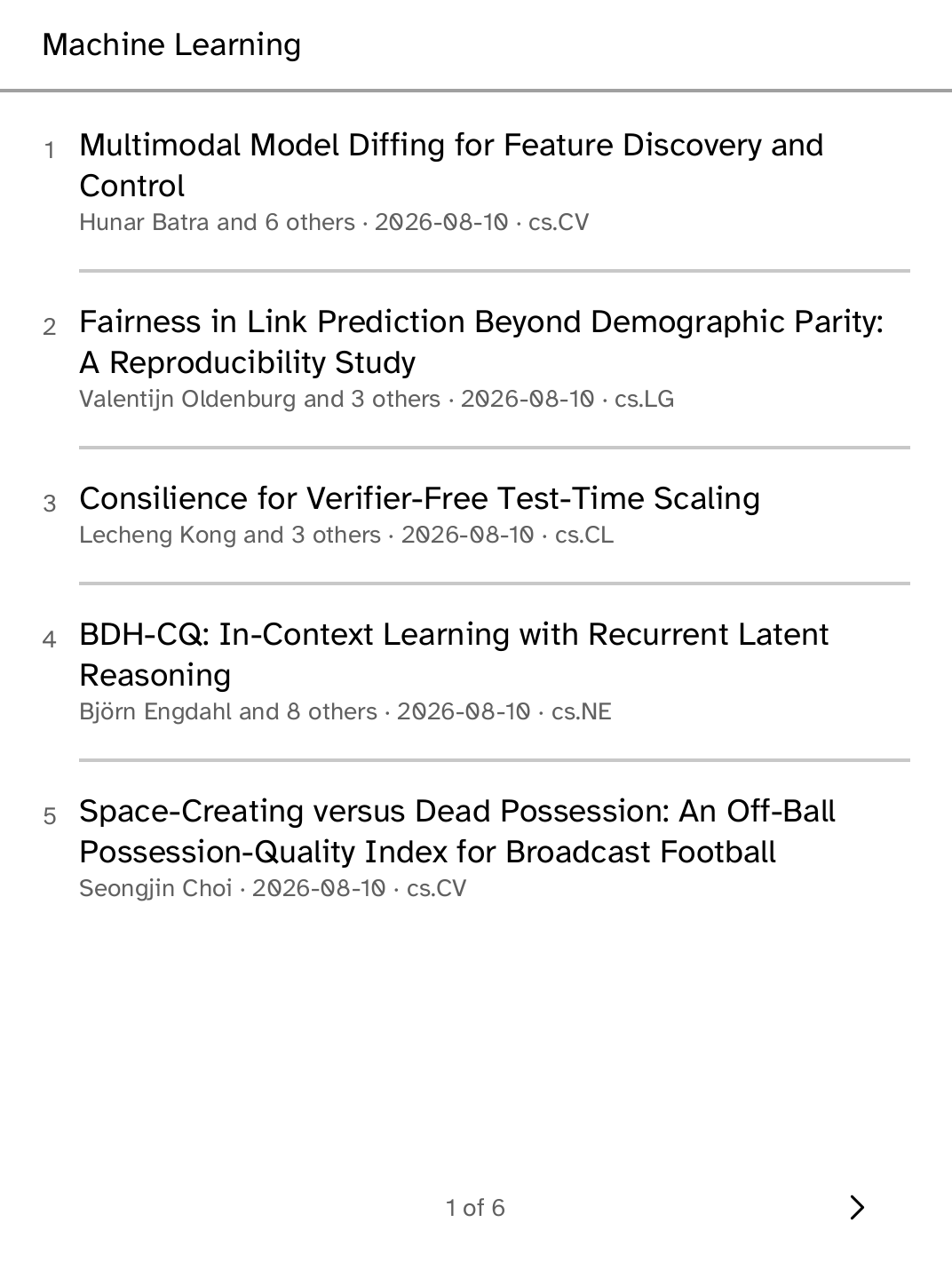
Cobalt is an open-source application platform for Kobo e-readers: a launcher, a signed apps catalog, a Rust SDK, and a runtime that keeps every app in its own unprivileged process.
Featured on Product Hunt Aug 2026: #1 on Hacker News · 662 points
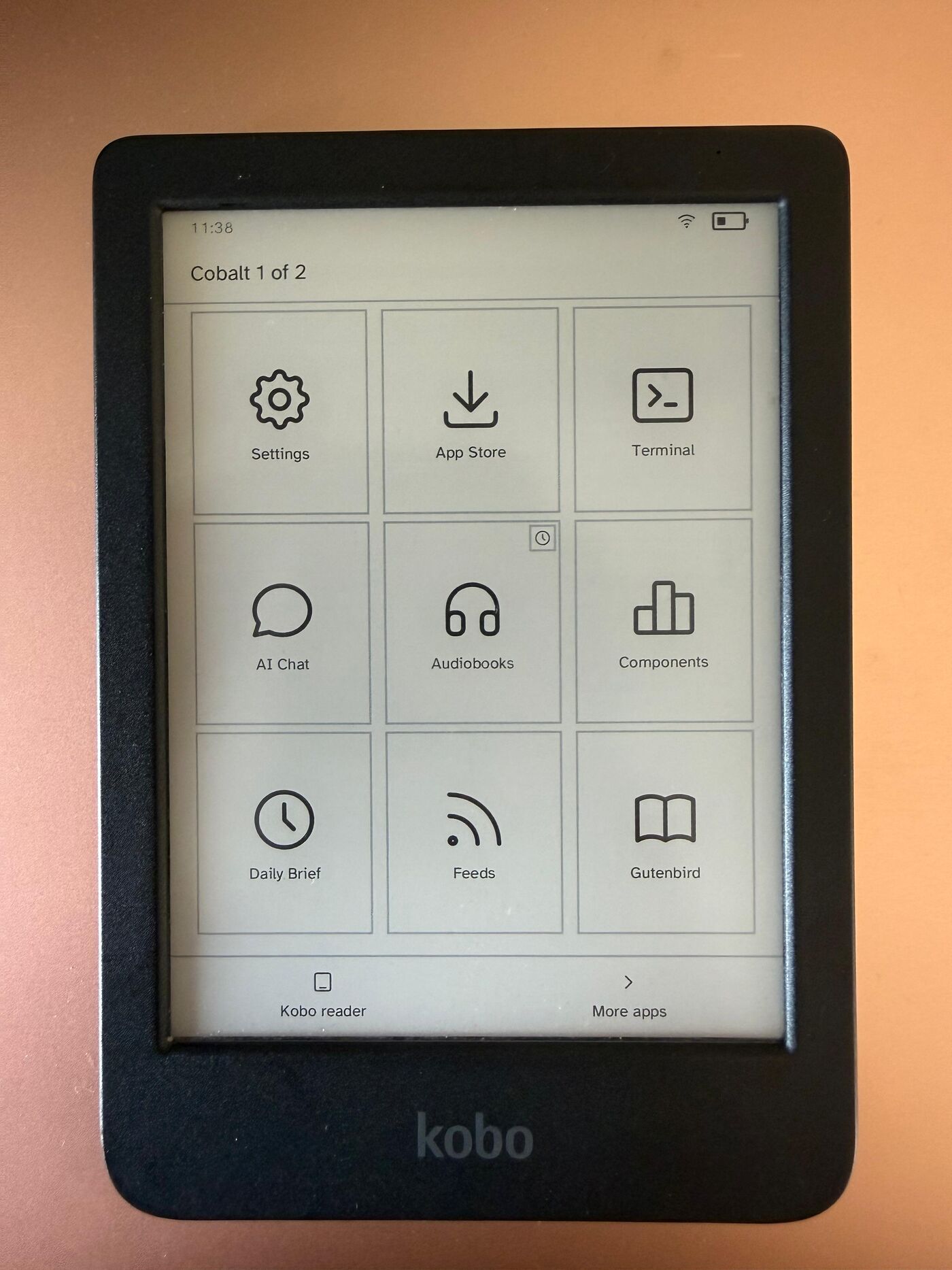
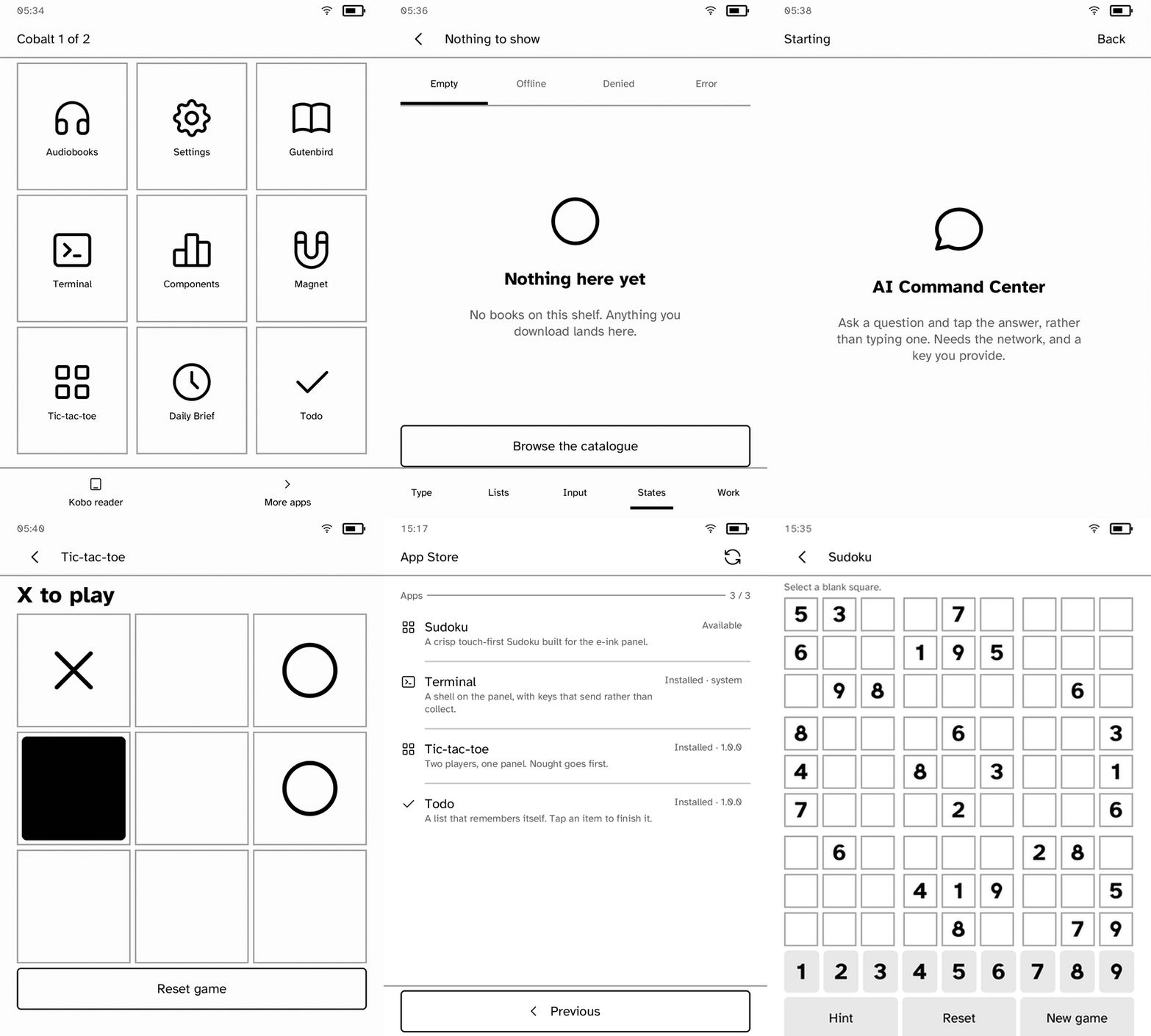
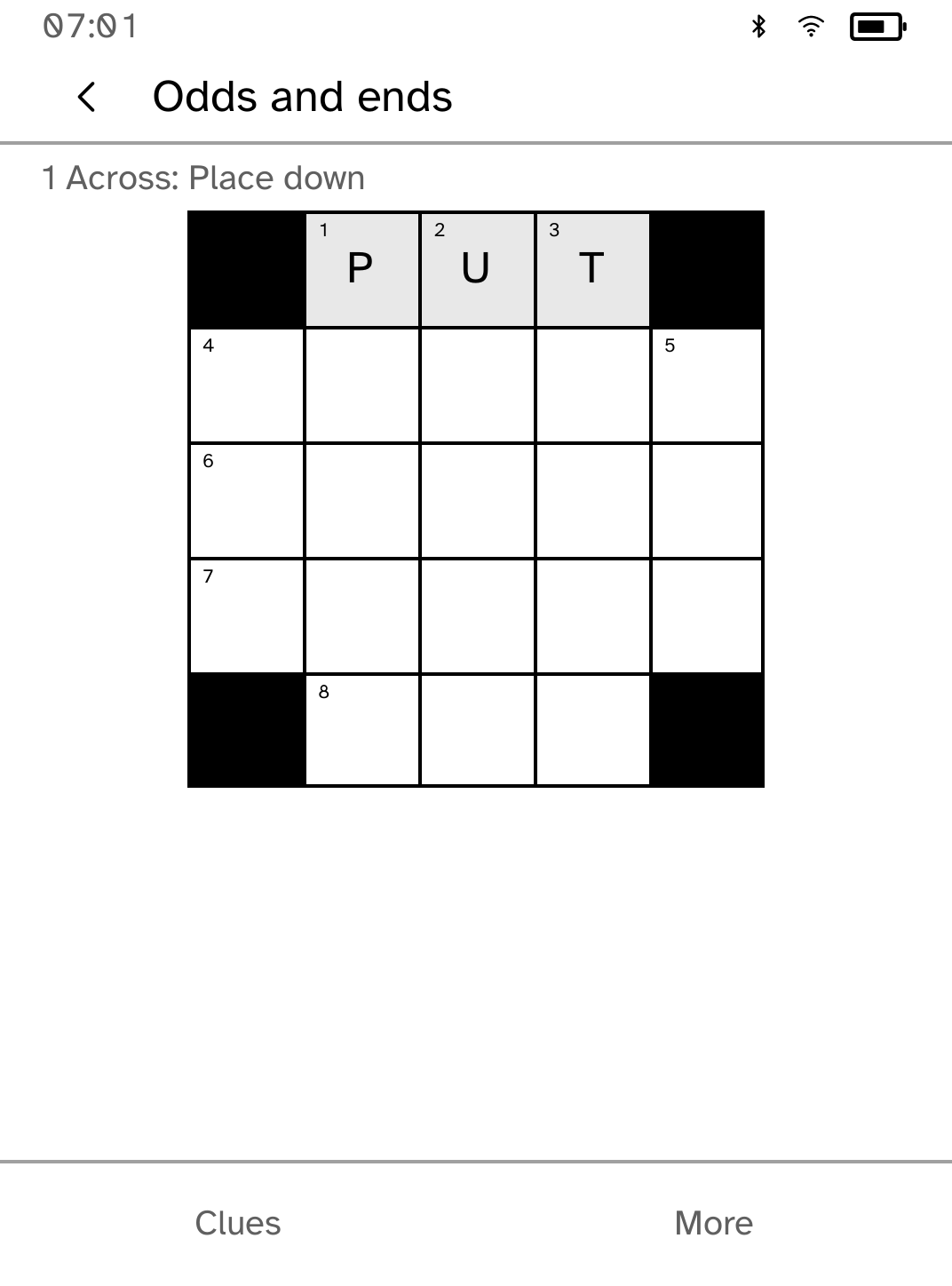
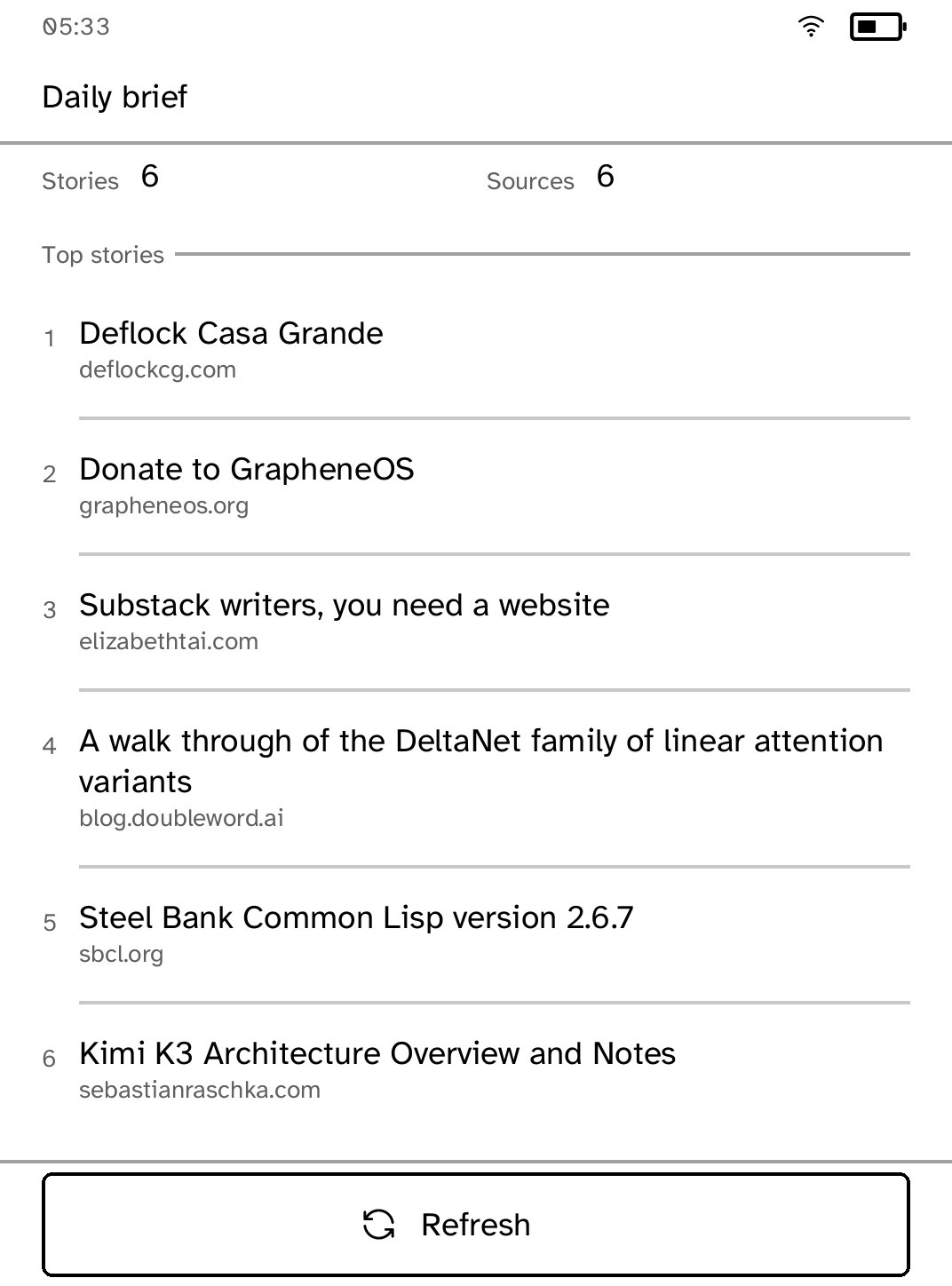
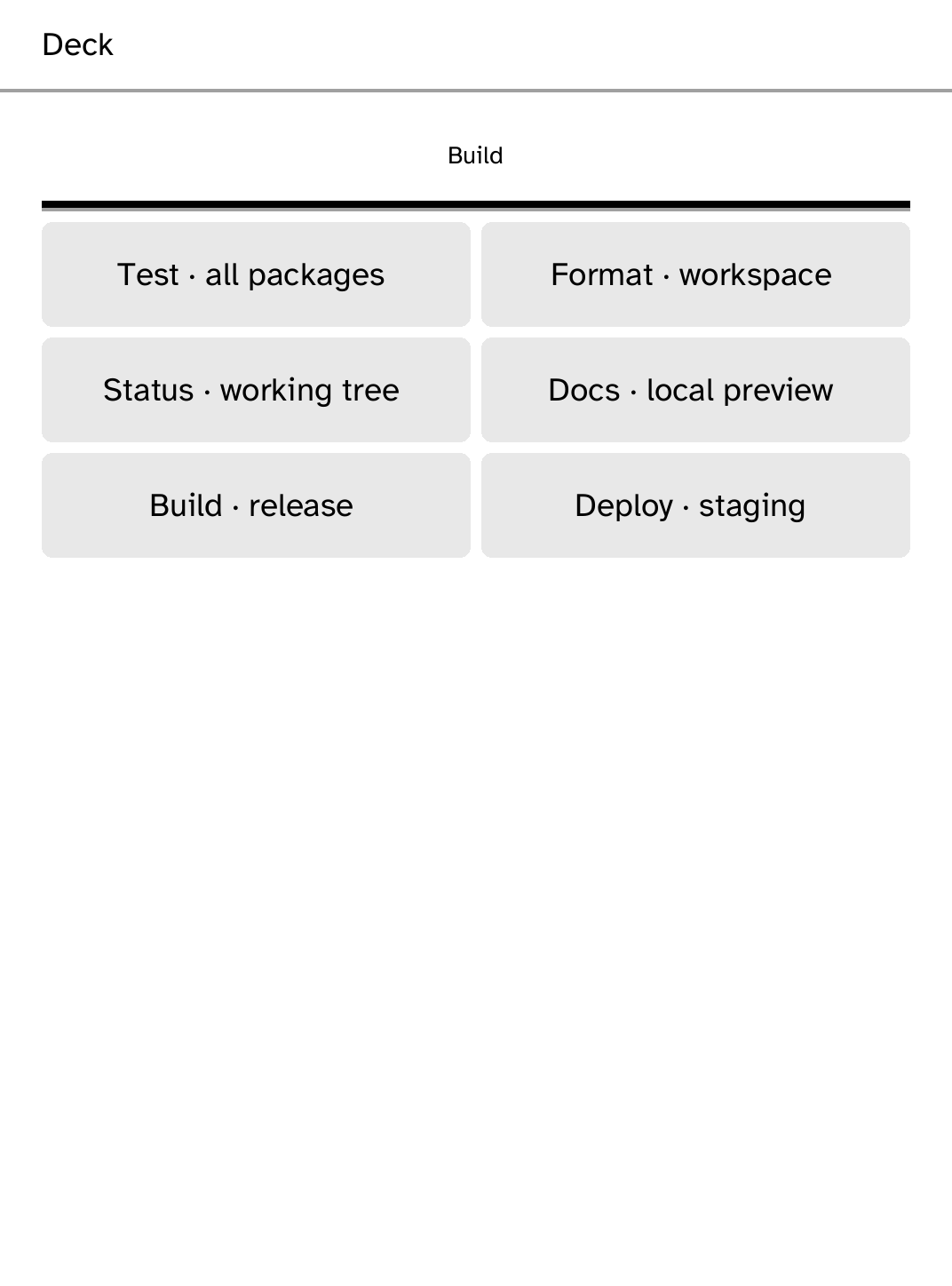
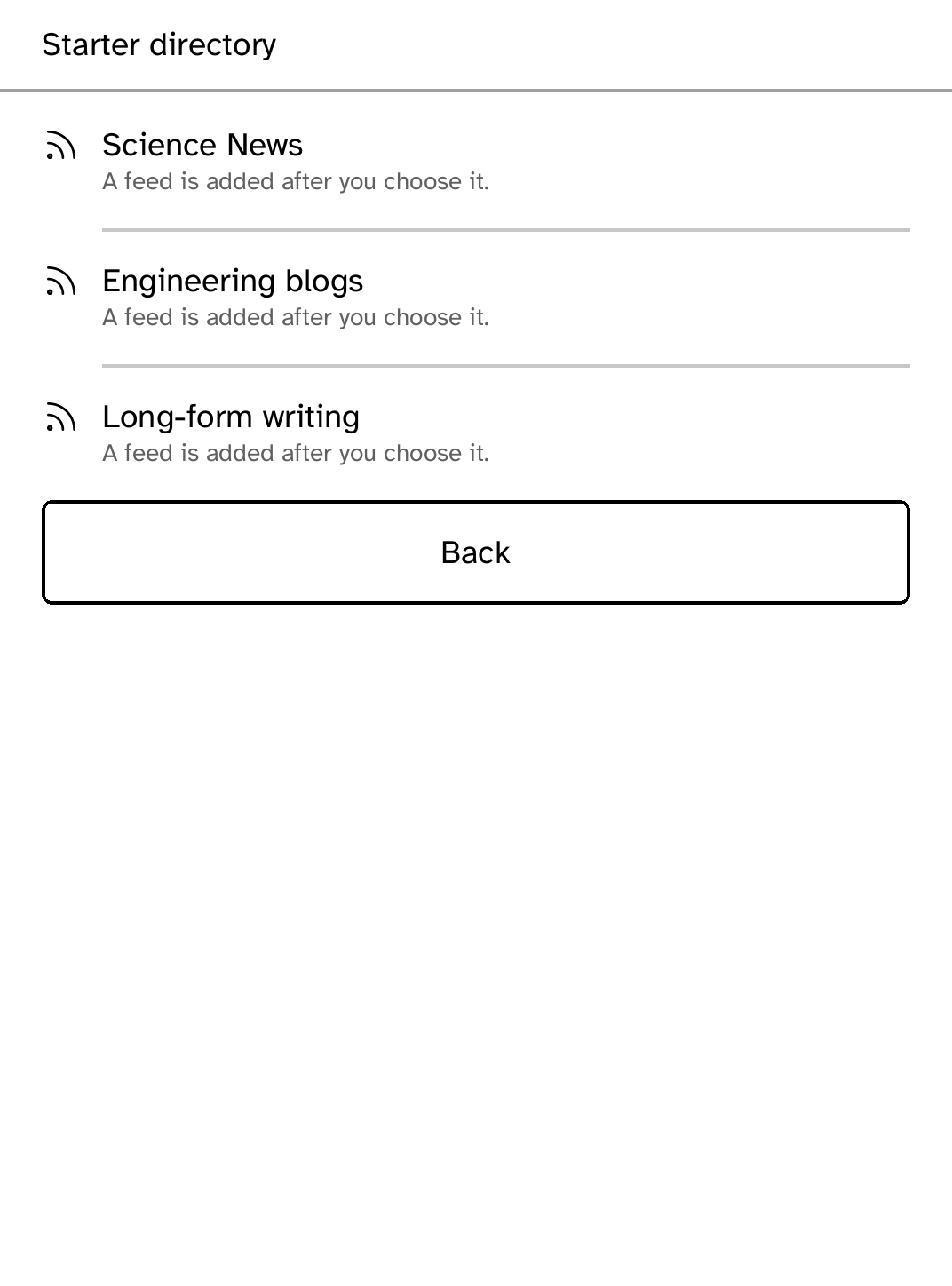
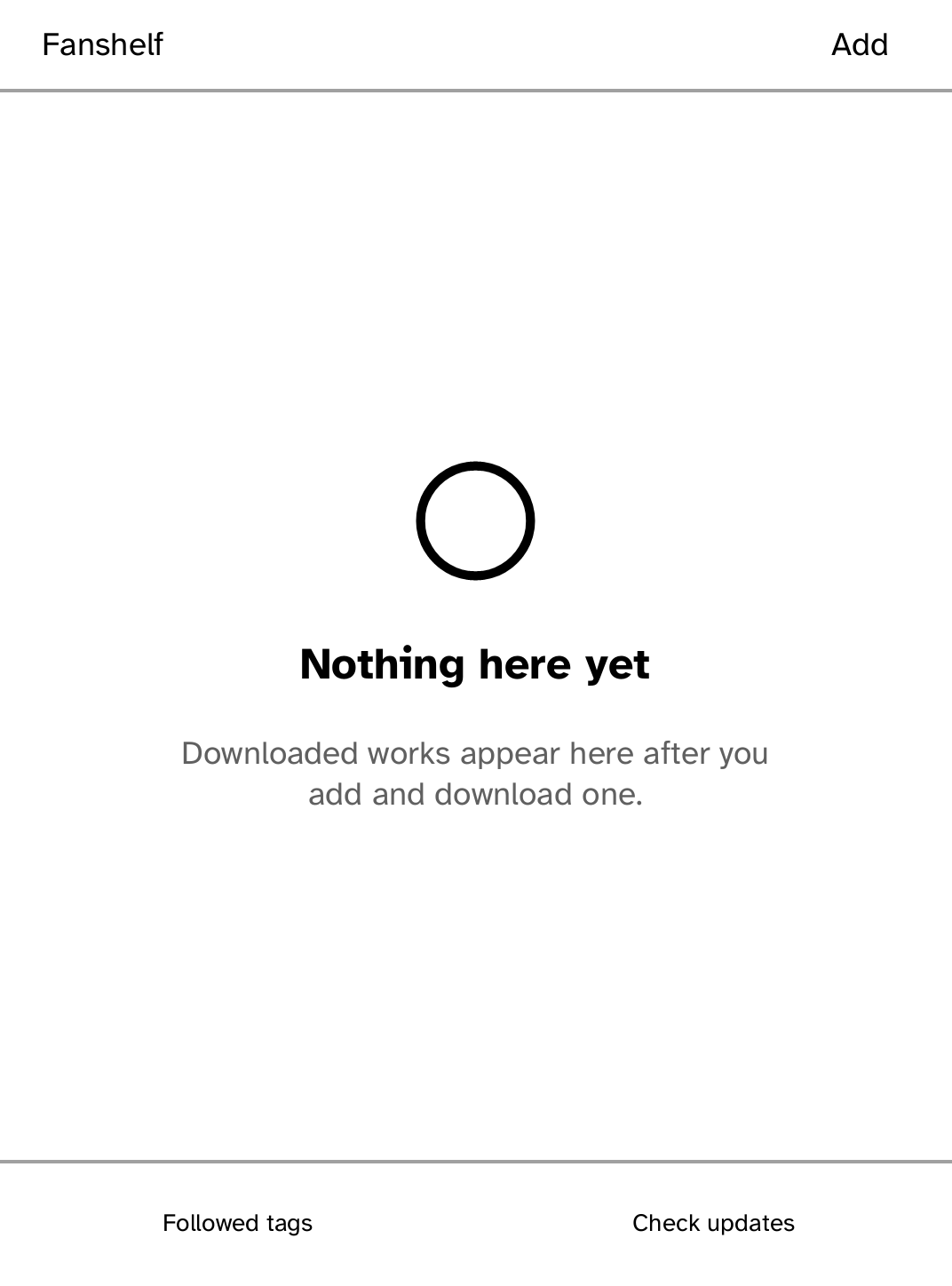
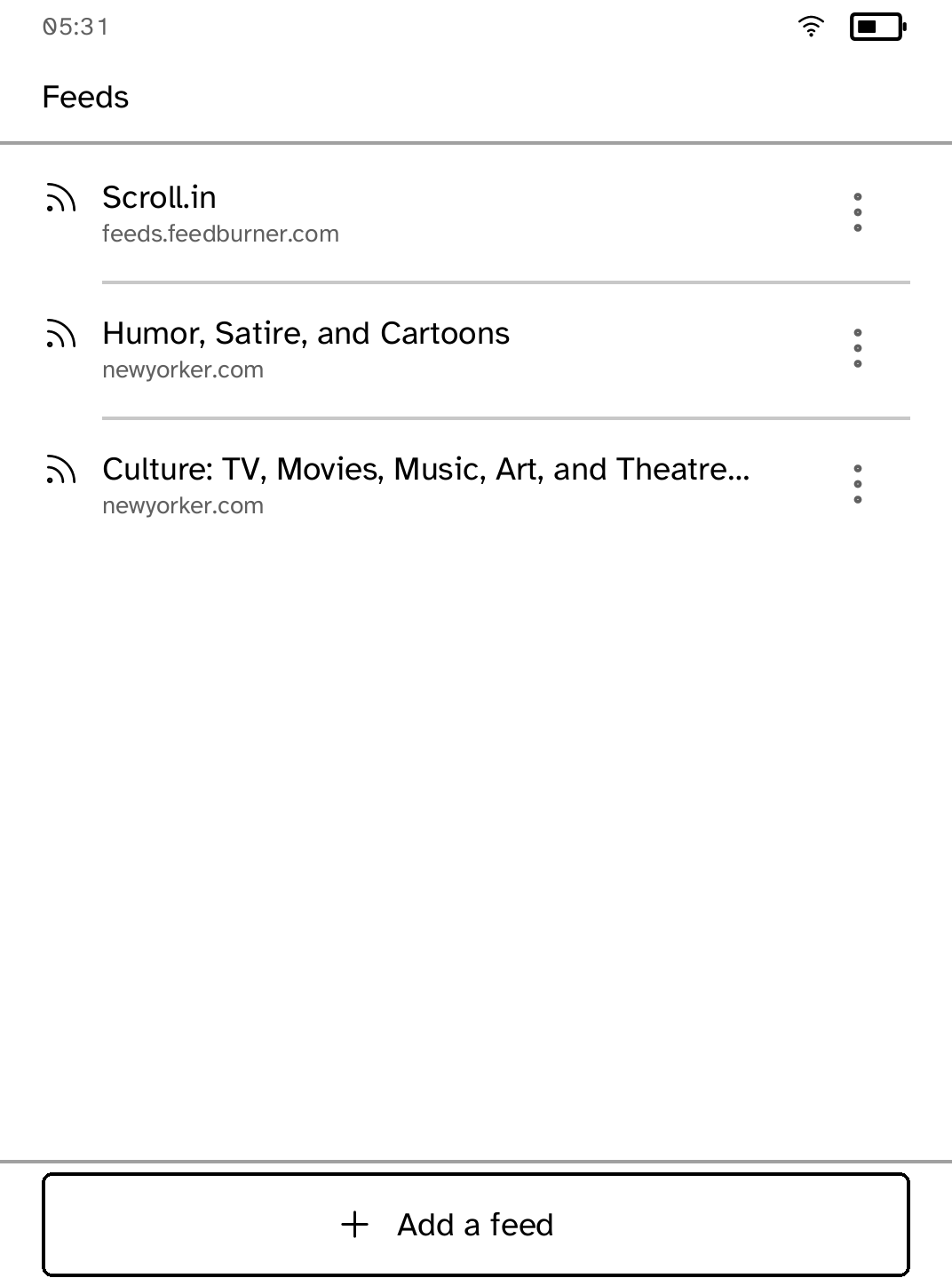
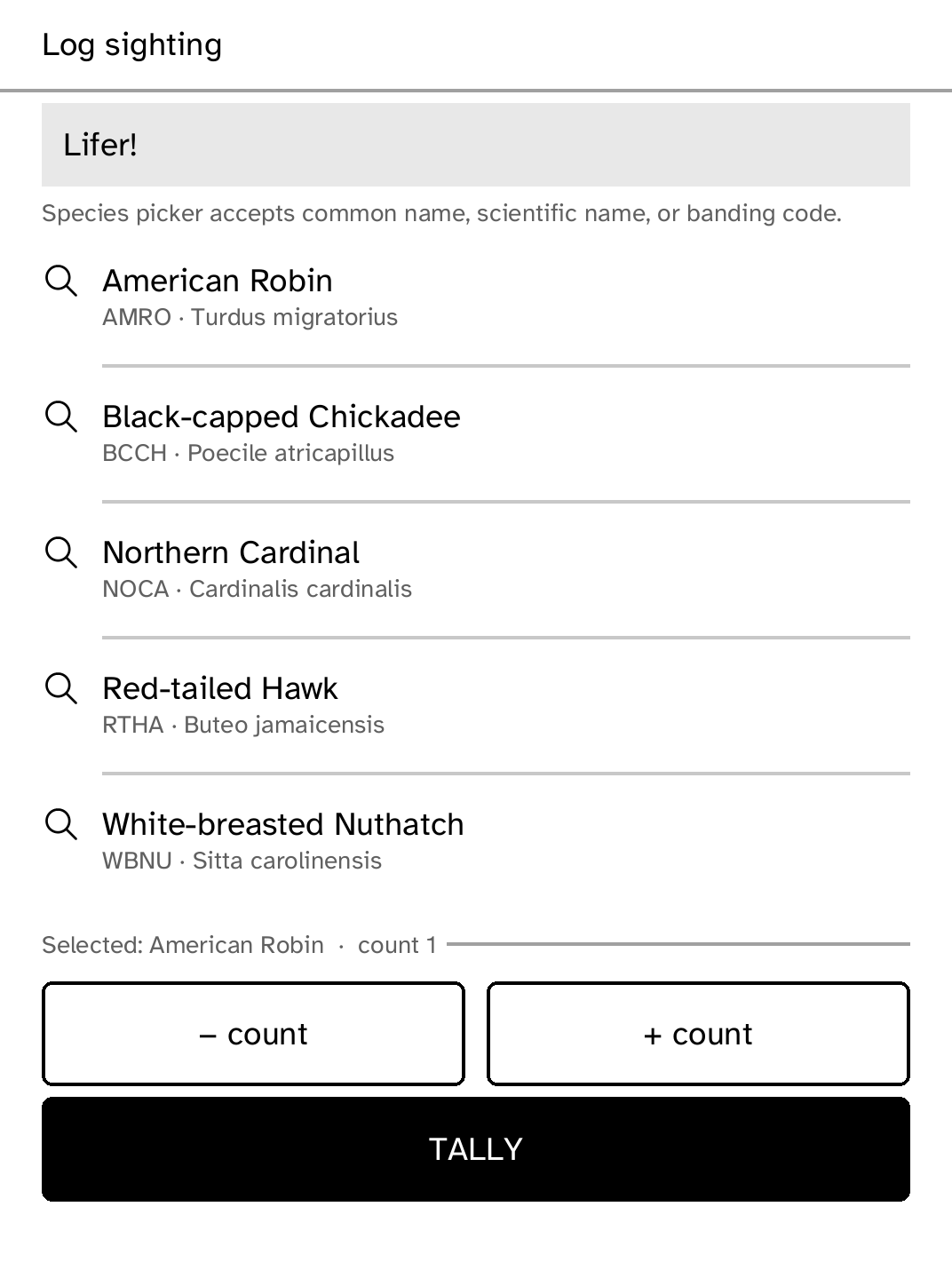
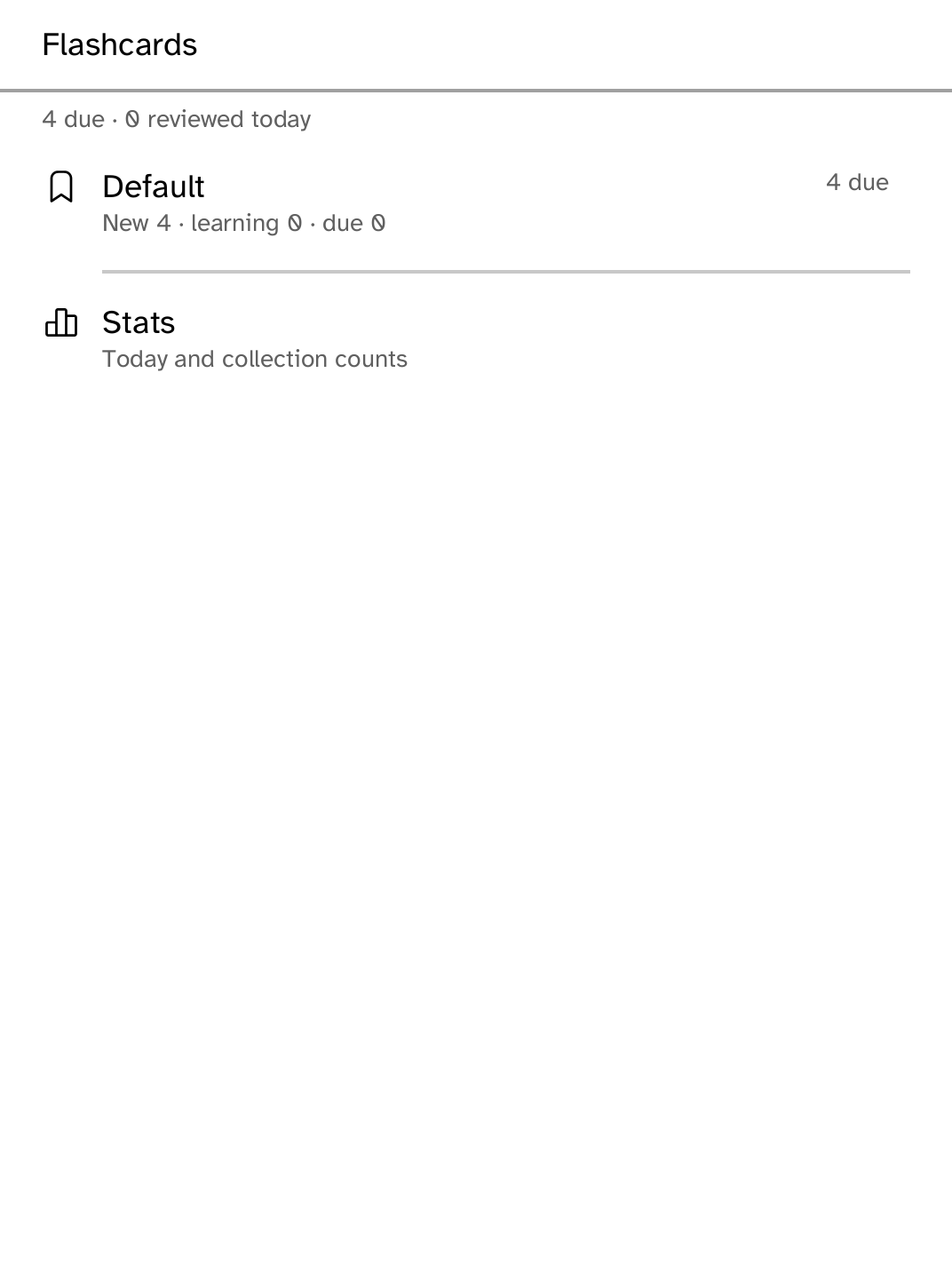
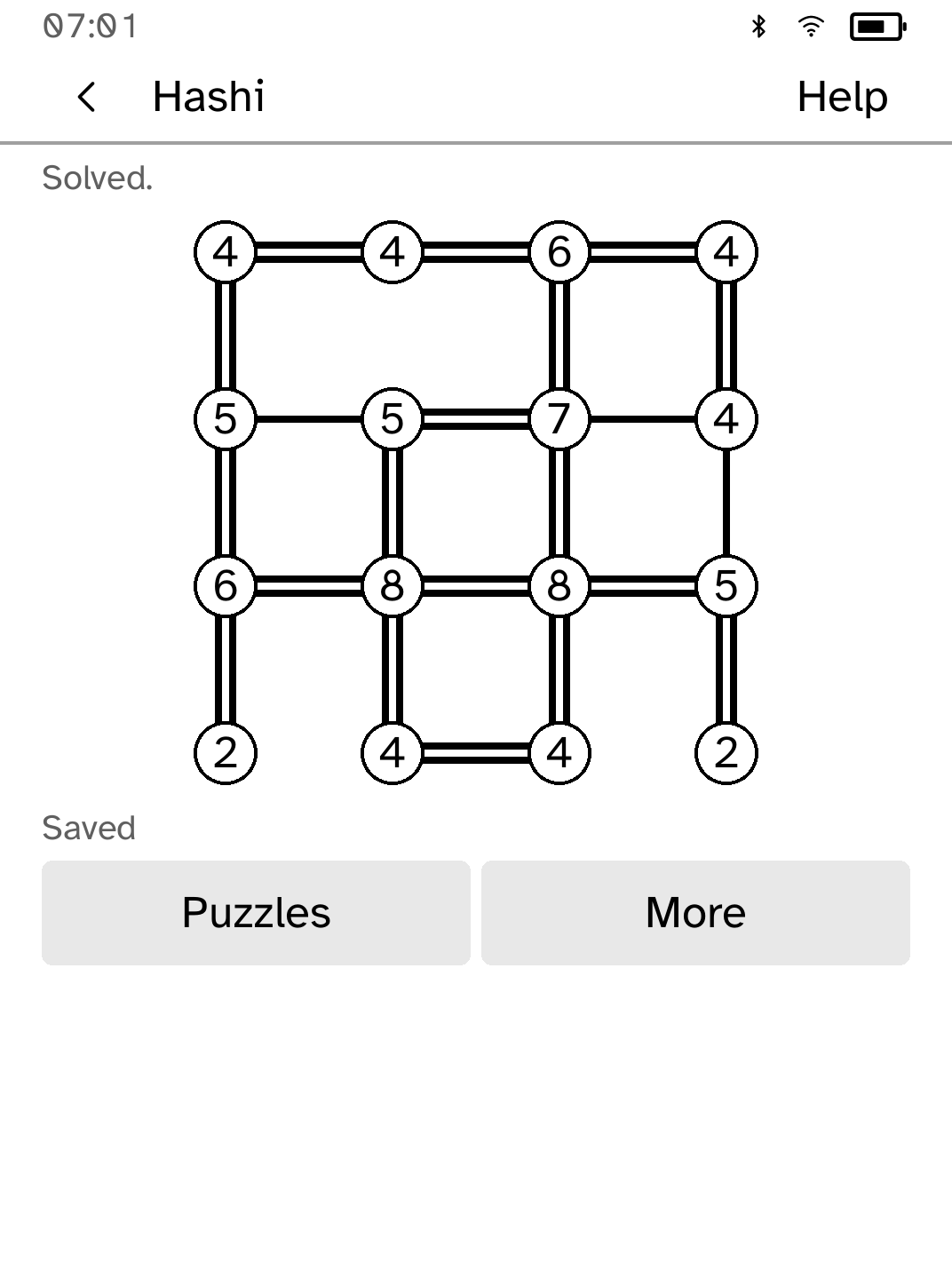
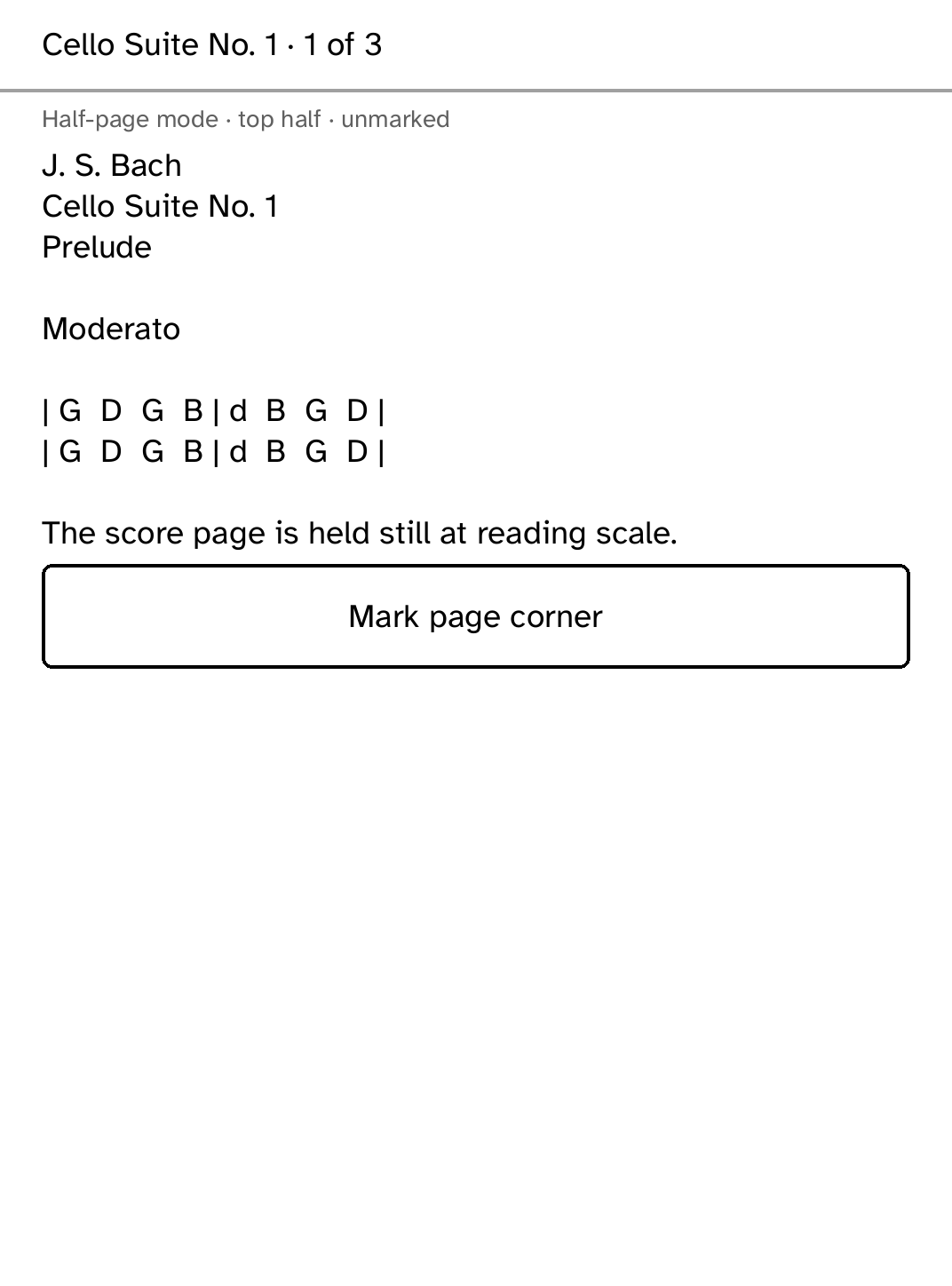
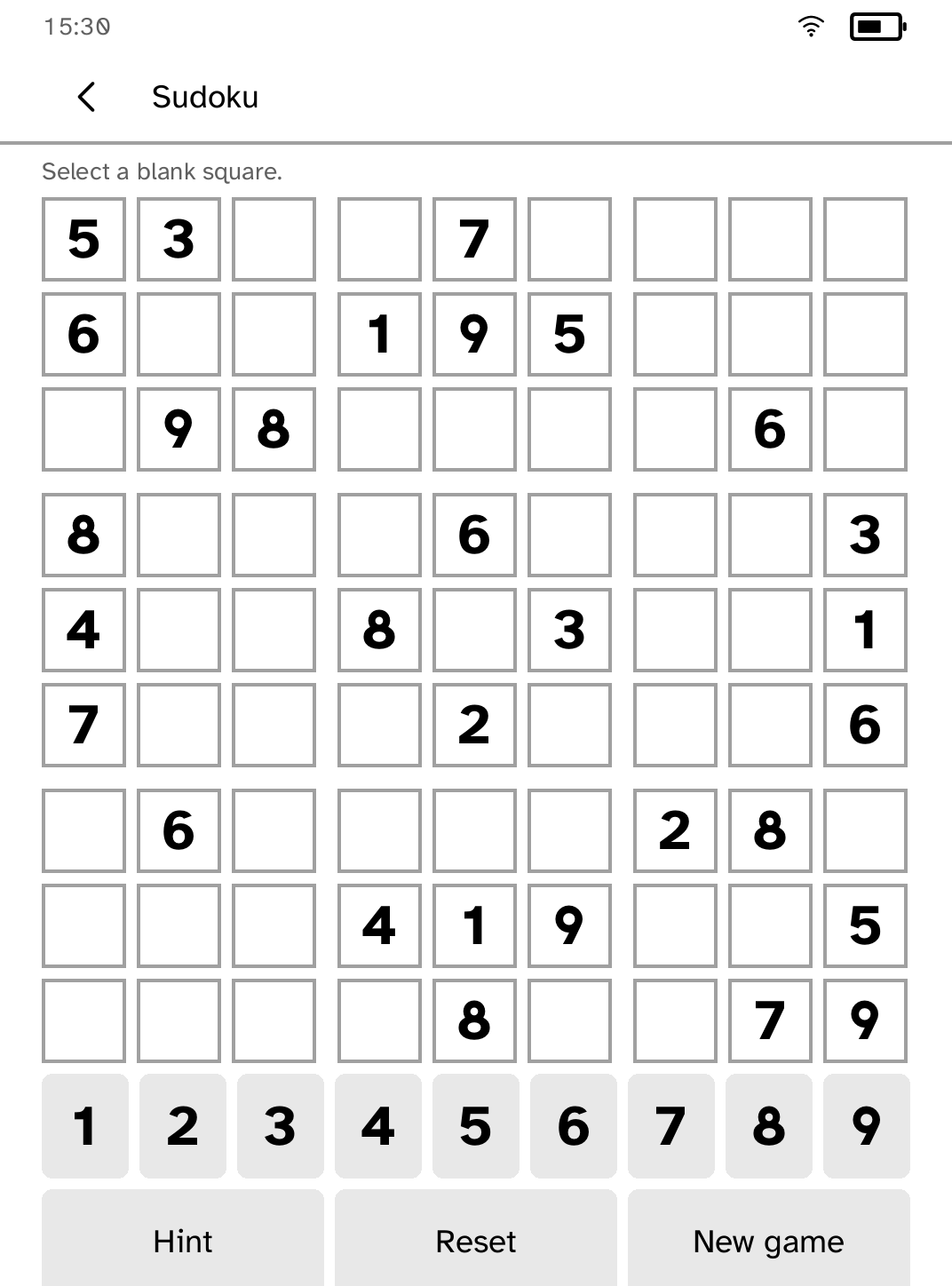
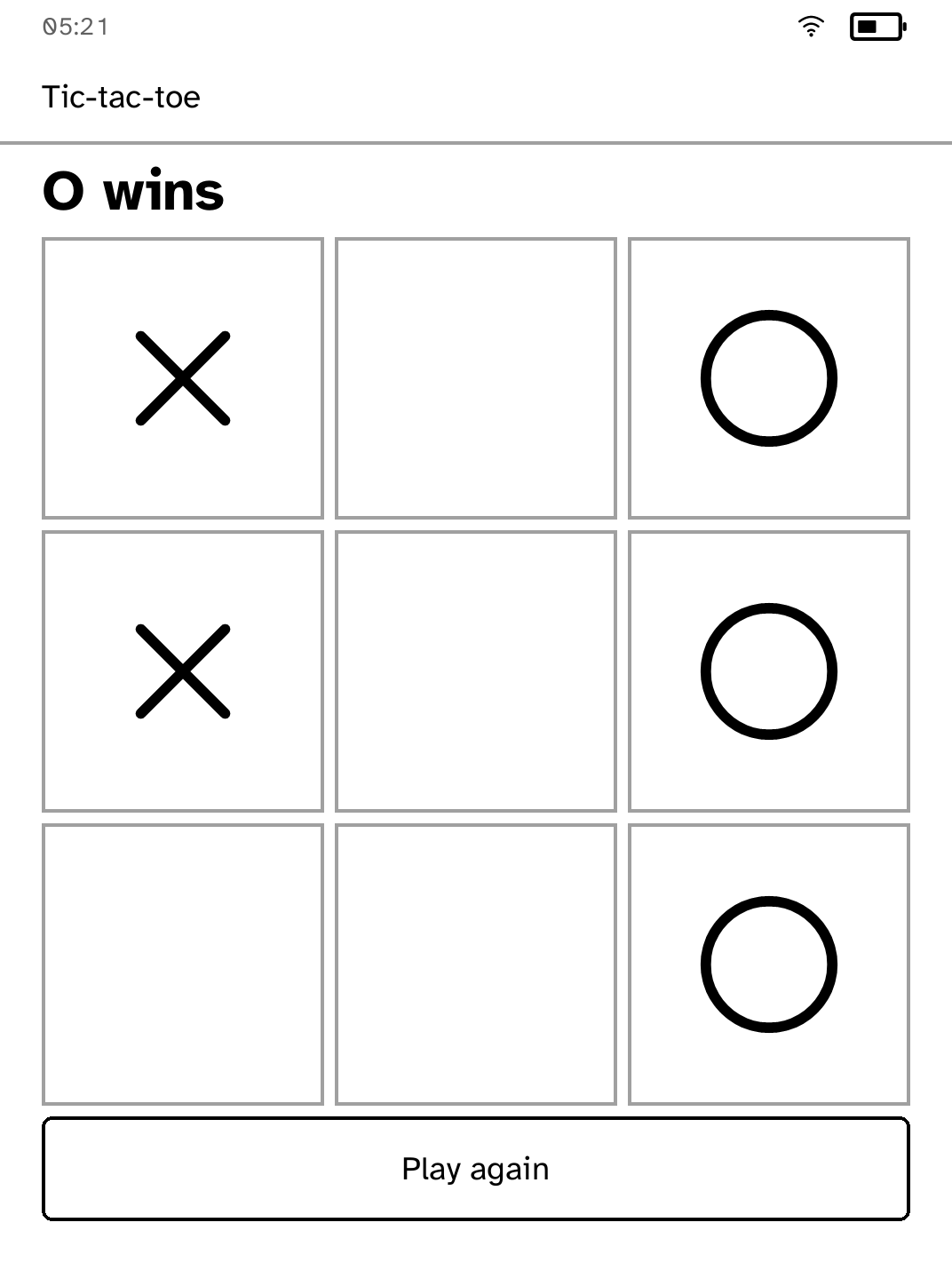
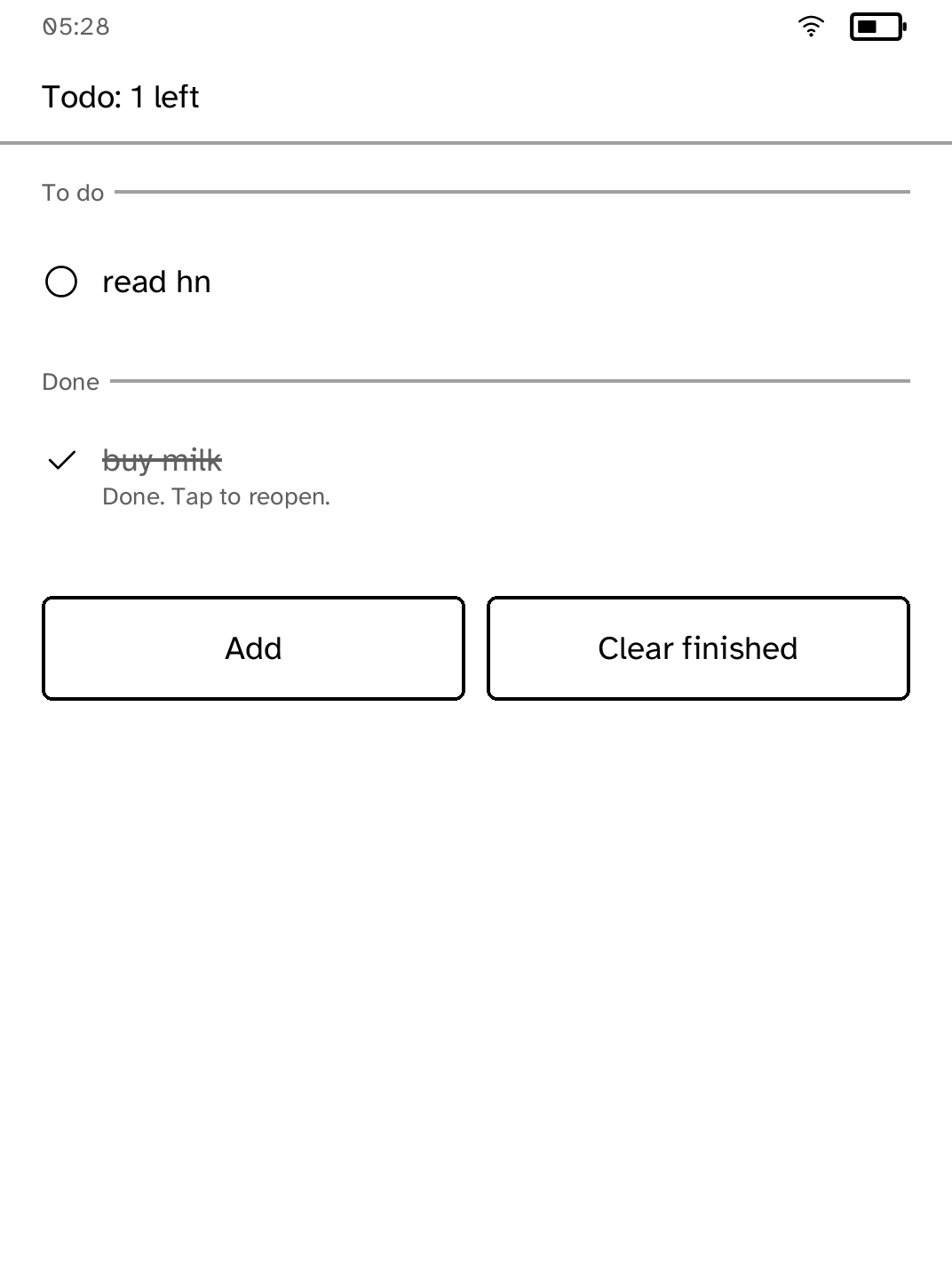
Read books and papers, follow feeds, play a game, listen to audio, or check a task without changing devices. Install only the apps you want, then update or remove them over Wi-Fi.
These are the Kobos somebody has physically tested. Cobalt runs on others too: it shows what has not been tested about your device and asks once before it starts. To get yours onto this list, join an existing device thread or create a new one.
Cobalt adds apps next to the stock reader. Your books, library and reading settings are left as they are.
Open Cobalt from the reader's menu, use an app, then return to the original reader. A restart always returns there too.
After one USB setup, browse, install, update, and remove apps over Wi-Fi. You do not need to reconnect a cable for every app.
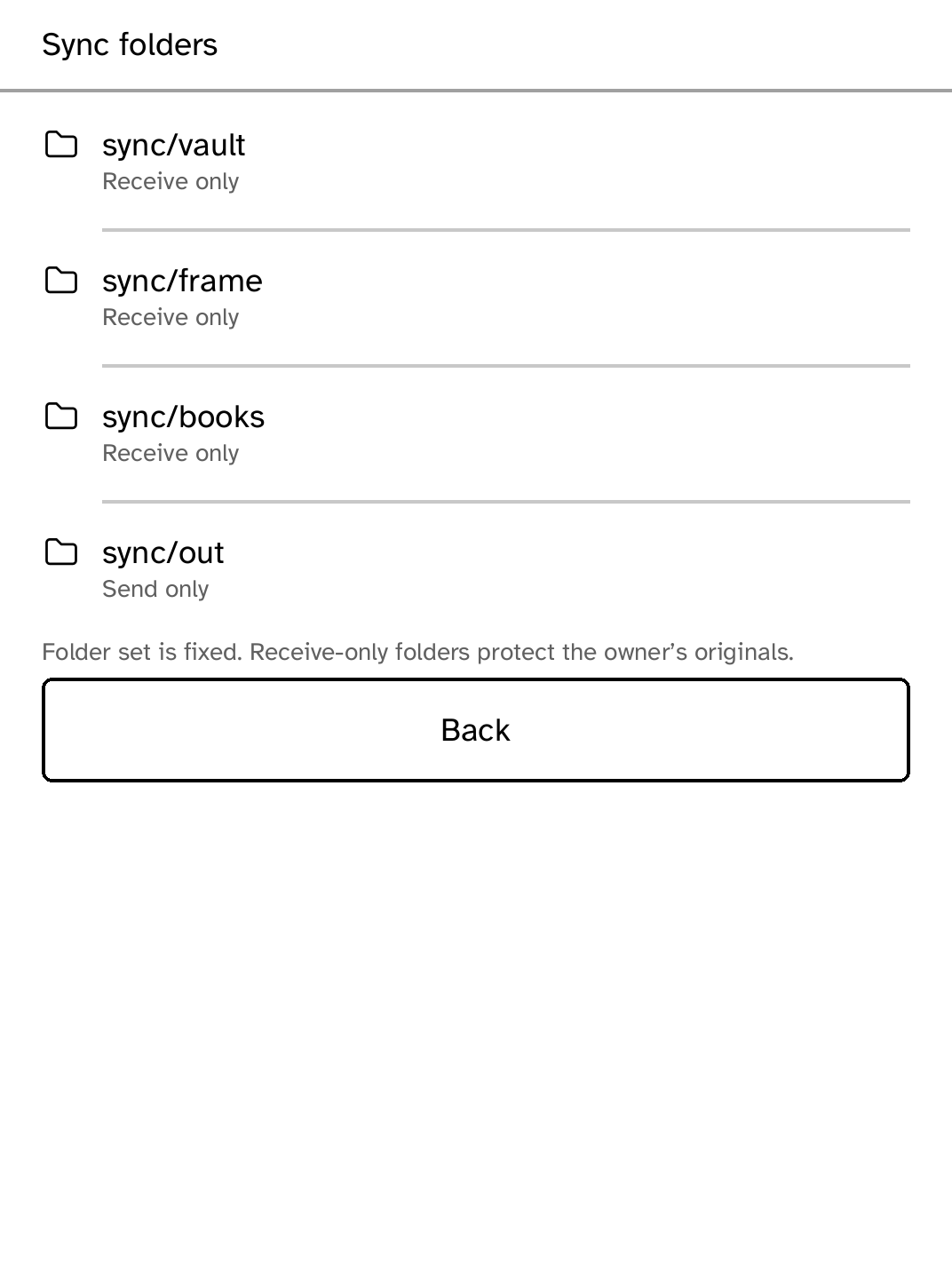
Apps are separate choices, not a bundle you must accept. Remove one without disturbing the others or reinstalling Cobalt.
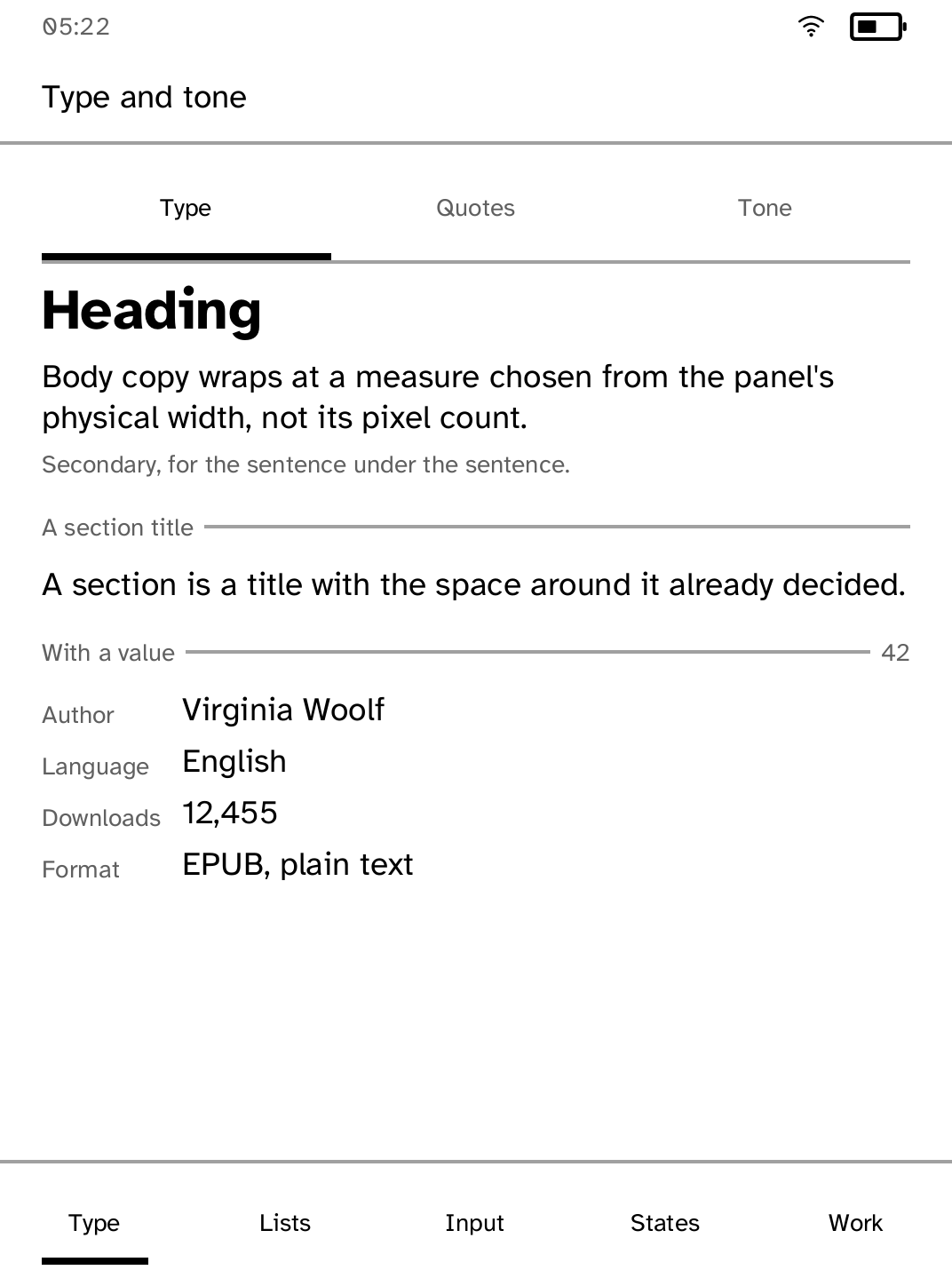
Large touch targets, readable type, simple screens, and full refreshes only when the panel needs one.
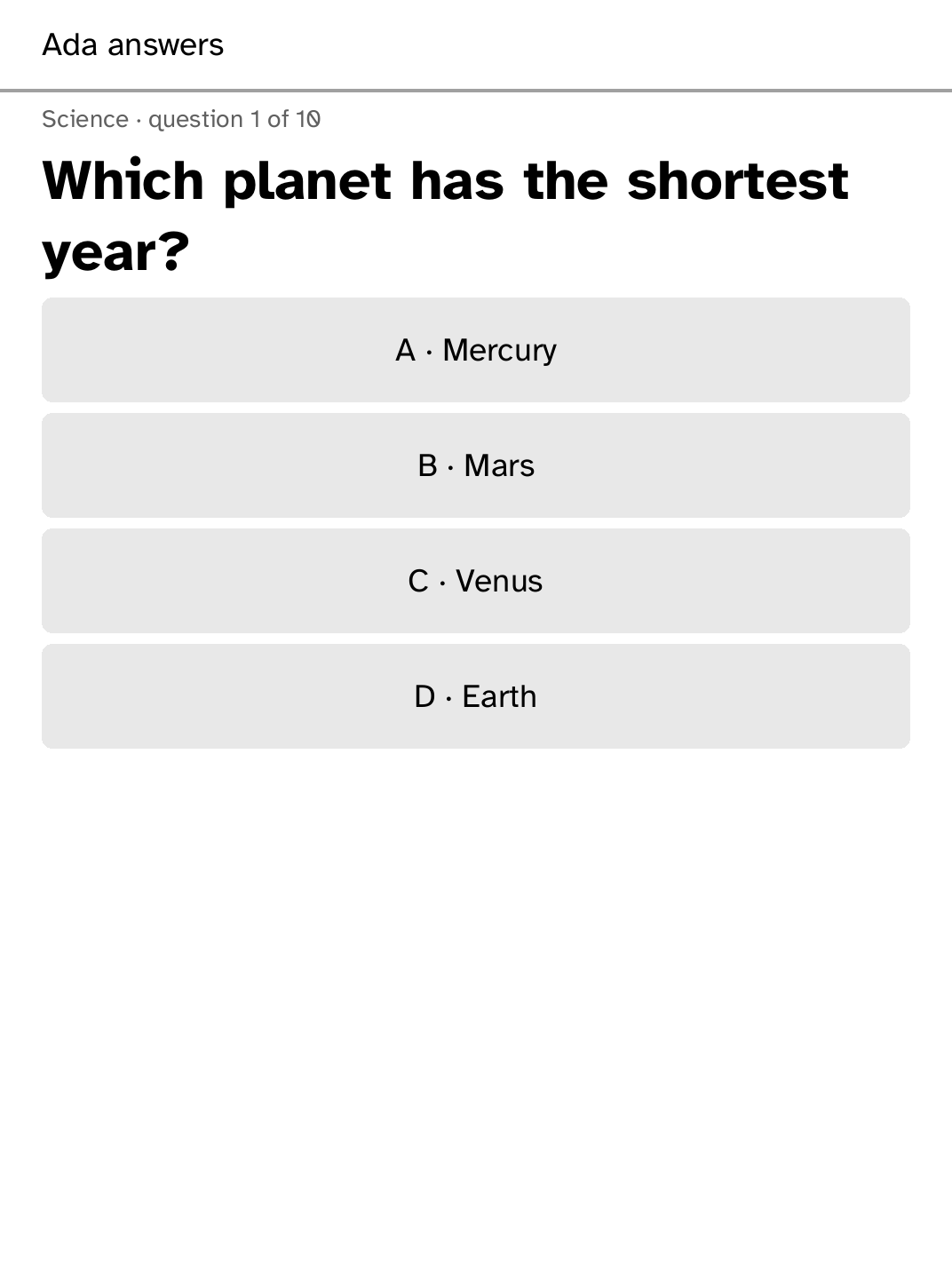
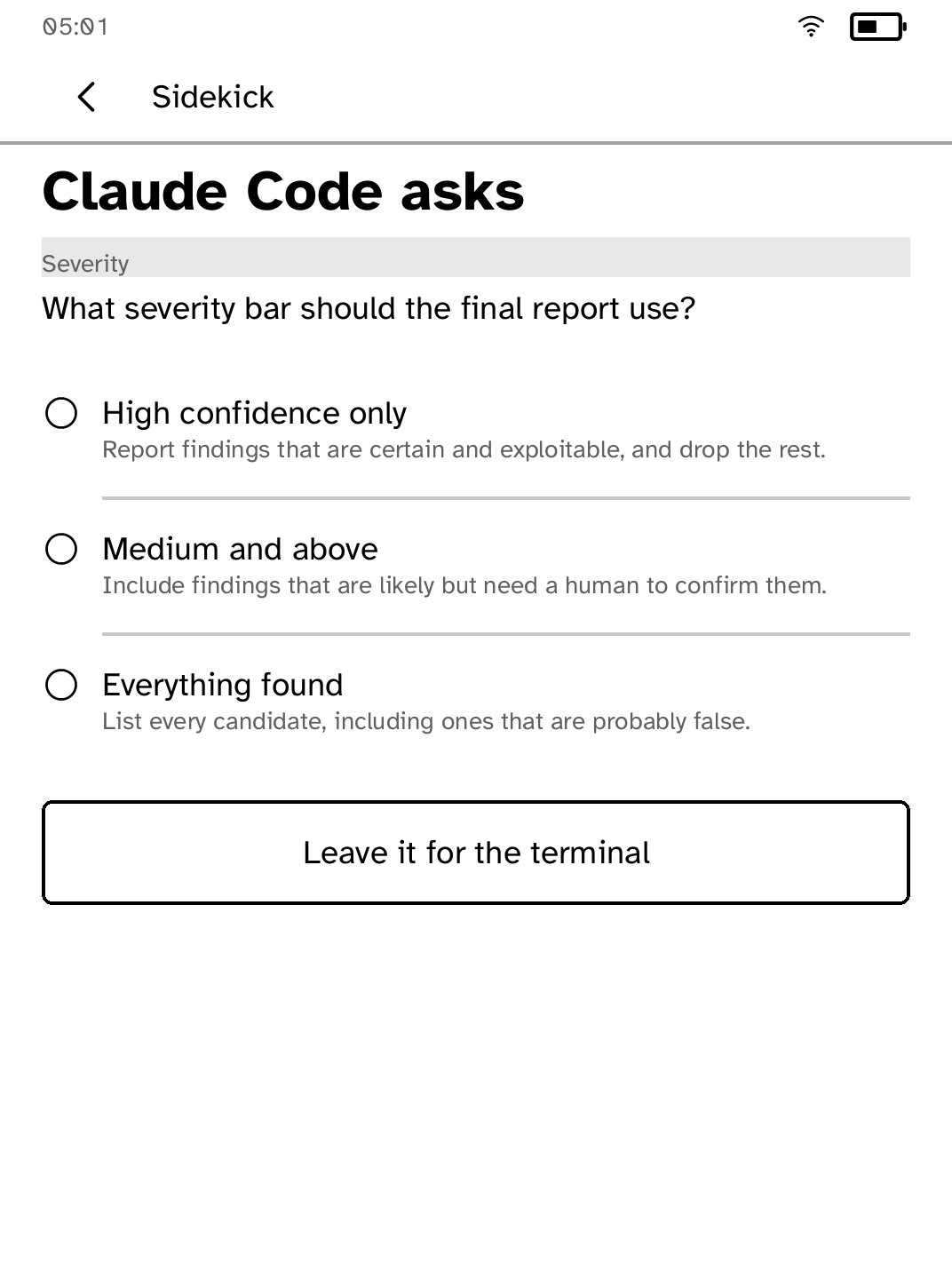
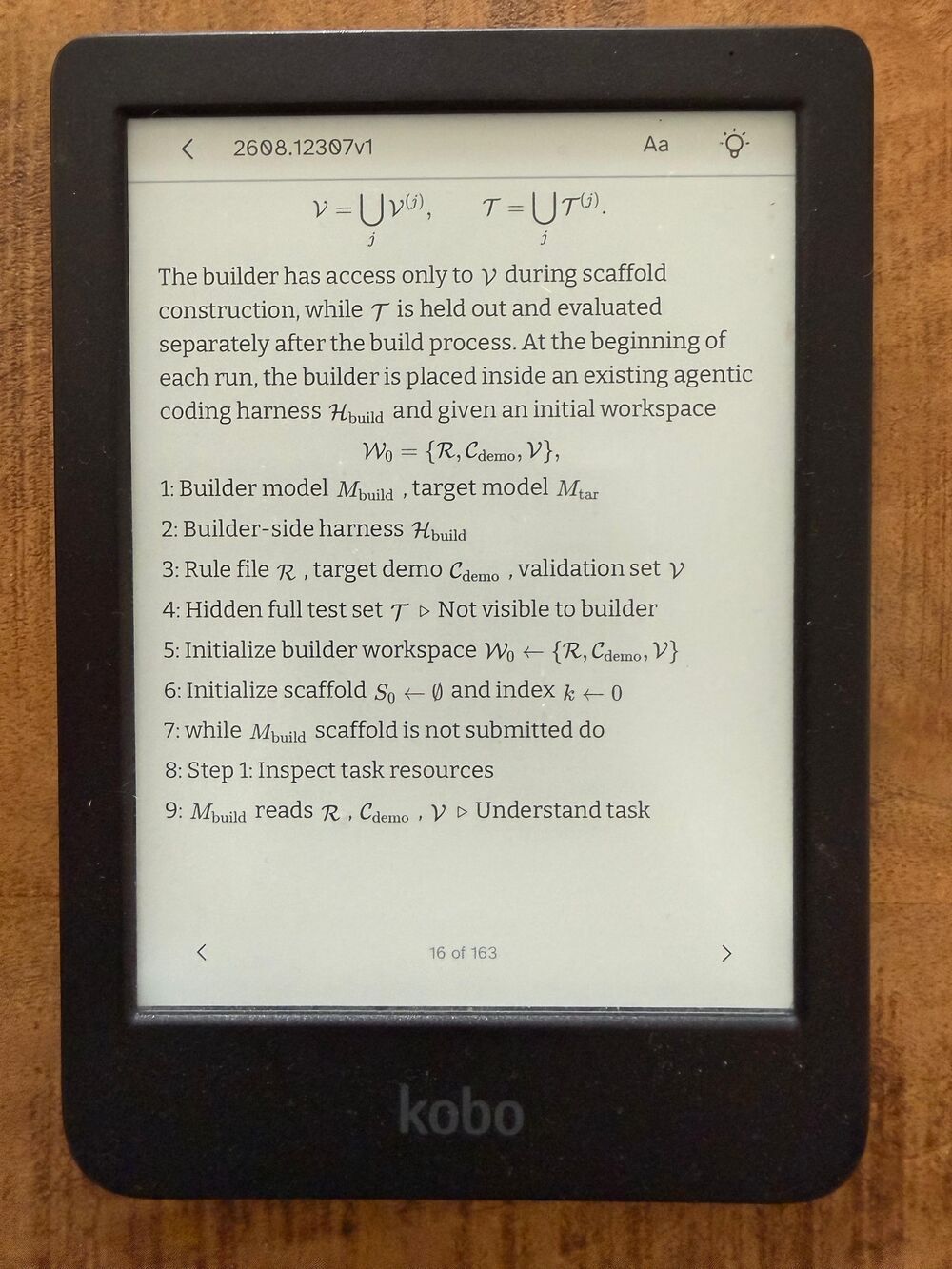
Read complete papers with sections, mathematics, tables, and figures. When work needs a simple decision, answer it from the same screen.
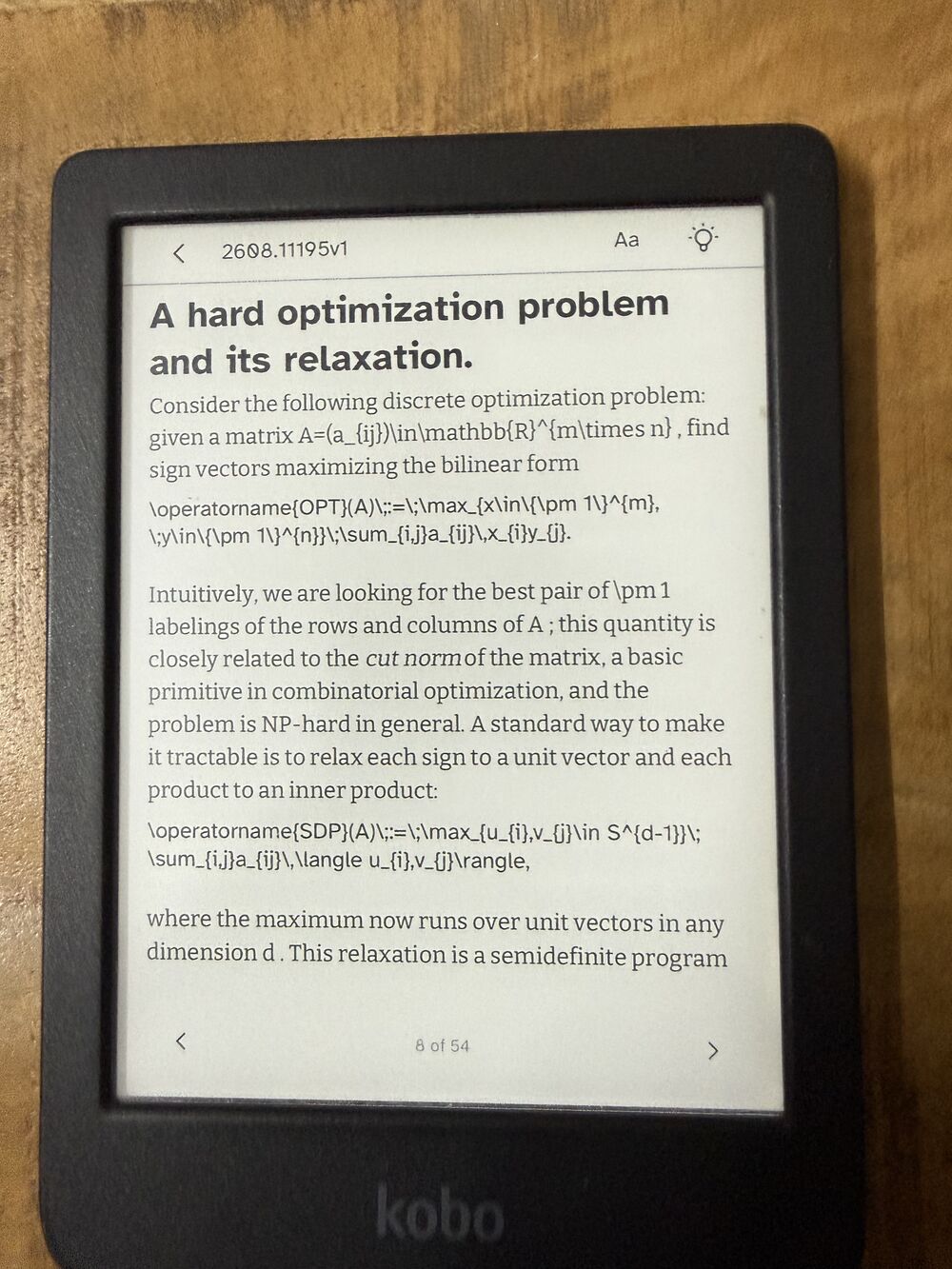
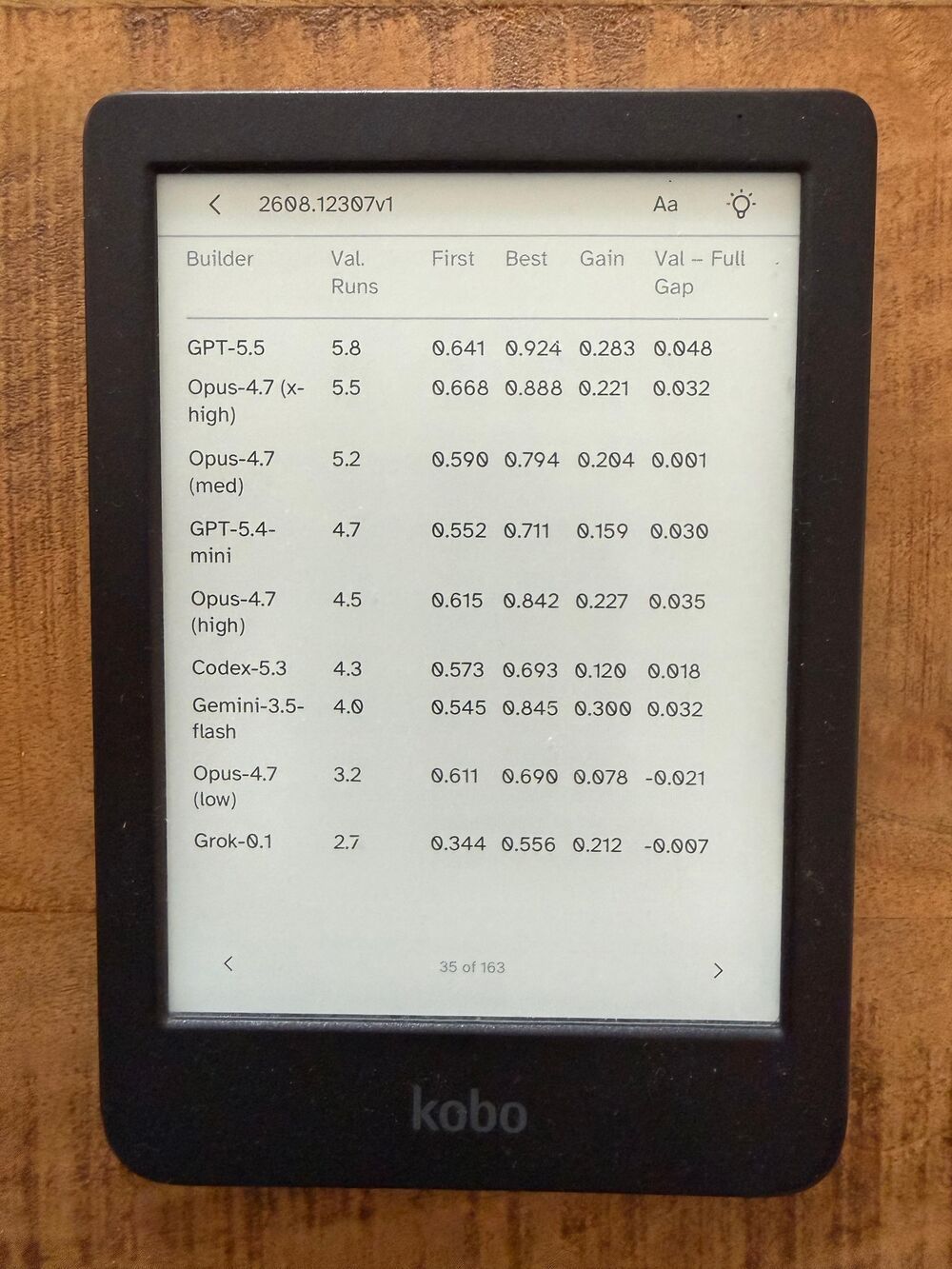
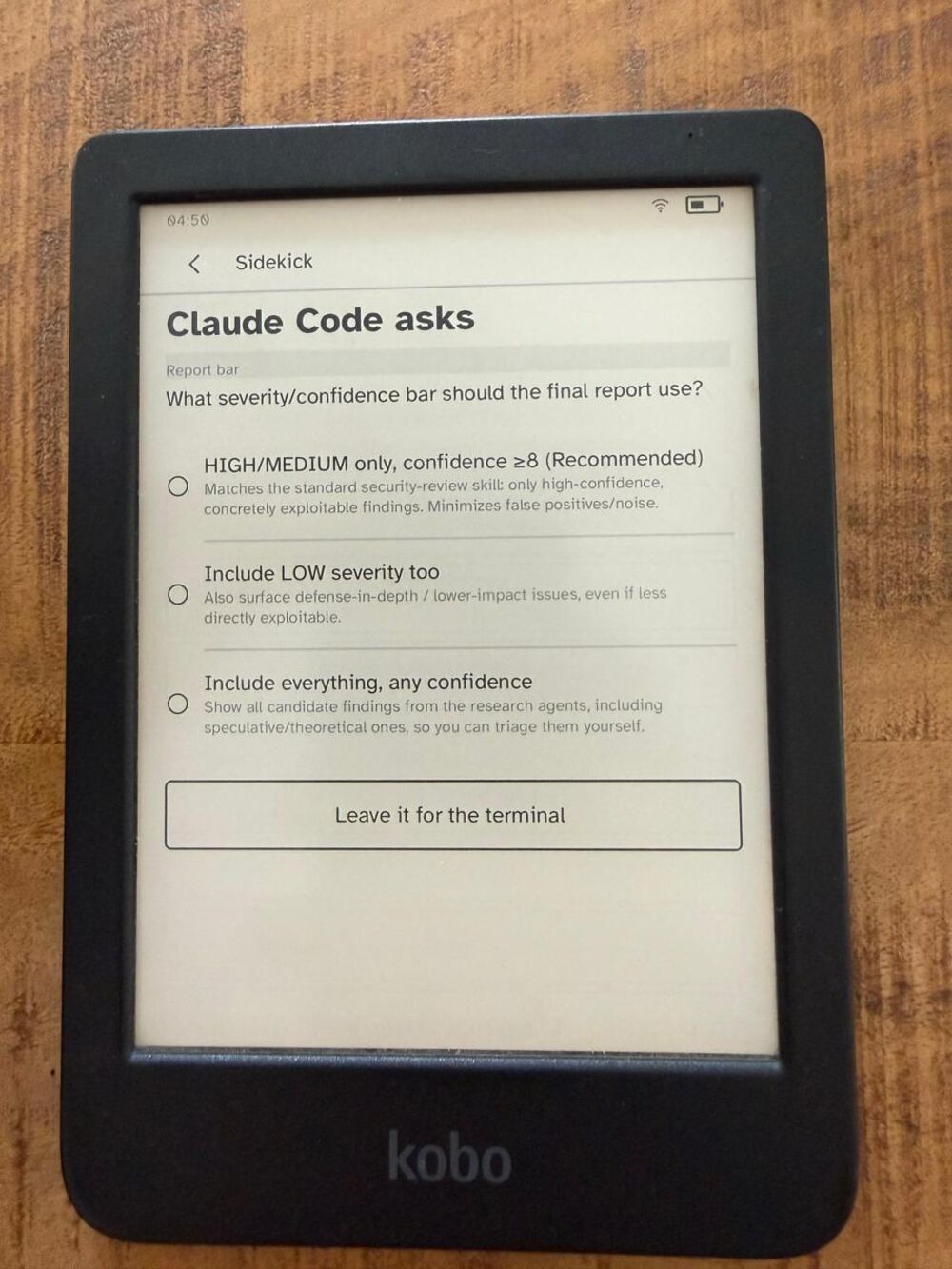
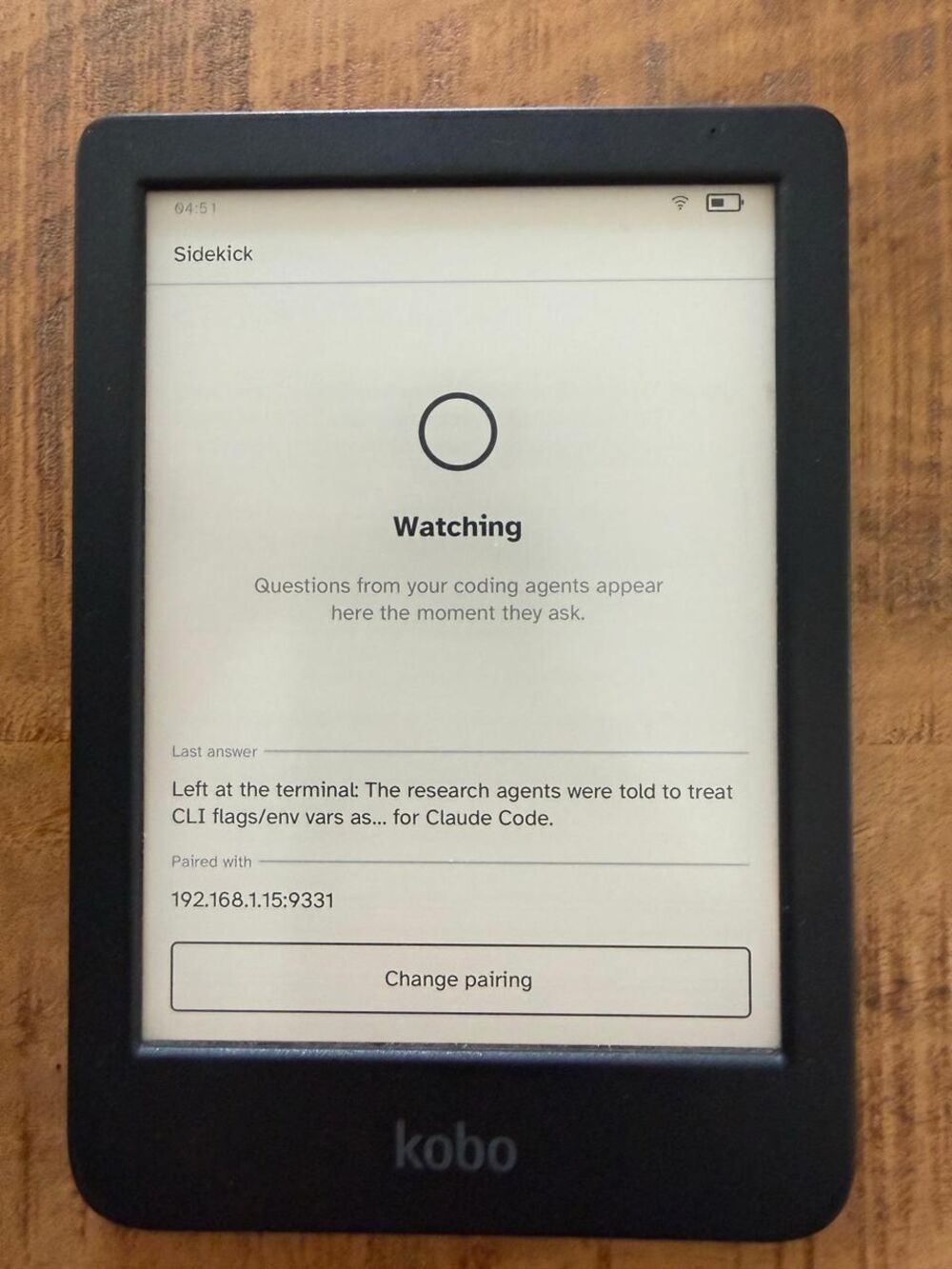
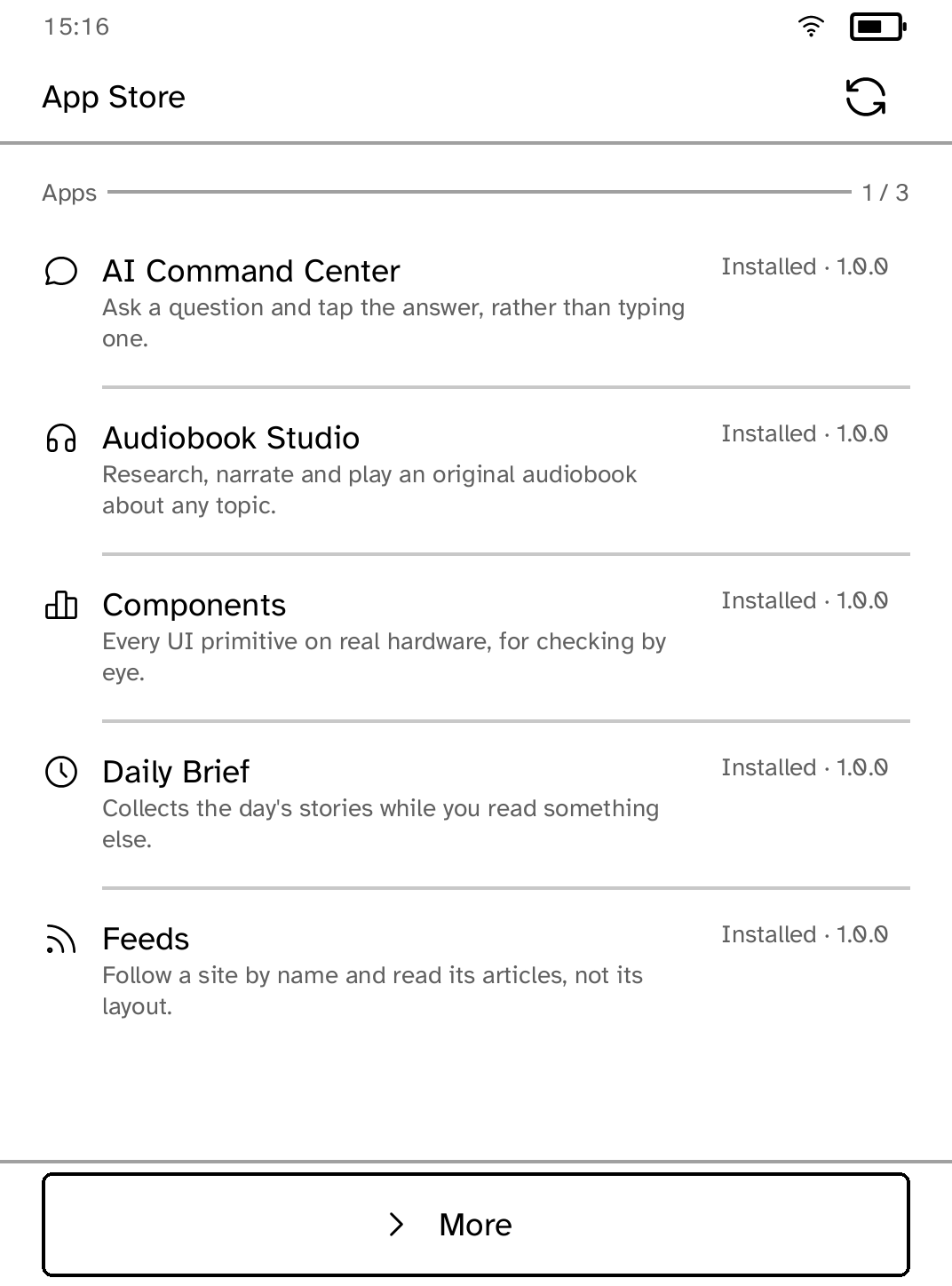
You can install new apps from the Cobalt Apps Catalog over Wi-Fi.
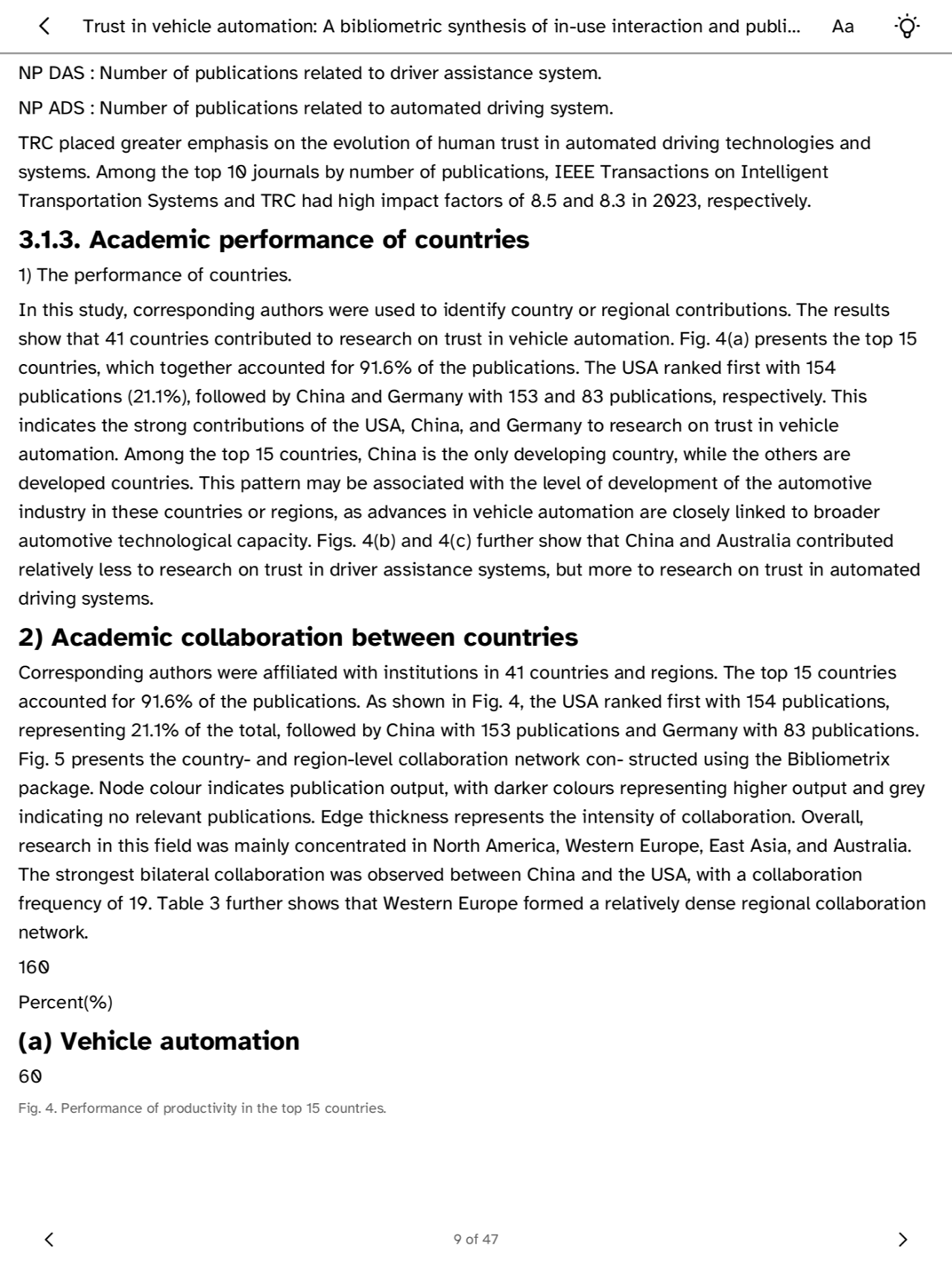
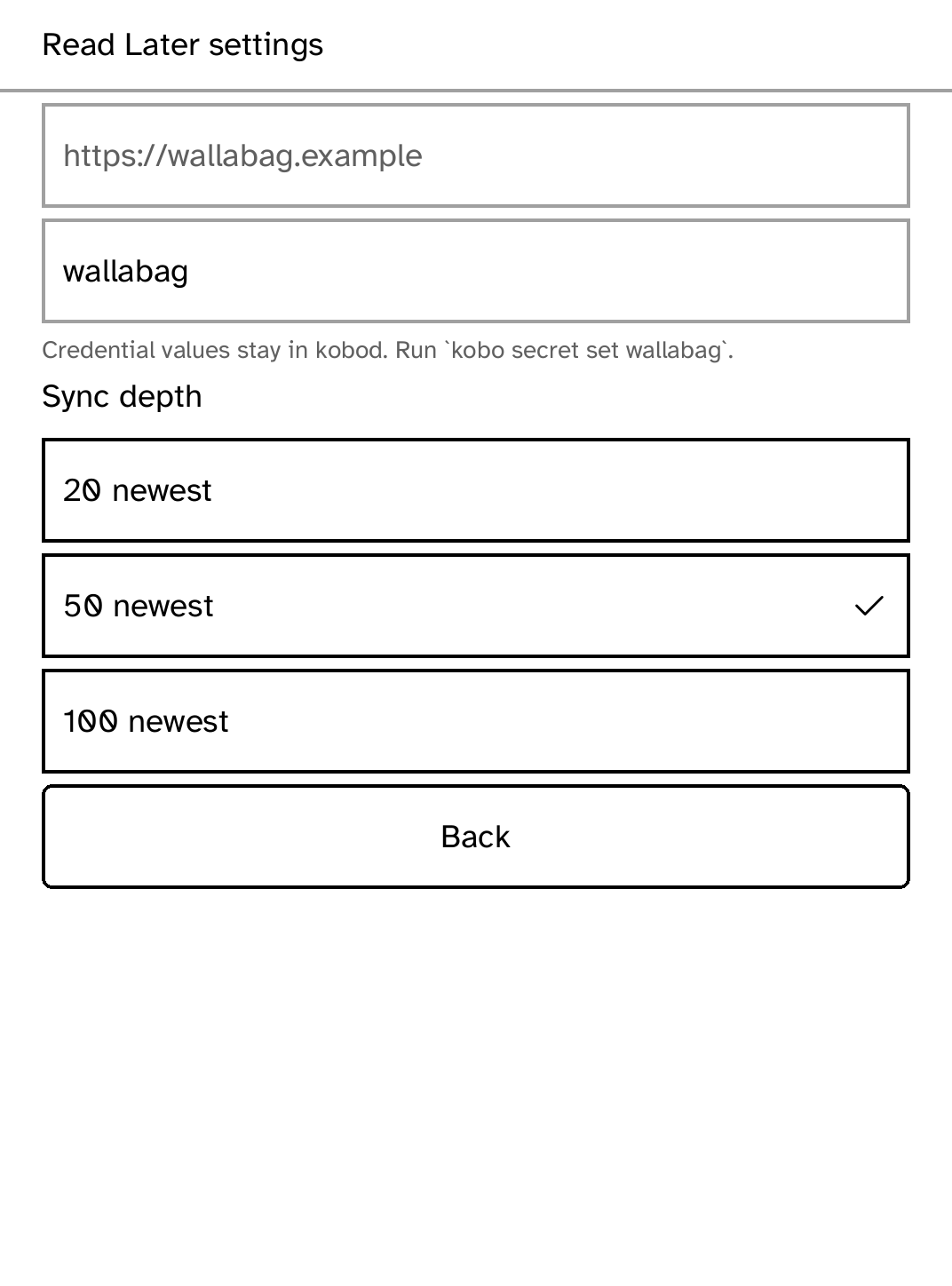
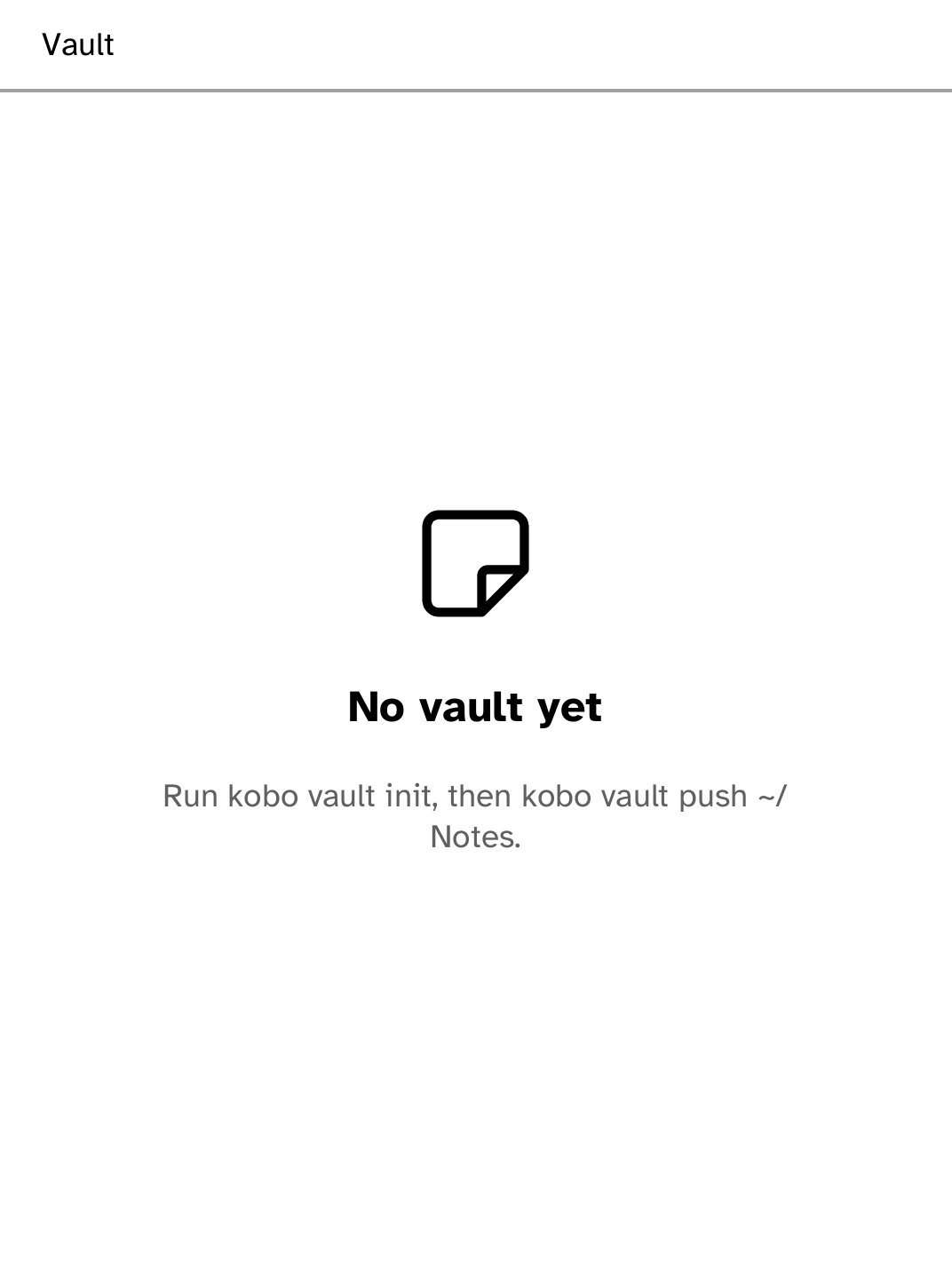
Browse Zotero collections, read metadata and indexed paper text, and keep papers available offline.
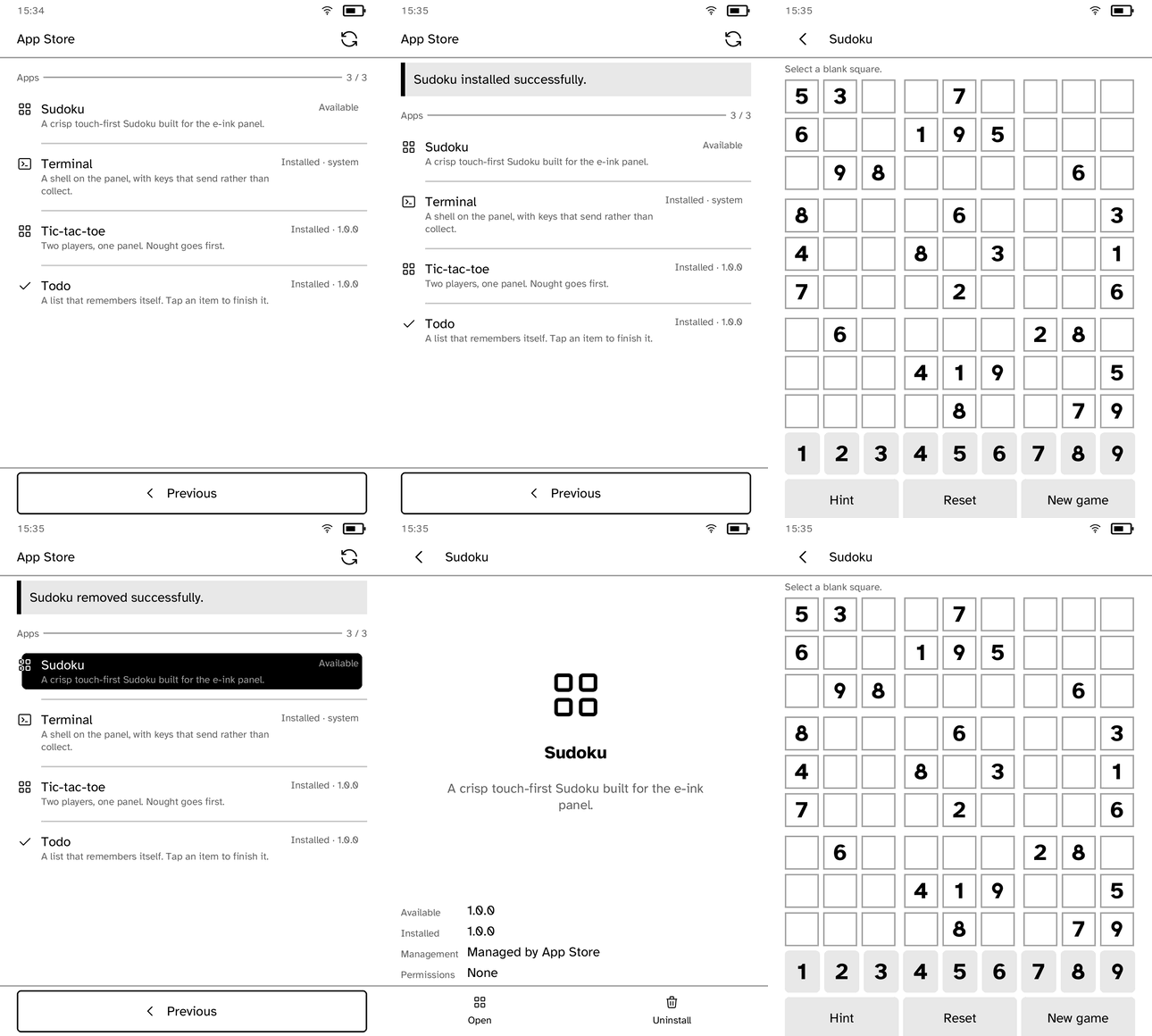
Browse available apps on the reader, install one over Wi-Fi, and remove it when you no longer want it. App updates arrive without reinstalling Cobalt.
Every package is checked before it opens. An interrupted install or update leaves the working version in place.
Cobalt updates remain separate from app updates, so the Store cannot replace the platform itself.
Start a Rust app, run it in the Cobalt simulator, test it on a supported reader, and submit it to Store. An app can ship without waiting for a Cobalt platform release.
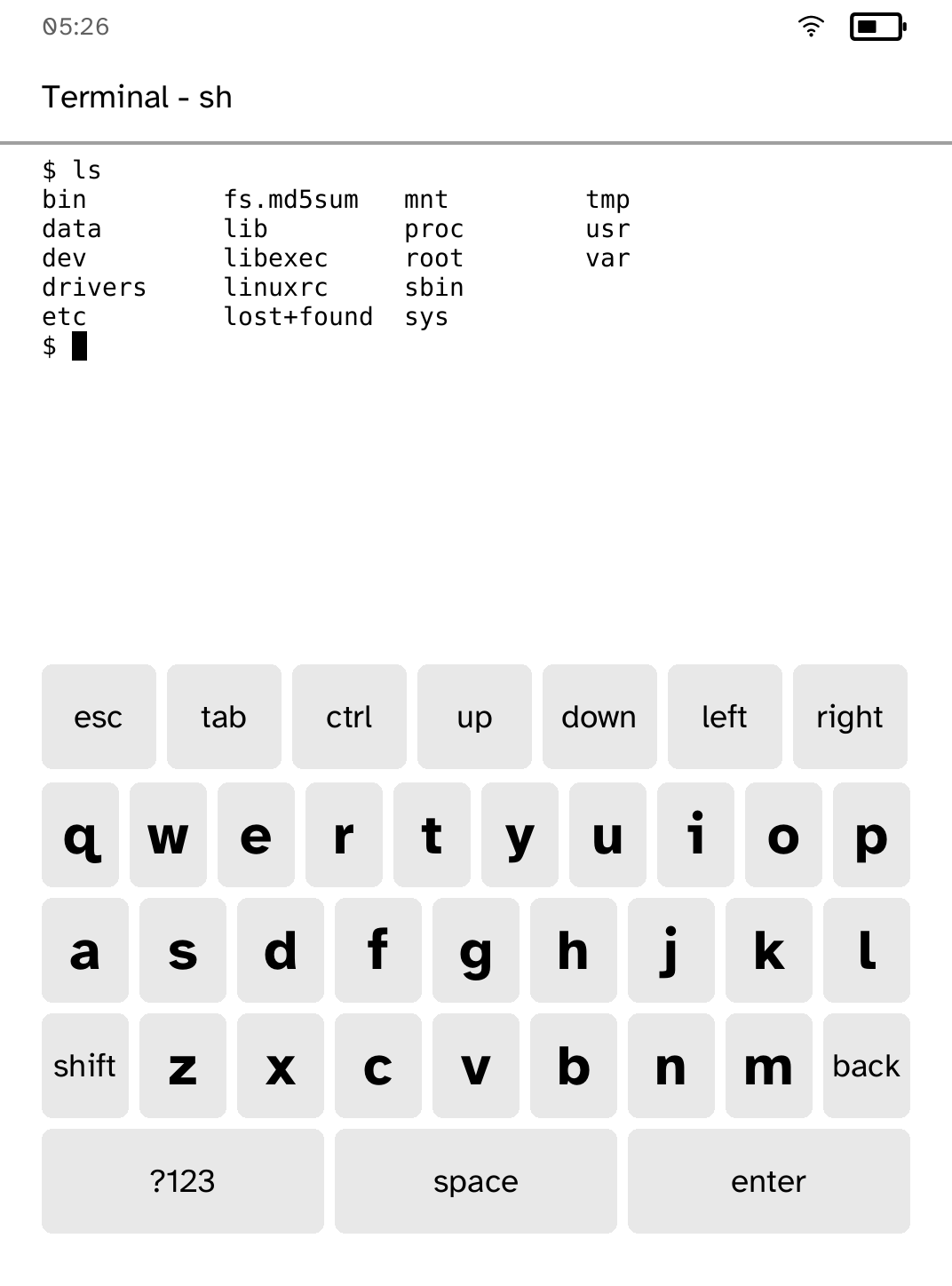
Or from a terminal, which does the same thing:
curl -fsSL https://bandarlabs.github.io/Cobalt/install.sh | shThe complete walkthrough, including recovery steps, is in docs/INSTALL.md.
Safety
Cobalt does not replace Kobo's boot chain, and a restart returns to the stock reader. Installing it adds files to the reader's user storage. It is provided without warranty.
The Clara BW, Clara Colour, Elipsa 2E, Clara HD, Libra 2, Libra Colour and Libra H2O are tested at the firmware and kernel versions in the device support matrix. On any other model or firmware, Cobalt lists what has not been tested and asks before it starts. Cobalt is an independent project, not affiliated with Rakuten Kobo.