
Reading
Read Later
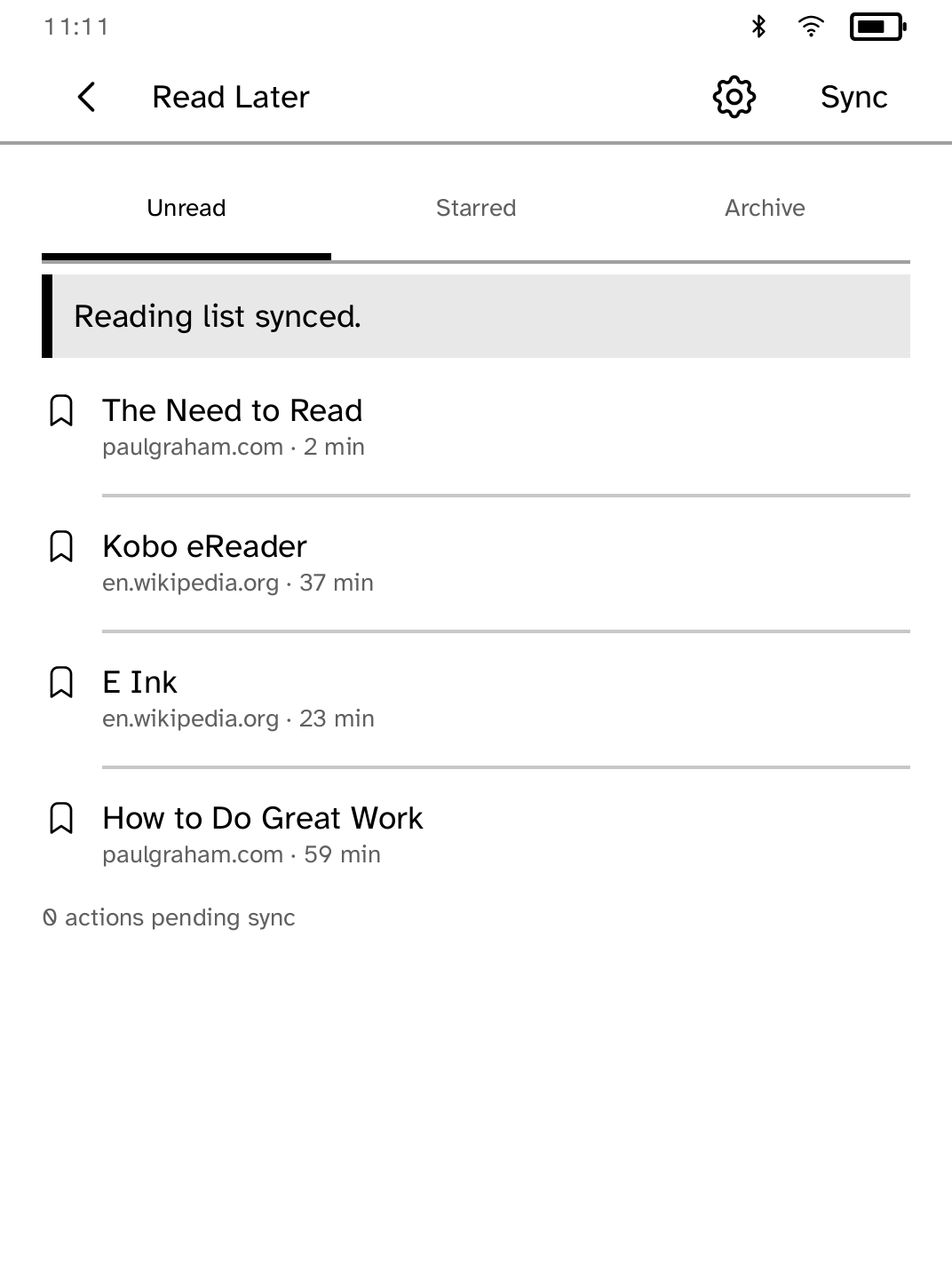
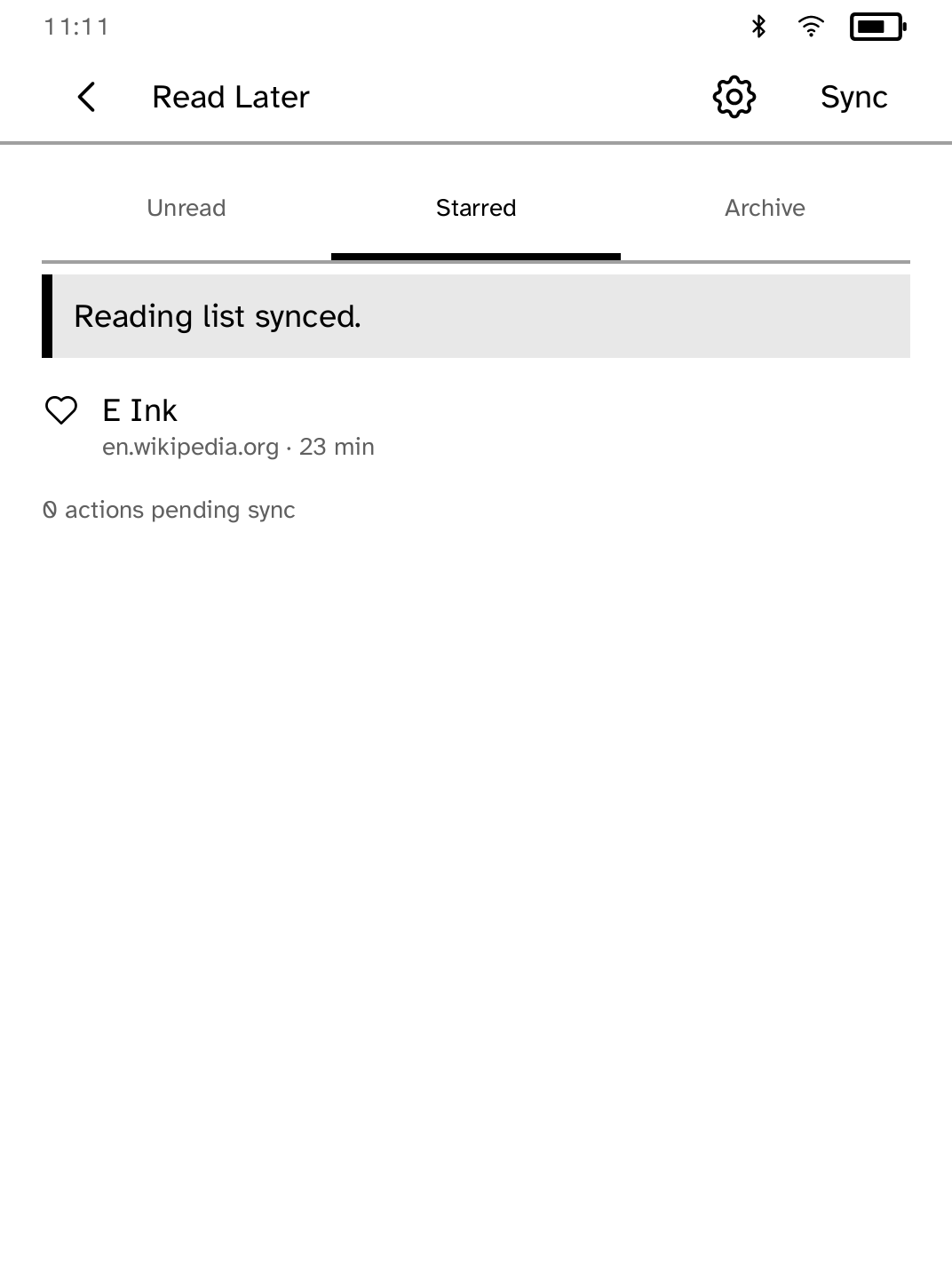
Bring saved Wallabag articles to your Kobo, then archive or favorite them as you read.
- Version
- 0.2.3
- Permissions
- network
- Requires
- Cobalt 0.3.18
New in 0.2.3
An article with a queued archive or star says Waiting to sync on its row.
App setup
Before you install
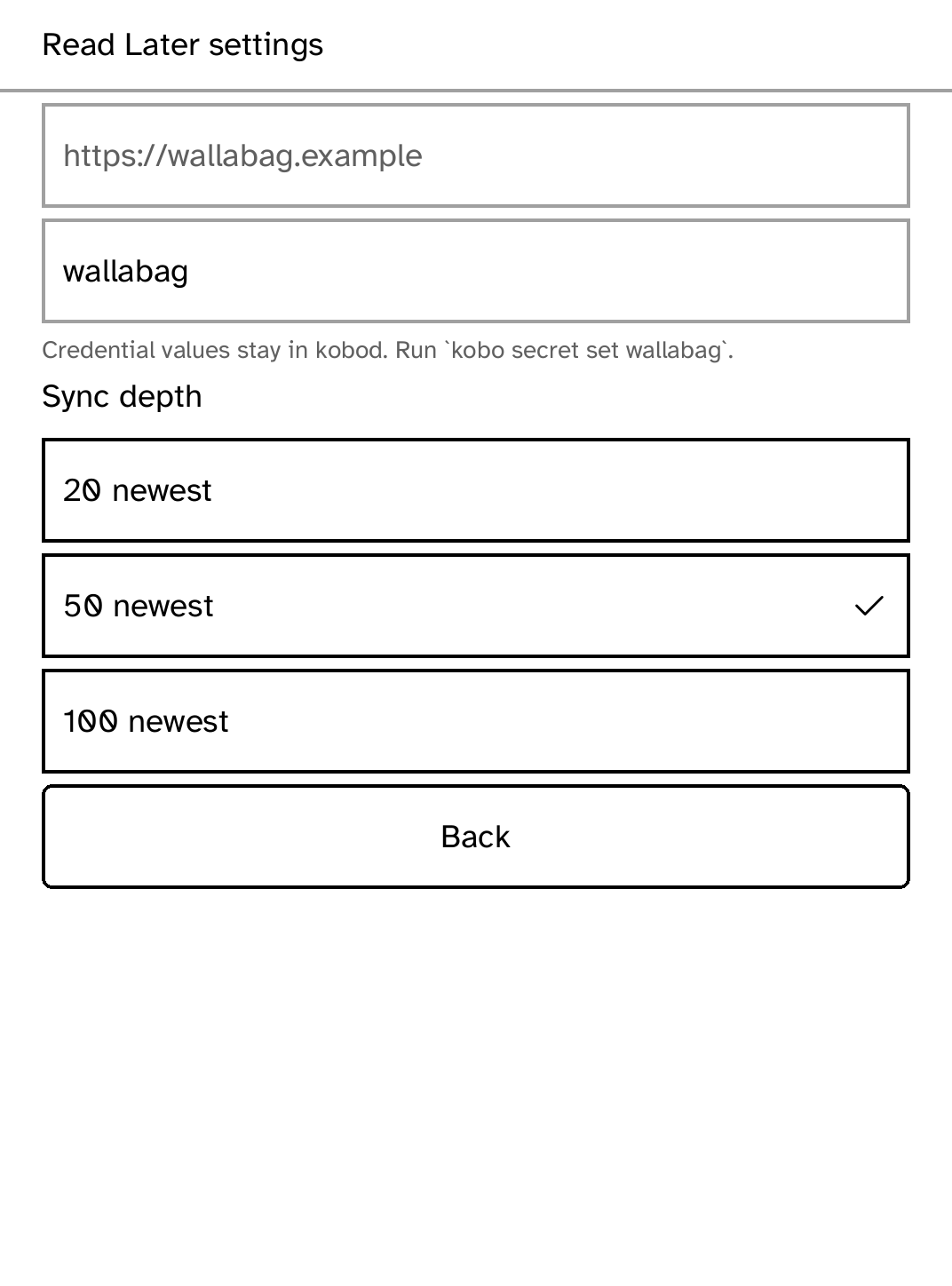
- Have an HTTPS Wallabag instance and a bearer credential accepted by its API.
- Install that credential under the exact name wallabag.
kobo secret set wallabag --device <address>
New to Cobalt?
Install Cobalt from your browser
Plug your Kobo into this computer and install Cobalt in about a minute. After that, apps install over Wi-Fi.
Works in Chrome, Edge and Opera. Check your Kobo is supported.
Already have Cobalt?
Link your Kobo to install
On your Kobo, open App Store, tap the globe in the top bar and choose Link browser. Scan the QR code, or enter the pairing code and verification key.
Install on your Kobo
Your Kobo checks the app's signature before installing it.