
Parser
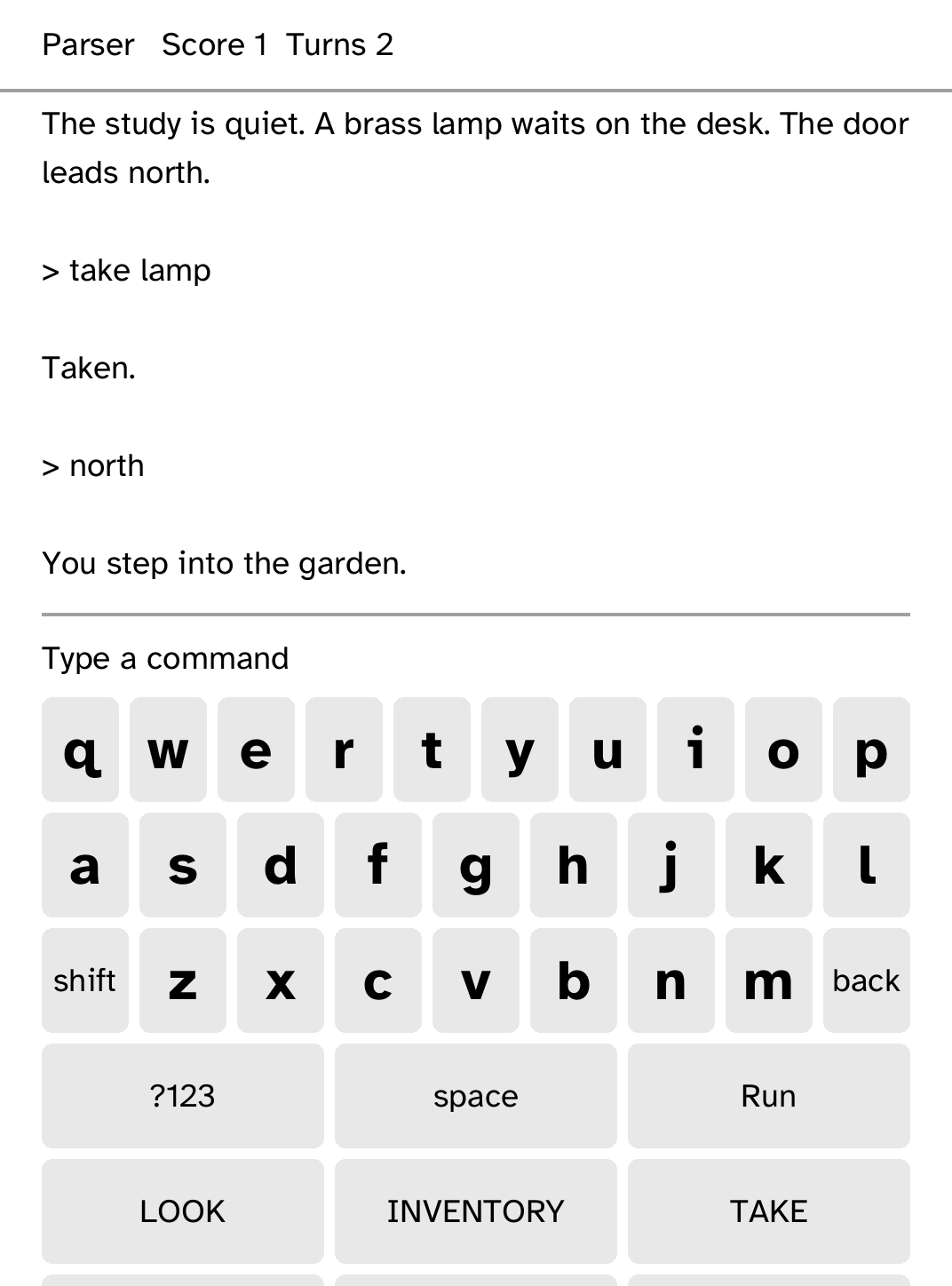
Play text adventures offline. Parser runs Z-machine stories you send from your computer, with tap shortcuts for common commands and an original tutorial story.
- Version
- 0.1.21
- Needs
- Cobalt 0.3.34 or newer
- May use
- Nothing beyond its own storage
Before you install
- First Light is bundled and plays offline. To add a story of your own:
- Set up the reader once over USB, if you have not already.
kobo setup - Check the story, then send it. It appears in the library when the reader wakes.
kobo parser push story.z5
Commands need the kobo command on macOS, Linux or Windows WSL. This installs it ready-built, without touching the reader:
curl -fsSL https://bandarlabs.github.io/Cobalt/install.sh | sh -s -- --no-setup
New to Cobalt? Install it from your browser.
Plug your Kobo into this computer and install Cobalt in about a minute. After that, apps install over Wi-Fi.
Works in Chrome, Edge and Opera. Check your Kobo is supported.
Already have Cobalt? Link your Kobo.
On your Kobo, open App Store and tap Link a browser in the top bar, then Link a browser again. Scan the QR code, or enter the pairing code and verification key it shows.
Install on your Kobo
Your Kobo checks the app's signature before installing it.
New in 0.1.21
Things named anywhere on a page can be tapped, opening the keyboard stays on the newest reply, and a failed save no longer breaks the page or outlives the next good save. A saved slot now shows as saved.
Want another Kobo app? Request it, suggest a feature or report a bug in r/CobaltForKobo.