
Audio
Audiobook Studio
Turn a topic into an original narrated audiobook and listen on your Kobo. Needs an account.
- Version
- 1.0.19
- Permissions
- network, audio, bluetooth-audio, bluetooth-control
- Requires
- Cobalt 0.3.31
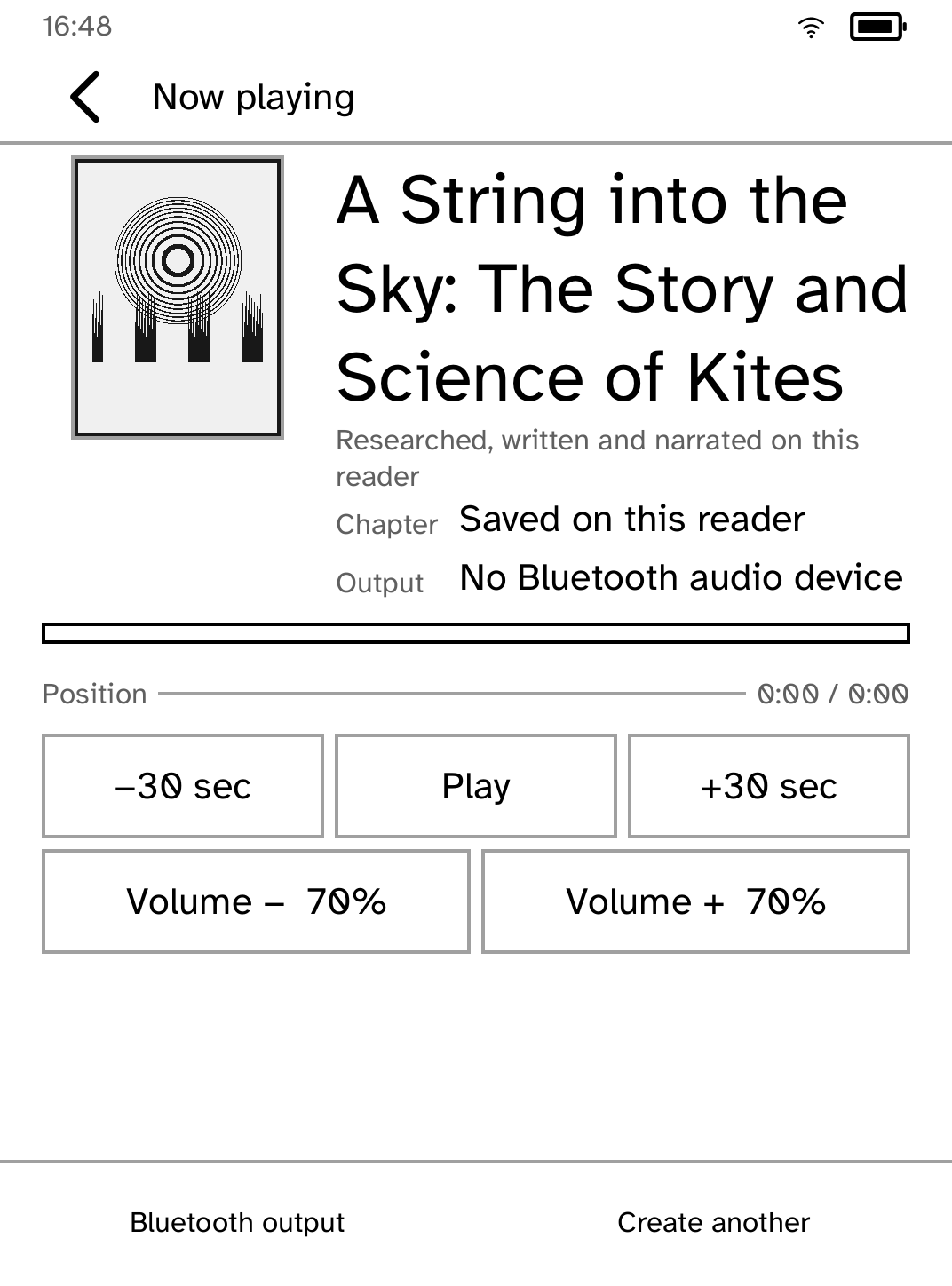
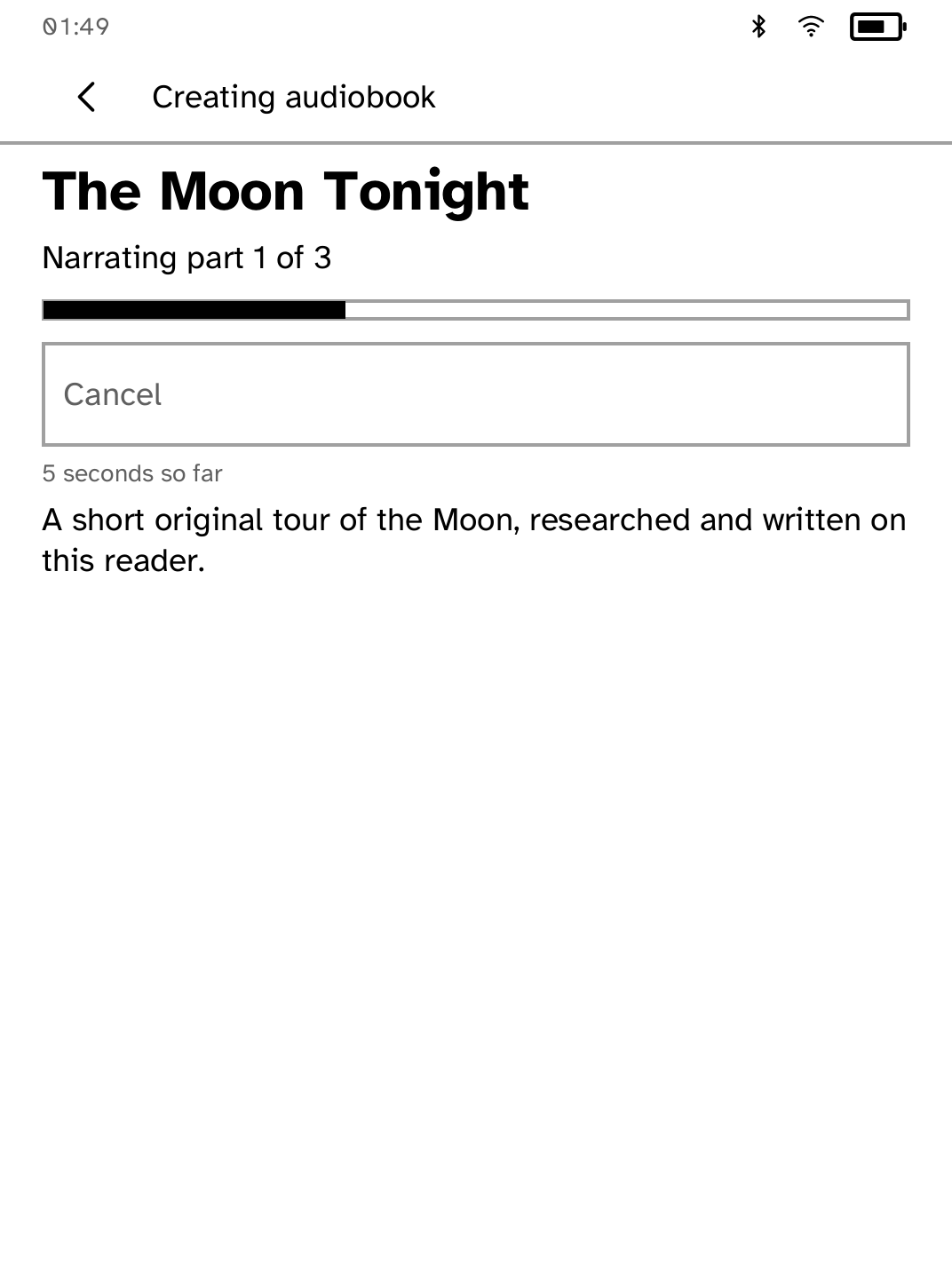
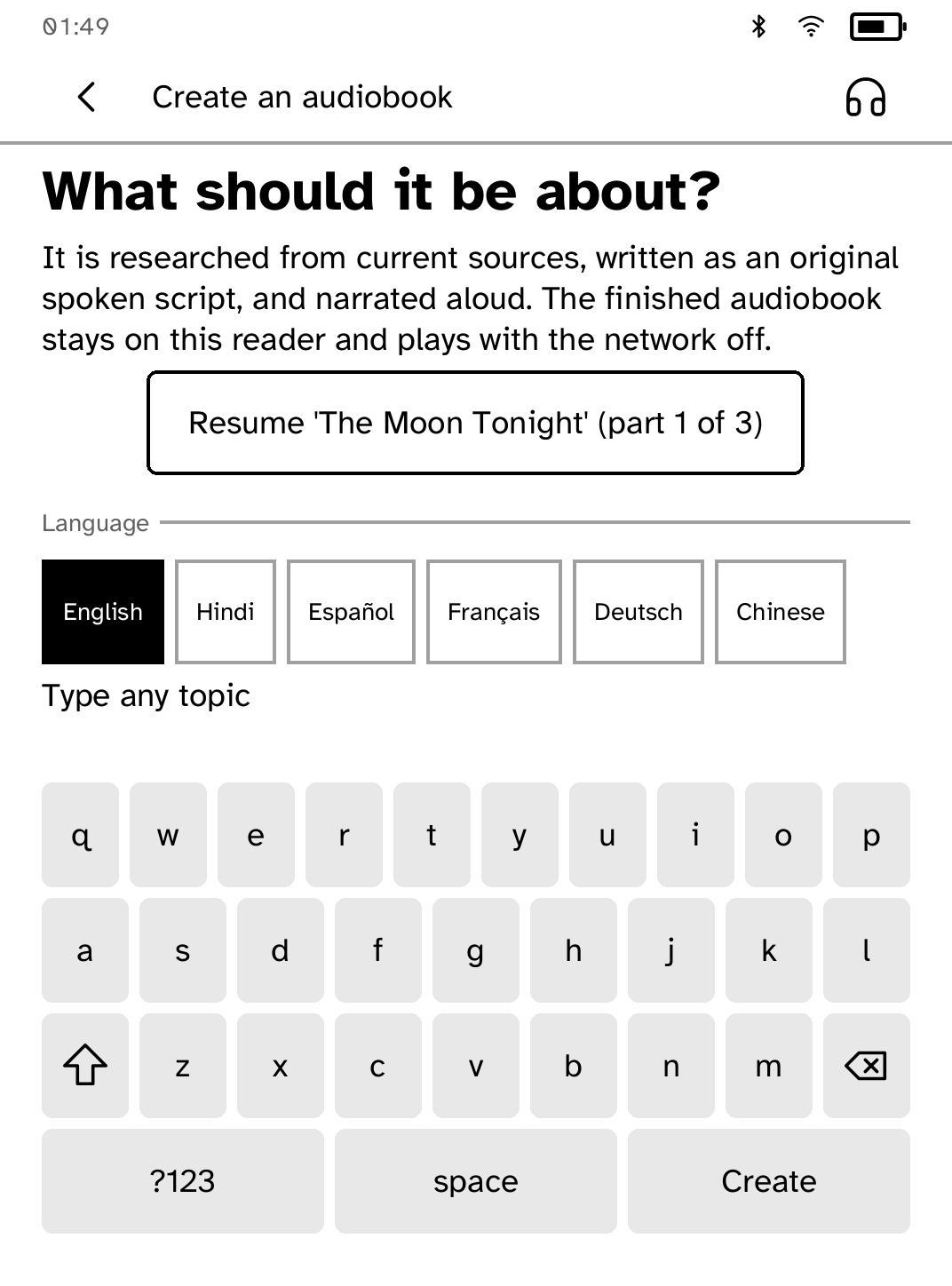
New in 1.0.19
The topic is typed on Cobalt's own keyboard, with a topic that is too short explained under it. The player keeps every control on the panel at every text size, and Bluetooth is a switch in the headphone picker.
App setup
Before you install
- Set up the reader once over USB, if you have not already.
kobo setup - A book is researched by Exa, written by OpenAI and narrated by ElevenLabs, on your own accounts. Create an API key with each and save them in private files: ~/.exa, ~/.openai and ~/.elevenlabs.
- Install the research key.
kobo secret set exa - Install the writing key.
kobo secret set openai - Install the narration key.
kobo secret set elevenlabs - Open Audiobook Studio and type a topic. It shows the time and cost before anything is spent: about 3 to 8 minutes and $1 to $5 a book. The free sample plays with no keys.
Commands need the kobo command on macOS, Linux or Windows WSL. This installs it ready-built, without touching the reader:
curl -fsSL https://bandarlabs.github.io/Cobalt/install.sh | sh -s -- --no-setup
New to Cobalt?
Install Cobalt from your browser
Plug your Kobo into this computer and install Cobalt in about a minute. After that, apps install over Wi-Fi.
Works in Chrome, Edge and Opera. Check your Kobo is supported.
Already have Cobalt?
Link your Kobo to install
On your Kobo, open App Store, tap the globe in the top bar and choose Link browser. Scan the QR code, or enter the pairing code and verification key.
Install on your Kobo
Your Kobo checks the app's signature before installing it.