
Devices
Home Panel
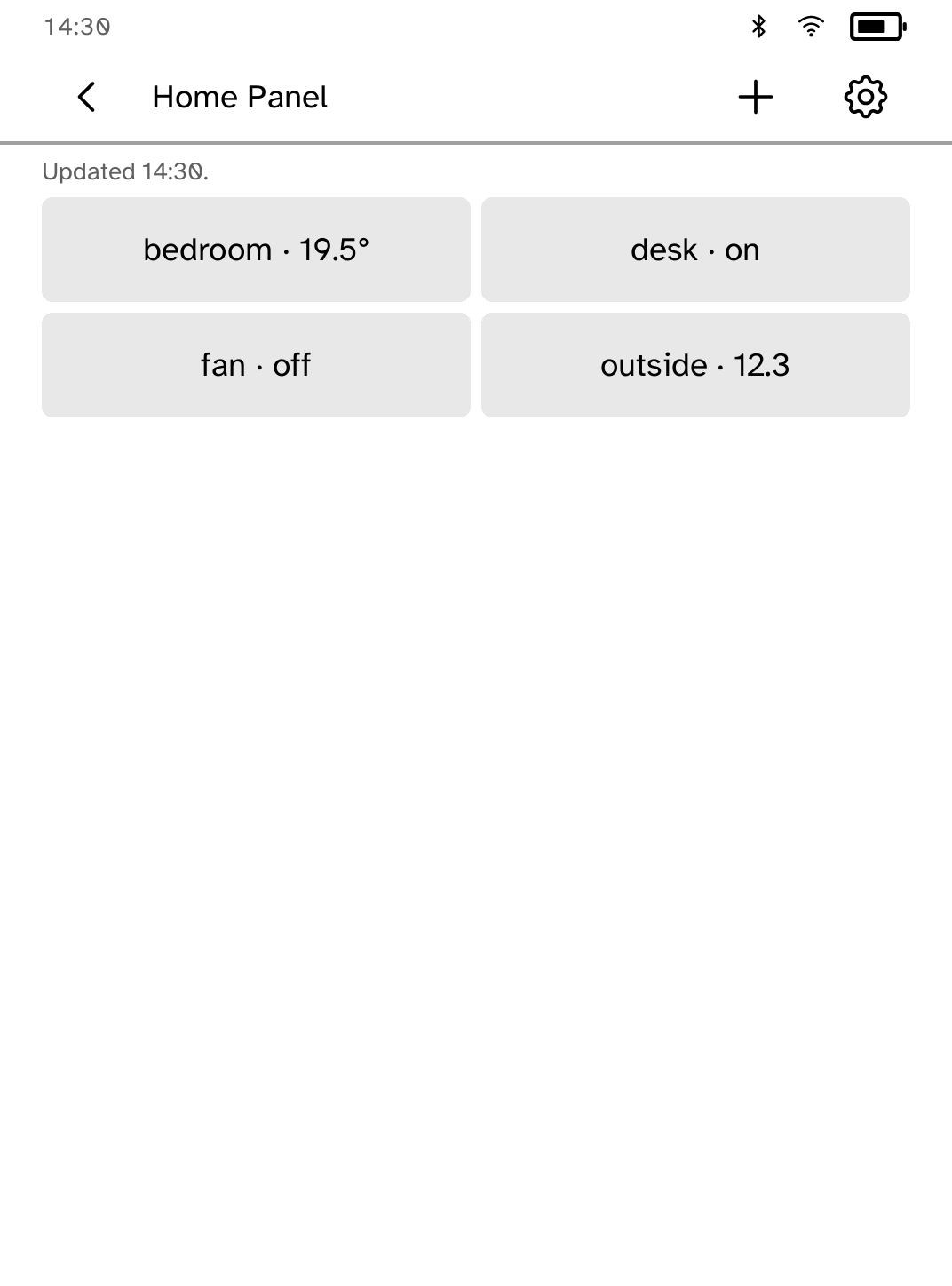
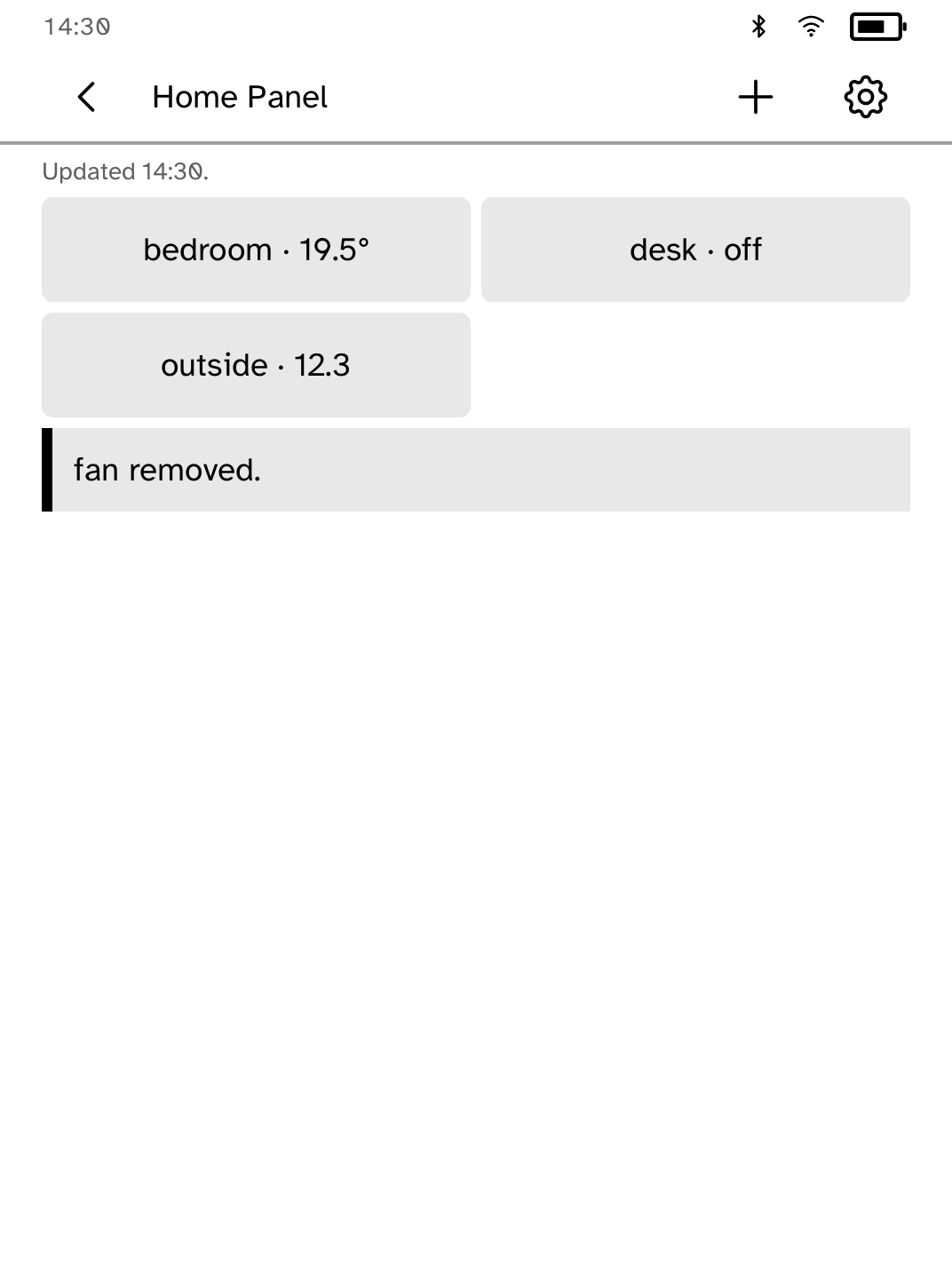
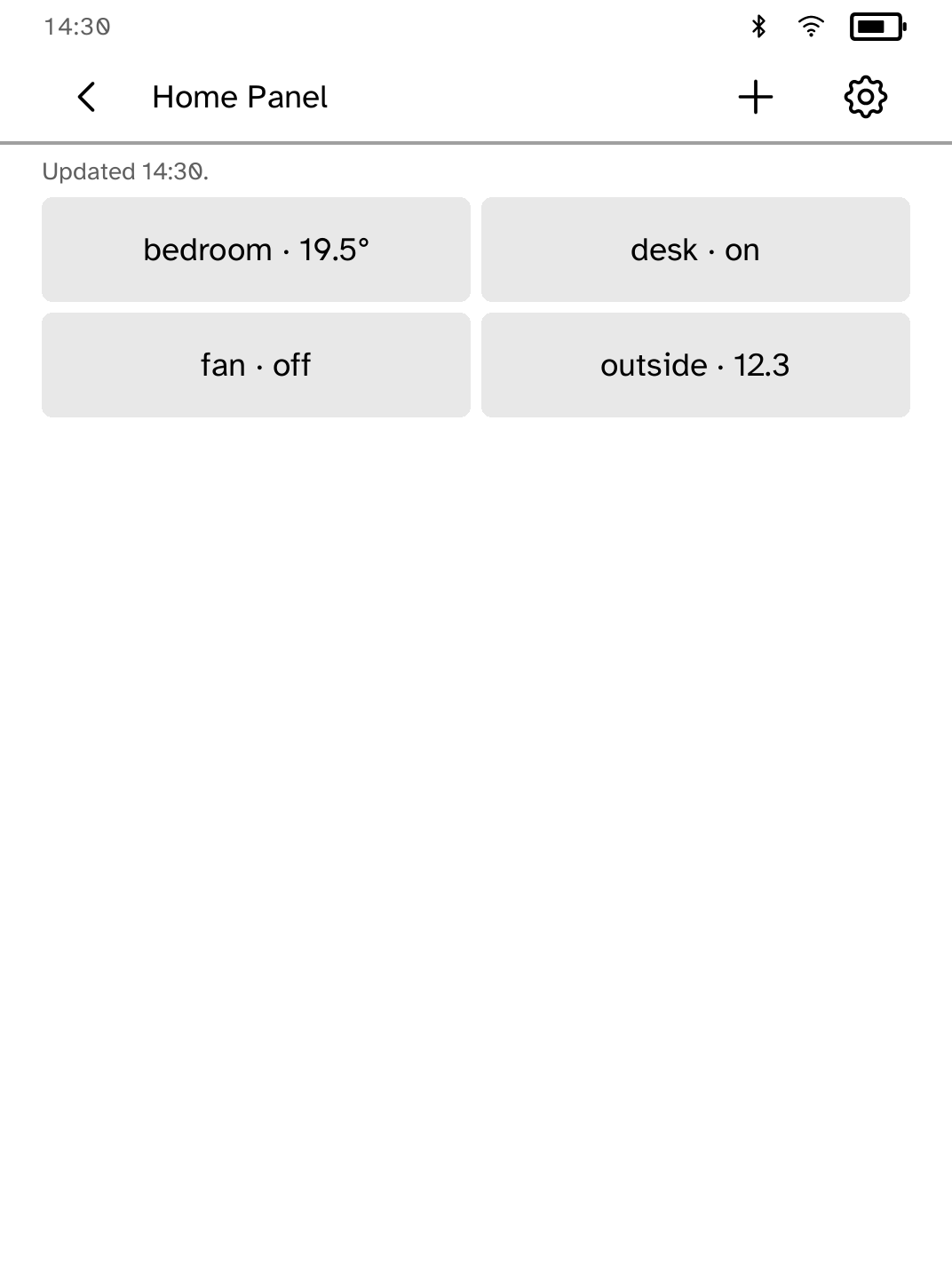
Keep your favorite Home Assistant controls on a simple, low-power panel.
- Version
- 0.2.3
- Permissions
- network
- Requires
- Cobalt 0.3.18
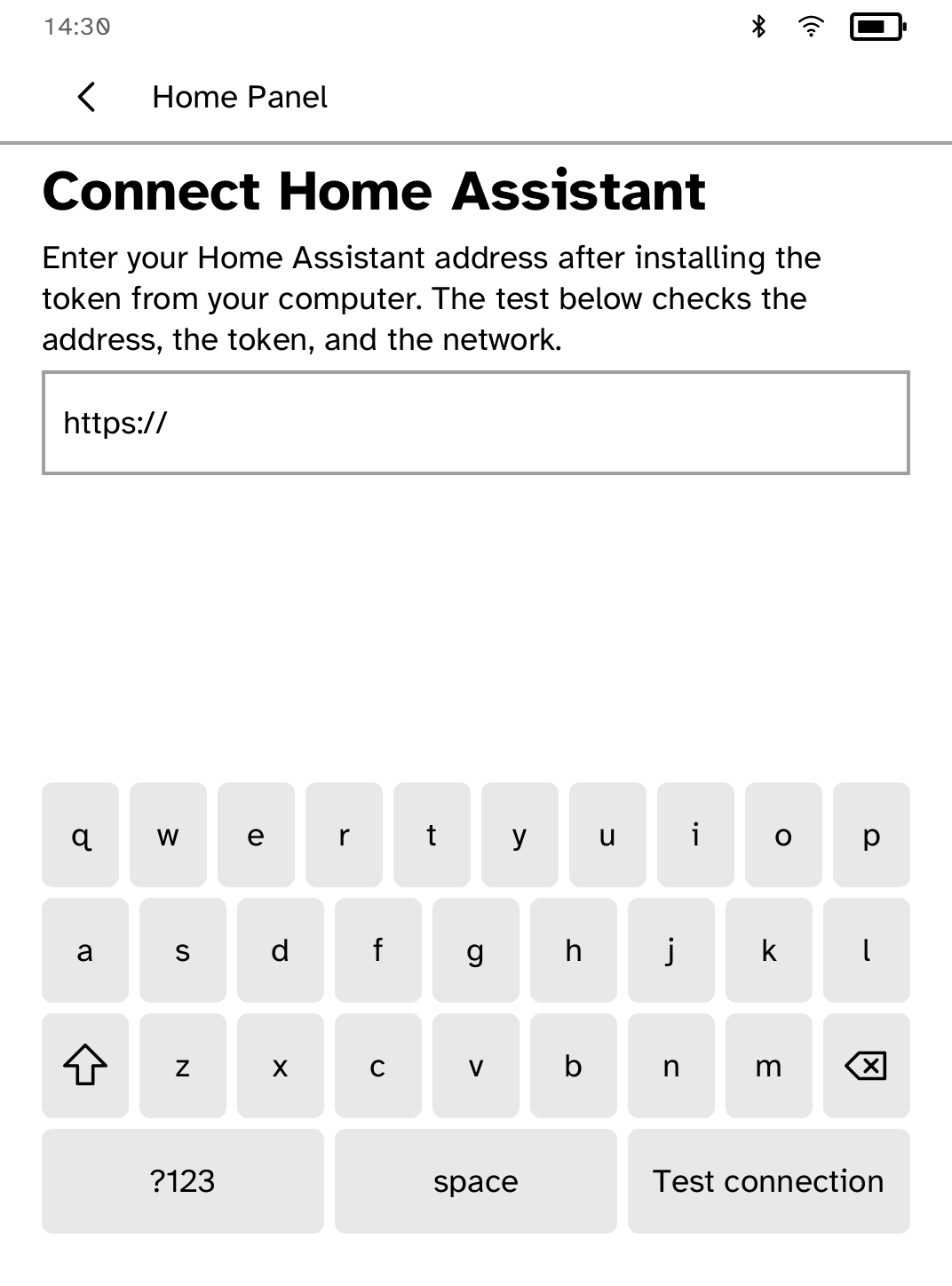
New in 0.2.3
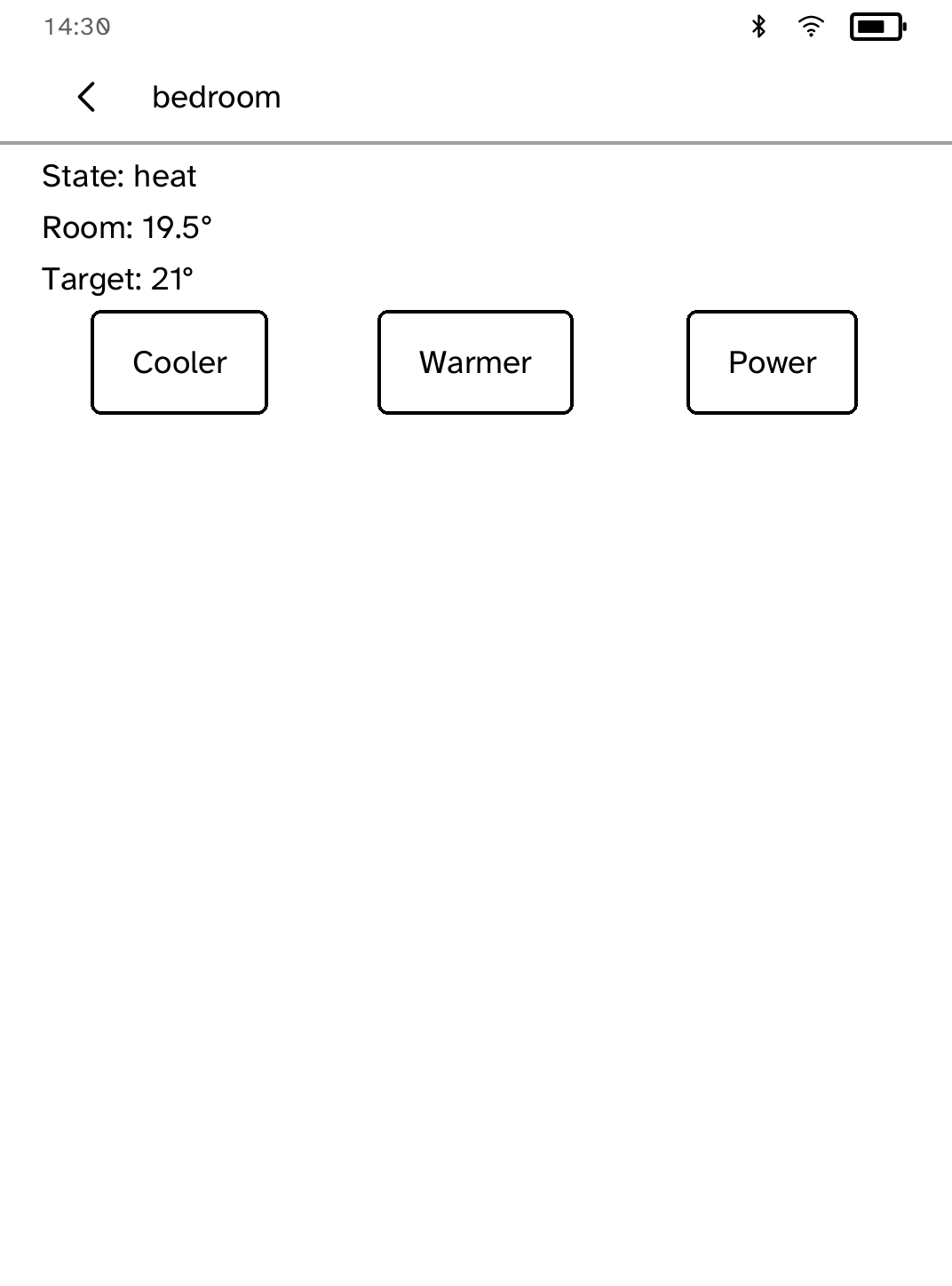
Sensors and other readings open a detail screen instead of sending a toggle. Lights, switches, scenes, scripts, automations, buttons, and climate keep their controls.
App setup
Before you install
- Expose Home Assistant through HTTPS, using Nabu Casa or a reverse proxy with a trusted certificate.
- Create a Home Assistant long-lived access token and install it under the exact name homeassistant.
kobo secret set homeassistant --device <address> - For a private certificate authority, install its root on the Kobo.
kobo trust set homeassistant --device <address>
New to Cobalt?
Install Cobalt from your browser
Plug your Kobo into this computer and install Cobalt in about a minute. After that, apps install over Wi-Fi.
Works in Chrome, Edge and Opera. Check your Kobo is supported.
Already have Cobalt?
Link your Kobo to install
On your Kobo, open App Store, tap the globe in the top bar and choose Link browser. Scan the QR code, or enter the pairing code and verification key.
Install on your Kobo
Your Kobo checks the app's signature before installing it.