
Games
Lichess
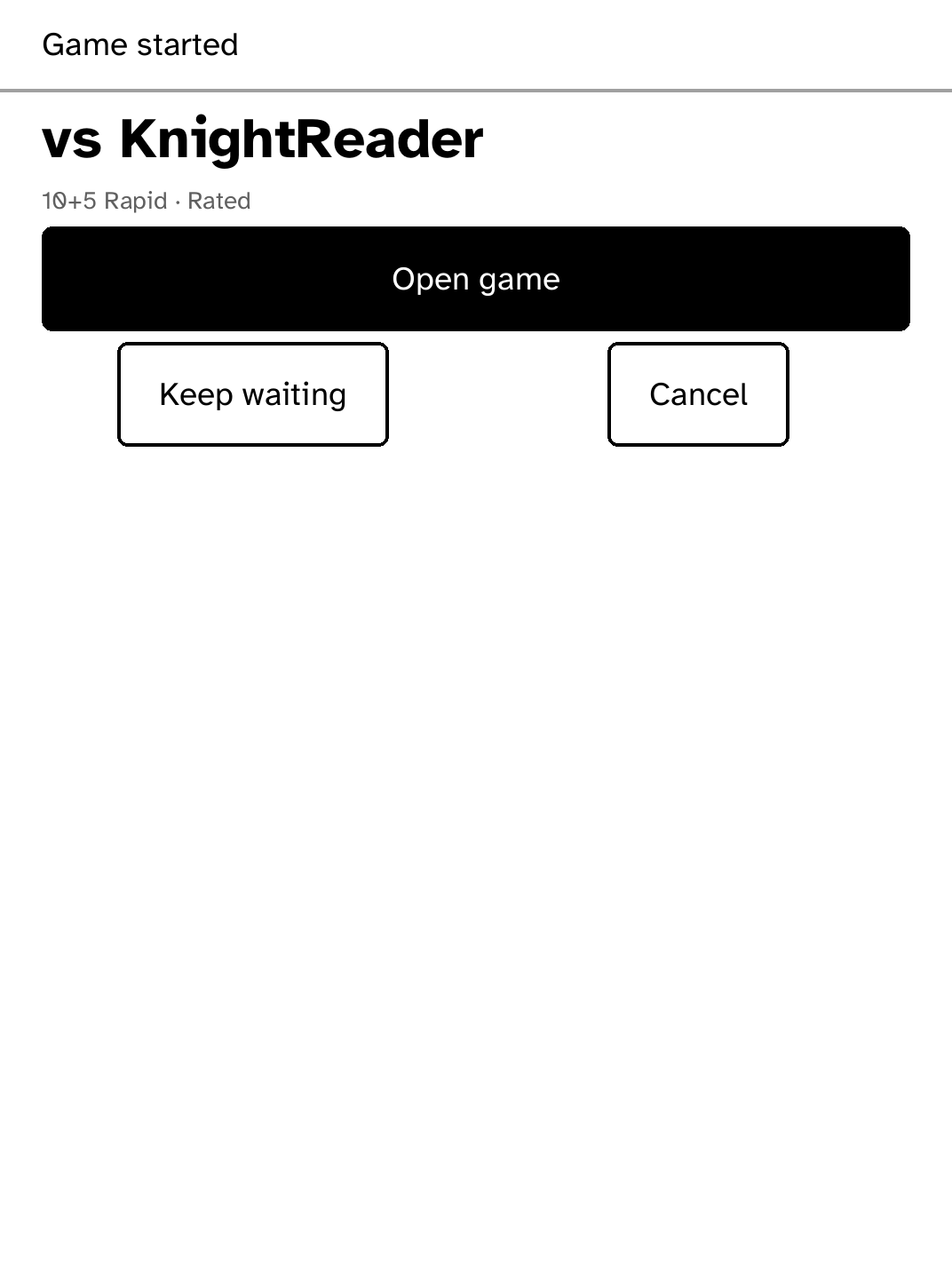
An unofficial Lichess client for Kobo. Play rated or casual games at rapid and classical time controls, accept or send challenges, solve puzzles, or play the computer offline, with or without a clock.
- Version
- 1.0.19
- Permissions
- network, hold-wifi, keep-awake
- Requires
- Cobalt 0.3.31
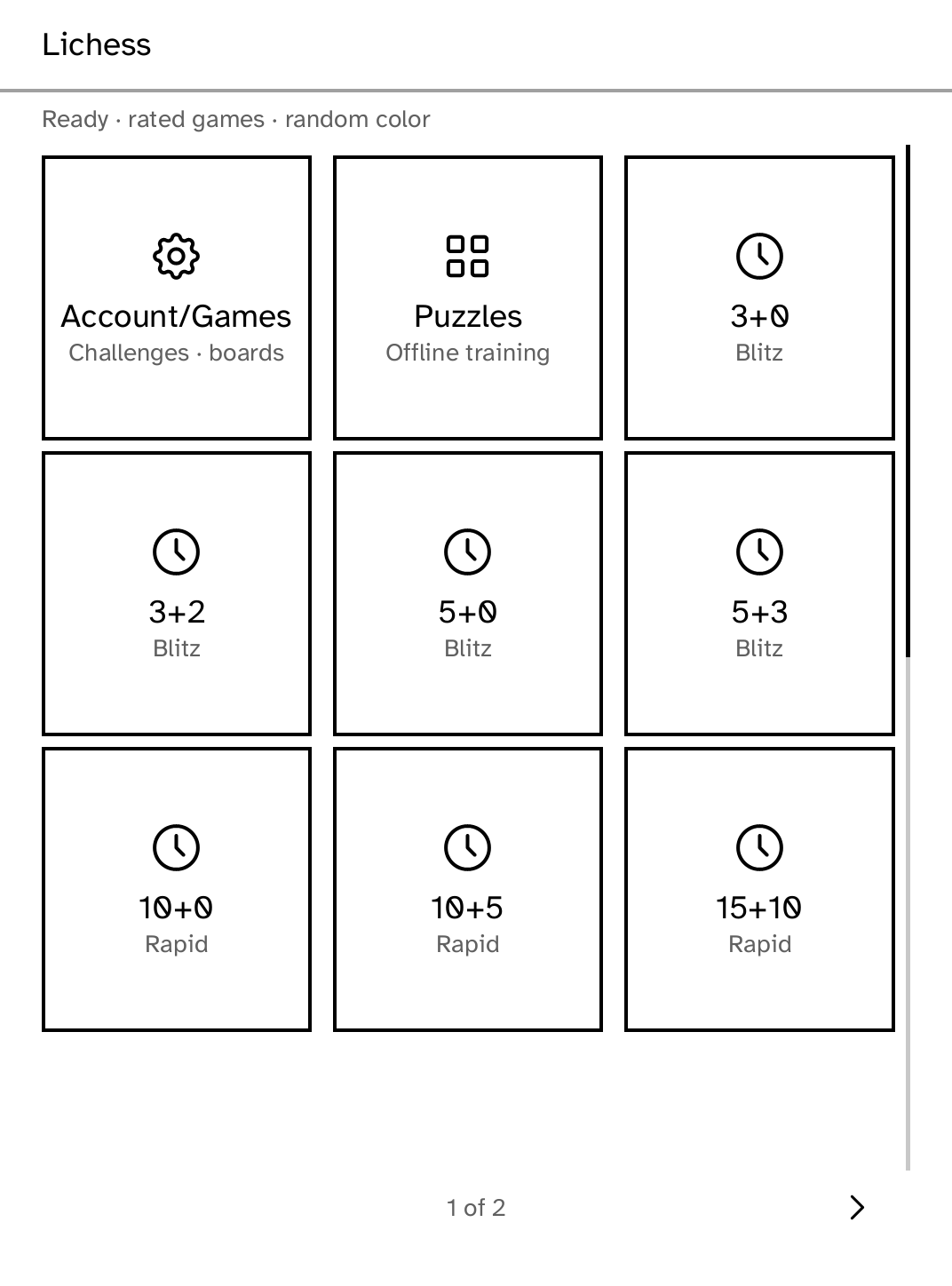
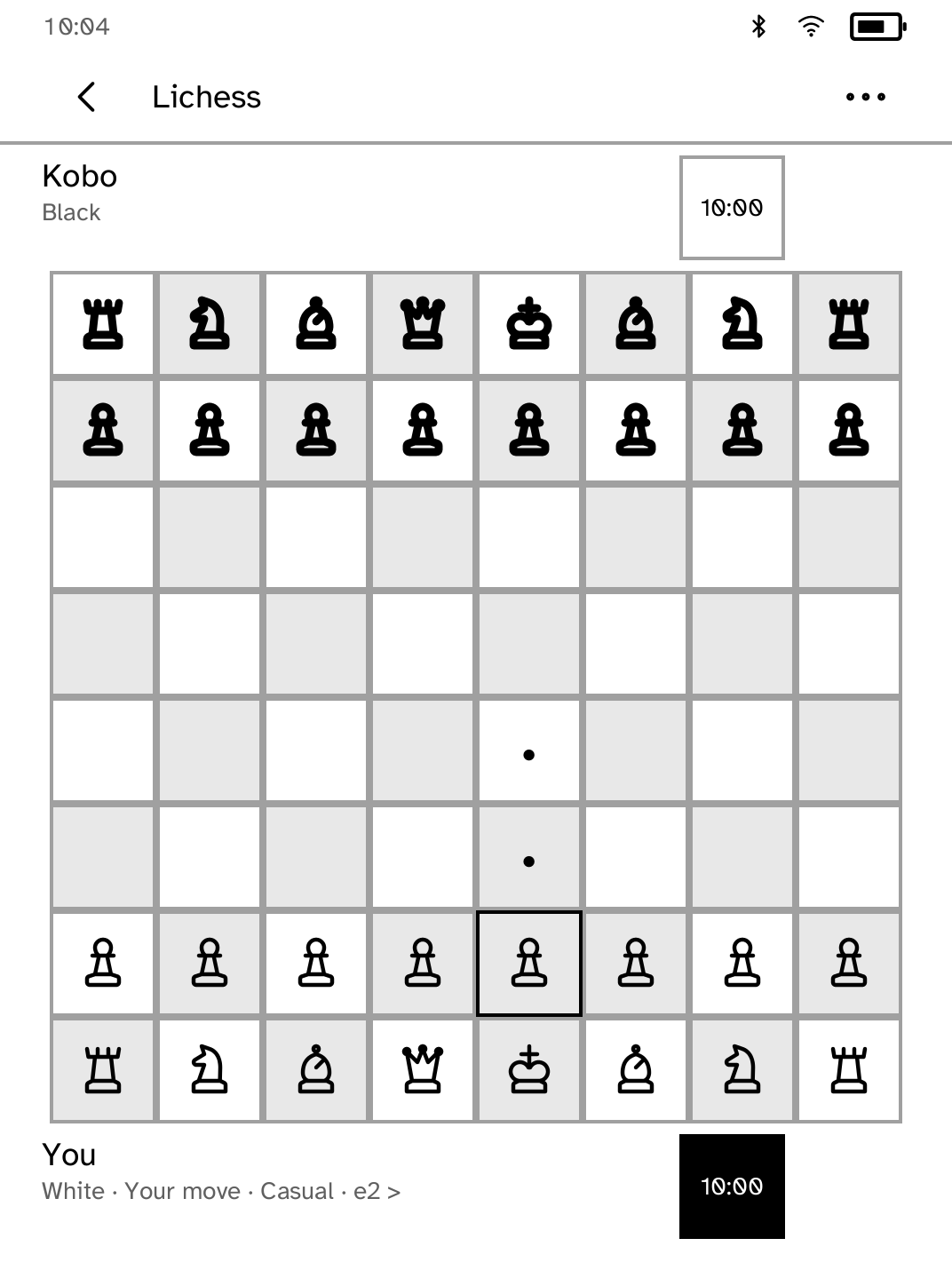
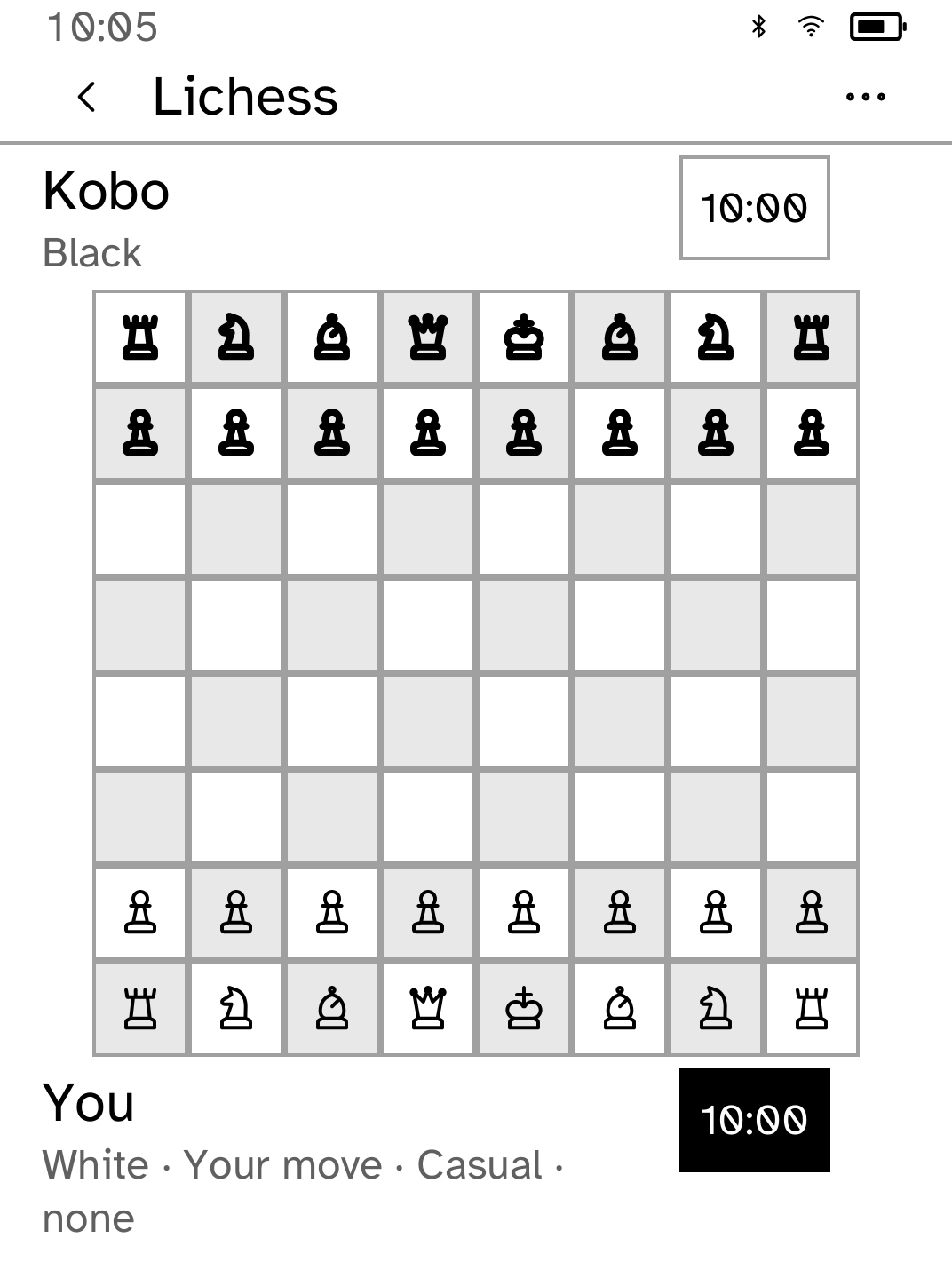
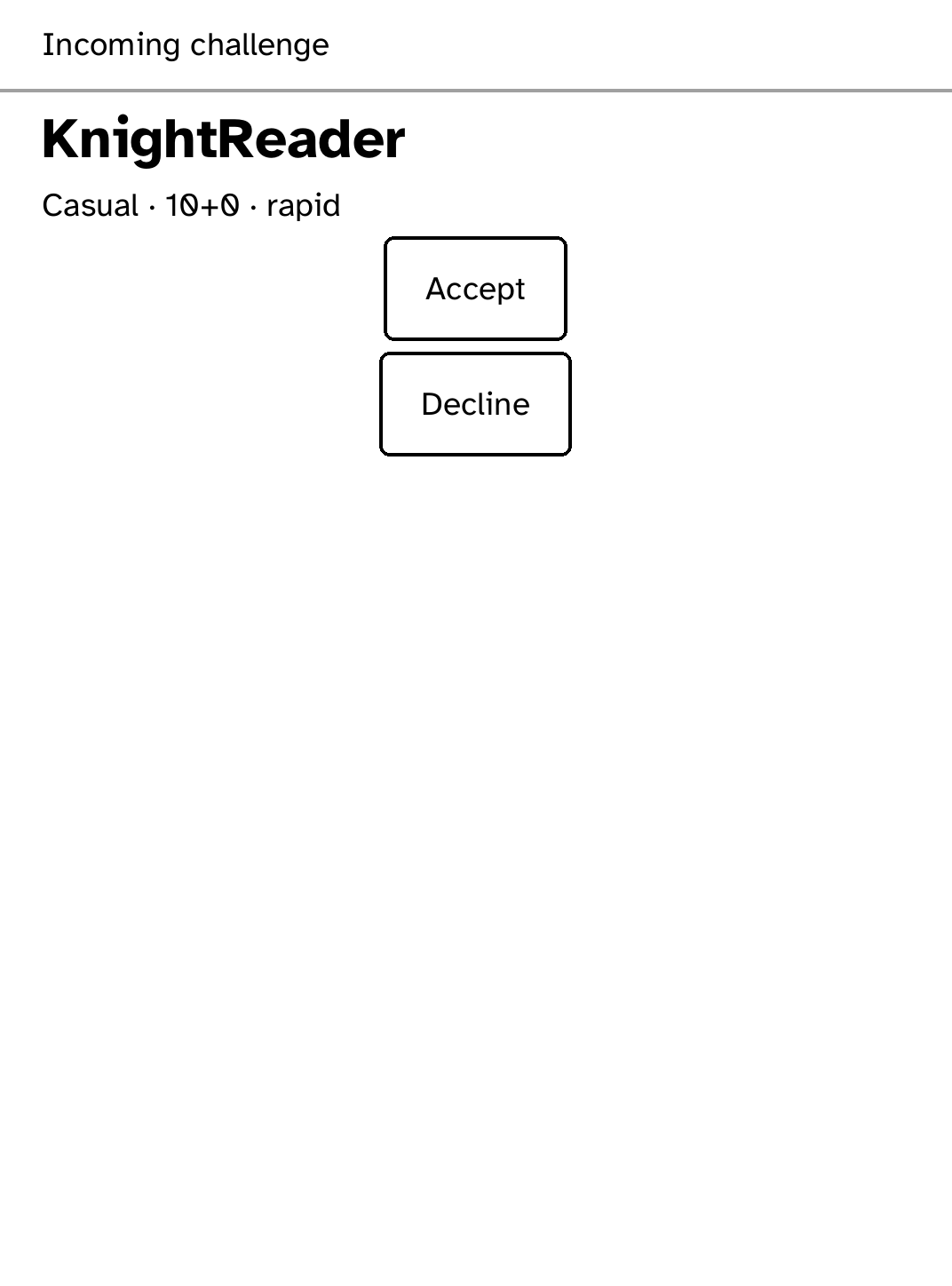
New in 1.0.19
Your token is typed on Cobalt's own keyboard and saved by the reader, never the app, and a QR code opens the Lichess token page on a phone. Rated or Casual, side and clock are each one row of segments.
App setup
Before you install
- Computer games and puzzles need no account. To play people, create a Lichess Personal Access Token granting only board:play. Create a Lichess API token
- On the reader, open Lichess, tap Account/Games, then Connect Lichess, and type the token.
- Or install the token from a computer. Set up the reader once over USB, if you have not already.
kobo setup - Save the token in a private local file, then install it under the exact secret name lichess.
kobo secret set lichess --from token.txt - Use Cobalt 0.3.18 or newer.
Commands need the kobo command on macOS, Linux or Windows WSL. This installs it ready-built, without touching the reader:
curl -fsSL https://bandarlabs.github.io/Cobalt/install.sh | sh -s -- --no-setup
New to Cobalt?
Install Cobalt from your browser
Plug your Kobo into this computer and install Cobalt in about a minute. After that, apps install over Wi-Fi.
Works in Chrome, Edge and Opera. Check your Kobo is supported.
Already have Cobalt?
Link your Kobo to install
On your Kobo, open App Store, tap the globe in the top bar and choose Link browser. Scan the QR code, or enter the pairing code and verification key.
Install on your Kobo
Your Kobo checks the app's signature before installing it.