
Kobo app
Sync
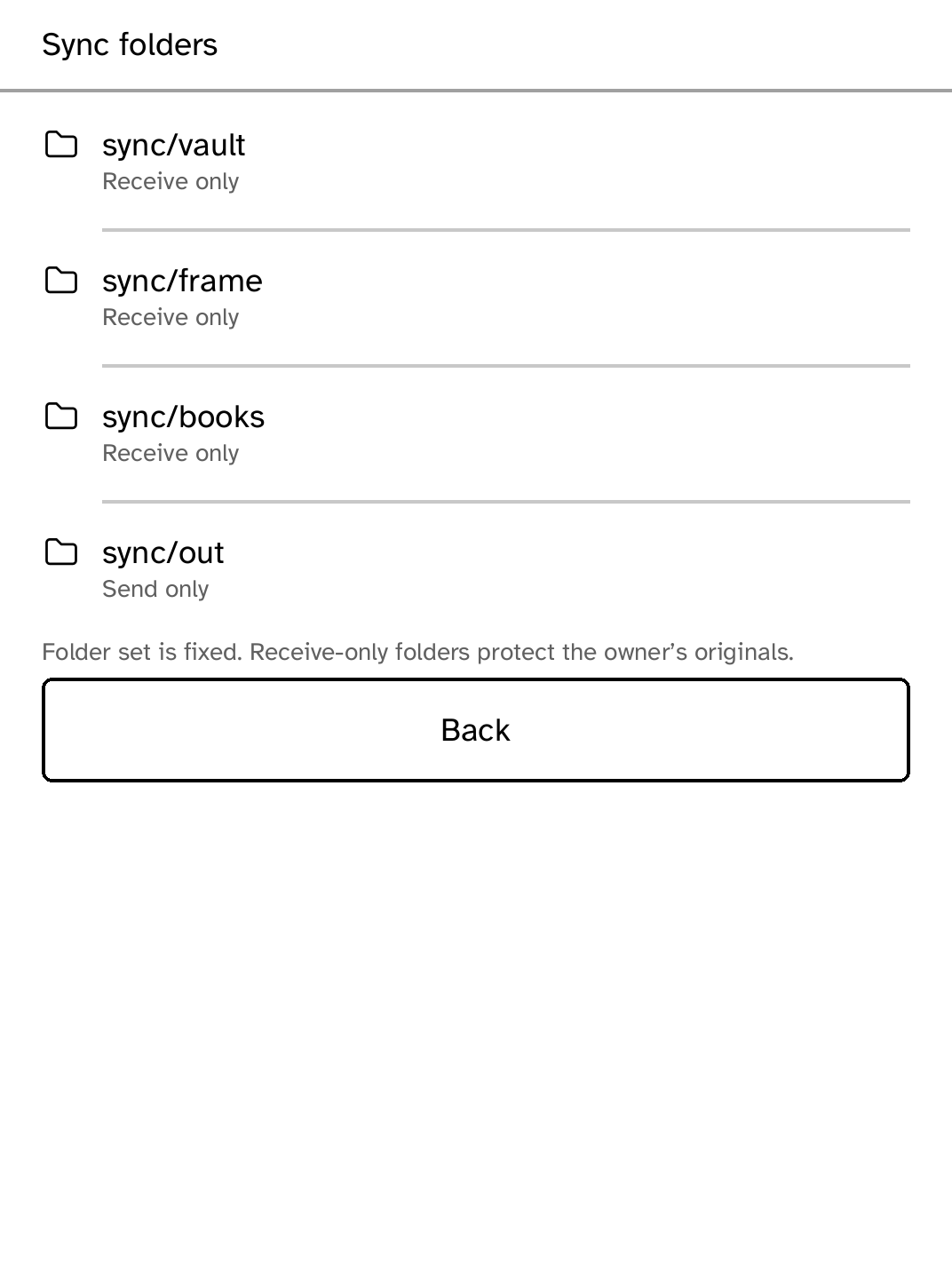
Keep selected folders in sync while controlling when your Kobo uses Wi-Fi.
App setup
Before you install
- The first time Sync runs it downloads its engine over Wi-Fi and checks it against the digest the runtime requires, so the Kobo needs to be online once. Your computer needs a package-manager-installed Syncthing binary.
- Pair exactly one local directory to a fixed safe folder while the Kobo is awake on Wi-Fi.
kobo sync setup LOCAL_DIR --folder vault --device <address> - Resume Sync on the Kobo, then start the private host peer. It does not modify another Syncthing installation.
kobo sync run
Do not have Cobalt yet?
Install Cobalt directly from your browser
Plug your Kobo into this computer and the browser writes Cobalt across. About a minute, and no terminal. Applications after that arrive over Wi-Fi, with no cable.
Works in Chrome, Edge and Opera. Check your Kobo is supported.
Already have Cobalt?
Link your Kobo to install
On your Kobo, open App Store, then Install links. Scan the QR code, or enter the pairing code and verification key shown there.
Install on your Kobo
Cobalt verifies the signed catalog and app package before changing the installed copy.