
Productivity
Flashcards
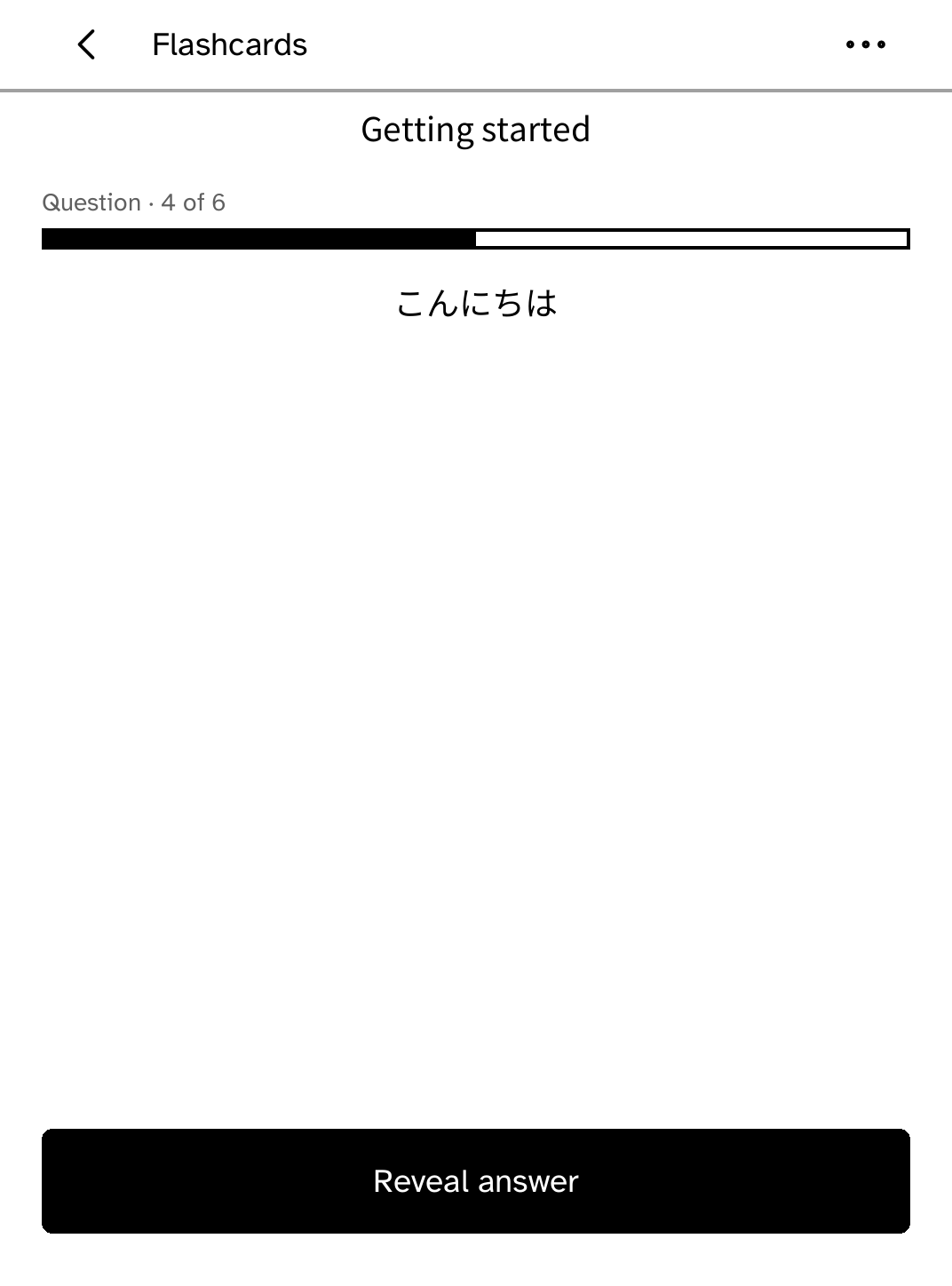
Study Anki decks with large reveal and answer controls. Cards you grade come back on their own schedule, and missed cards return before the session ends.
- Version
- 0.2.9
- Permissions
- No additional permissions
- Requires
- Cobalt 0.3.31
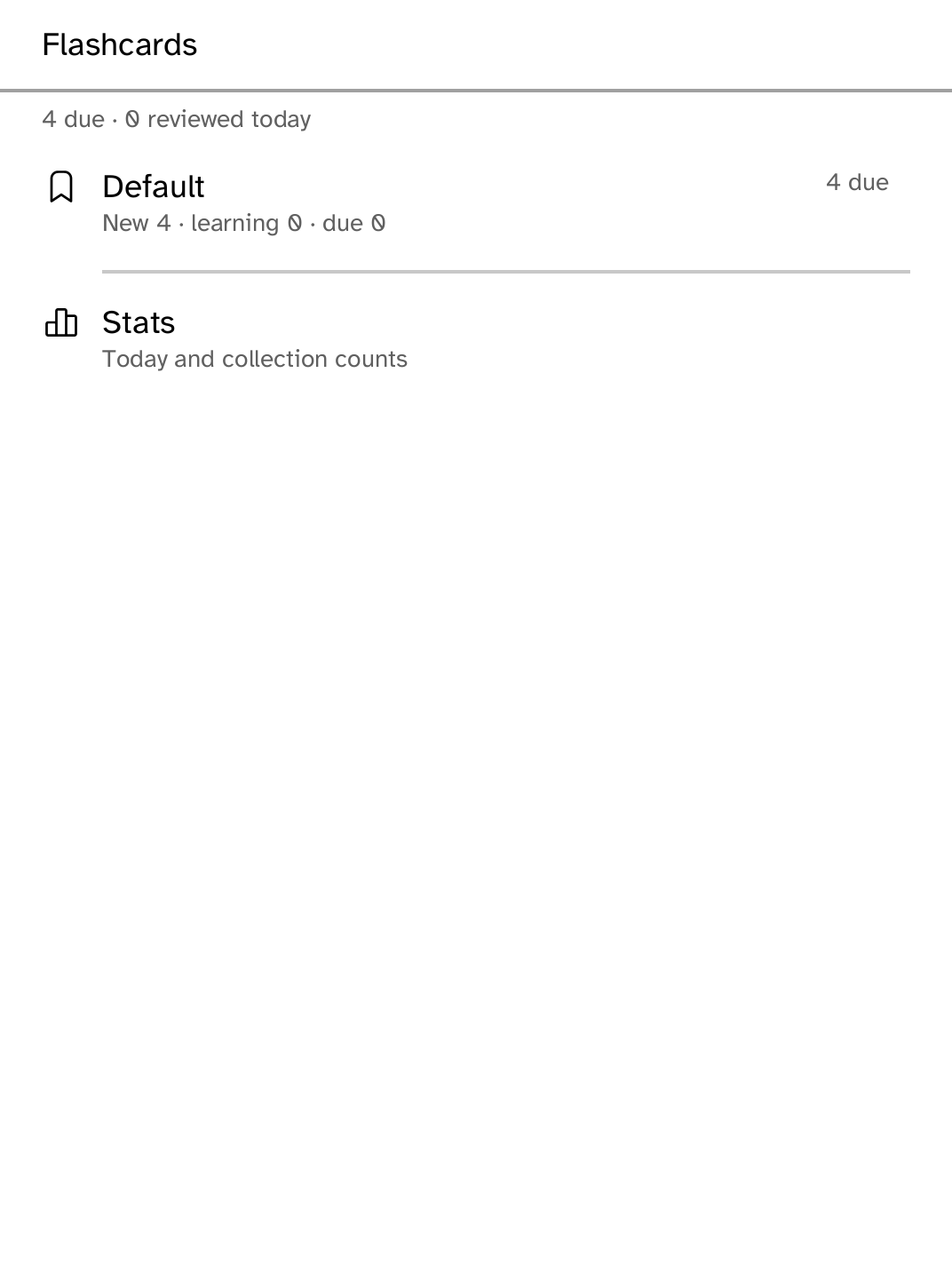
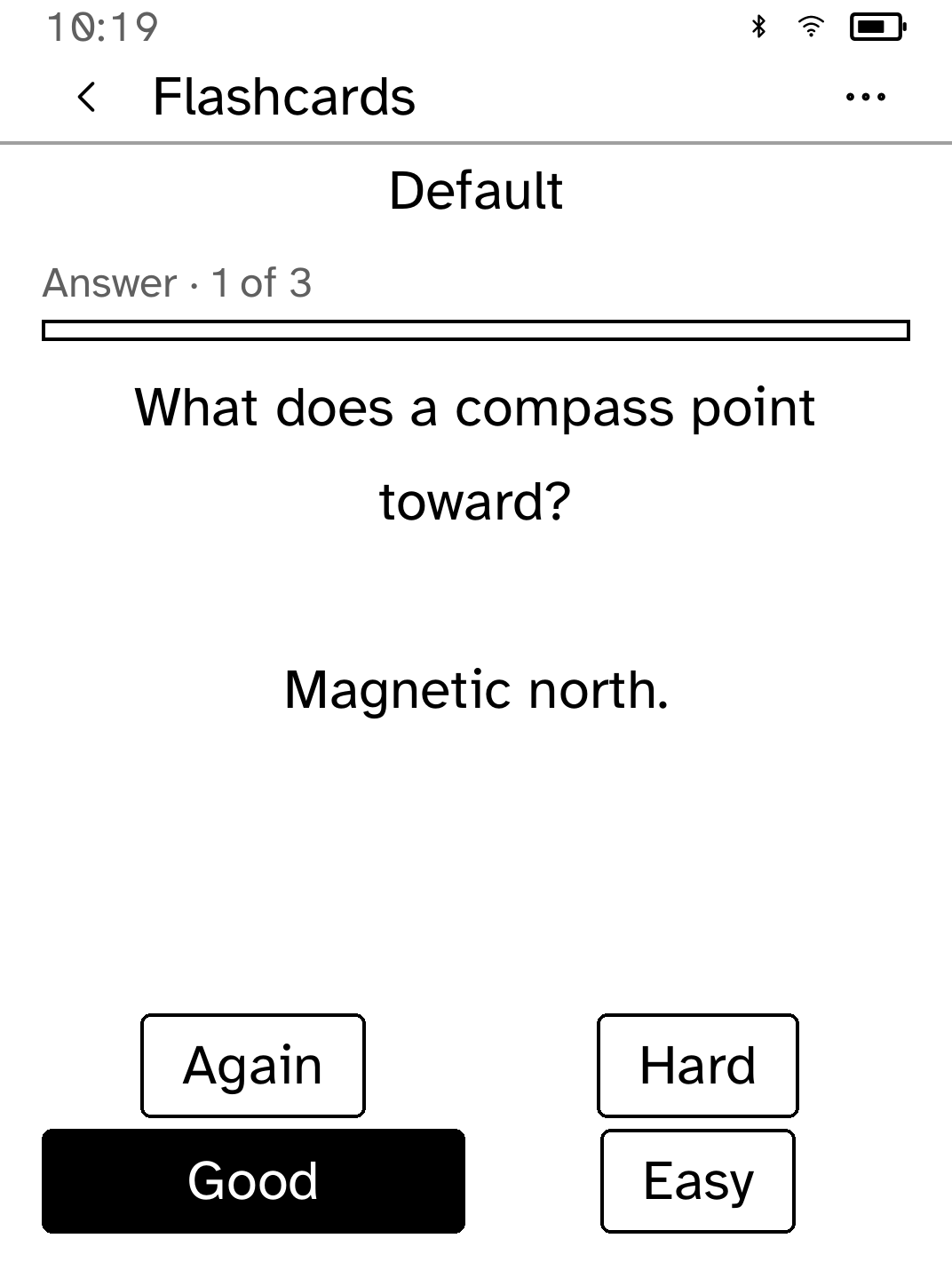
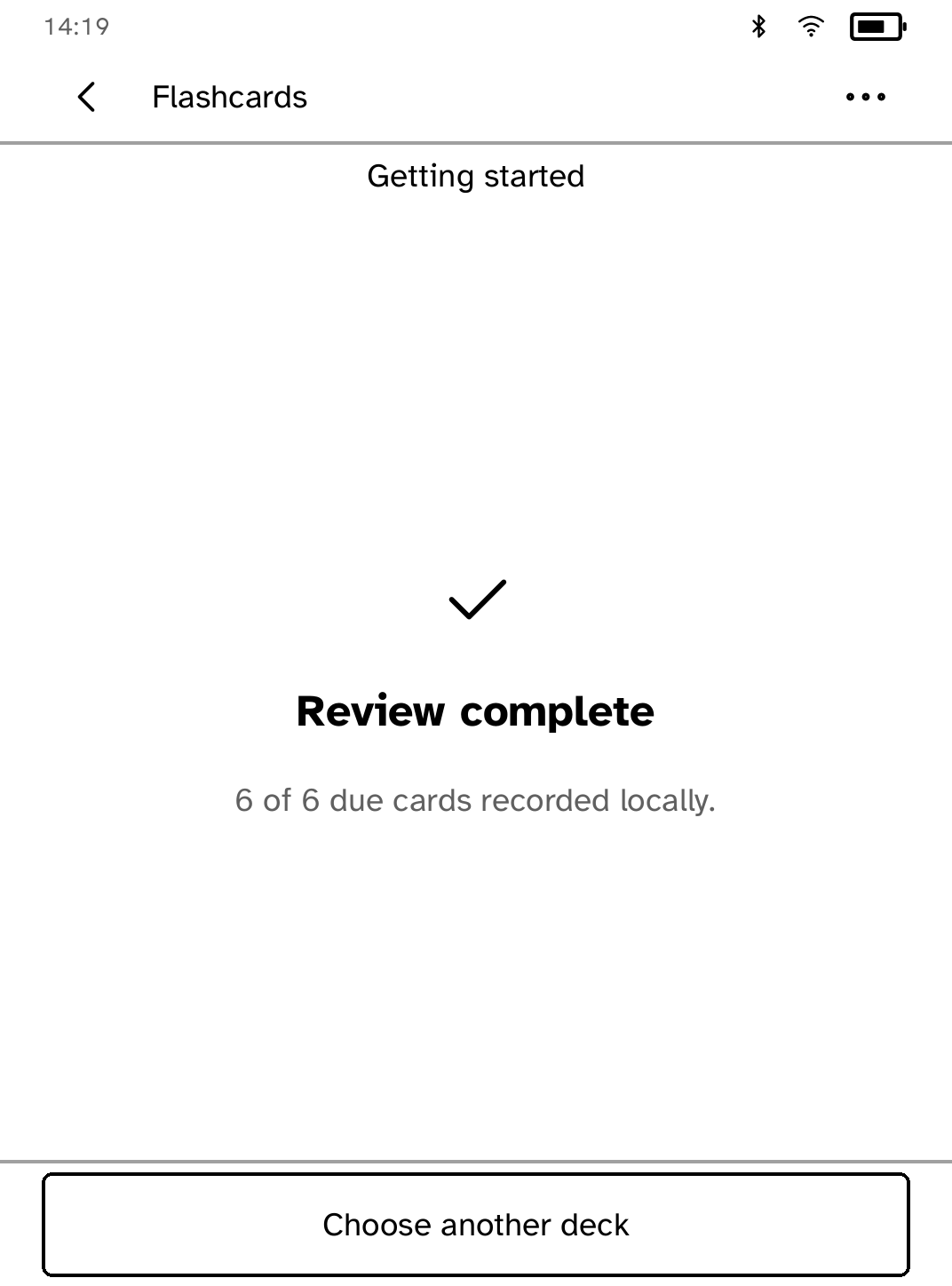
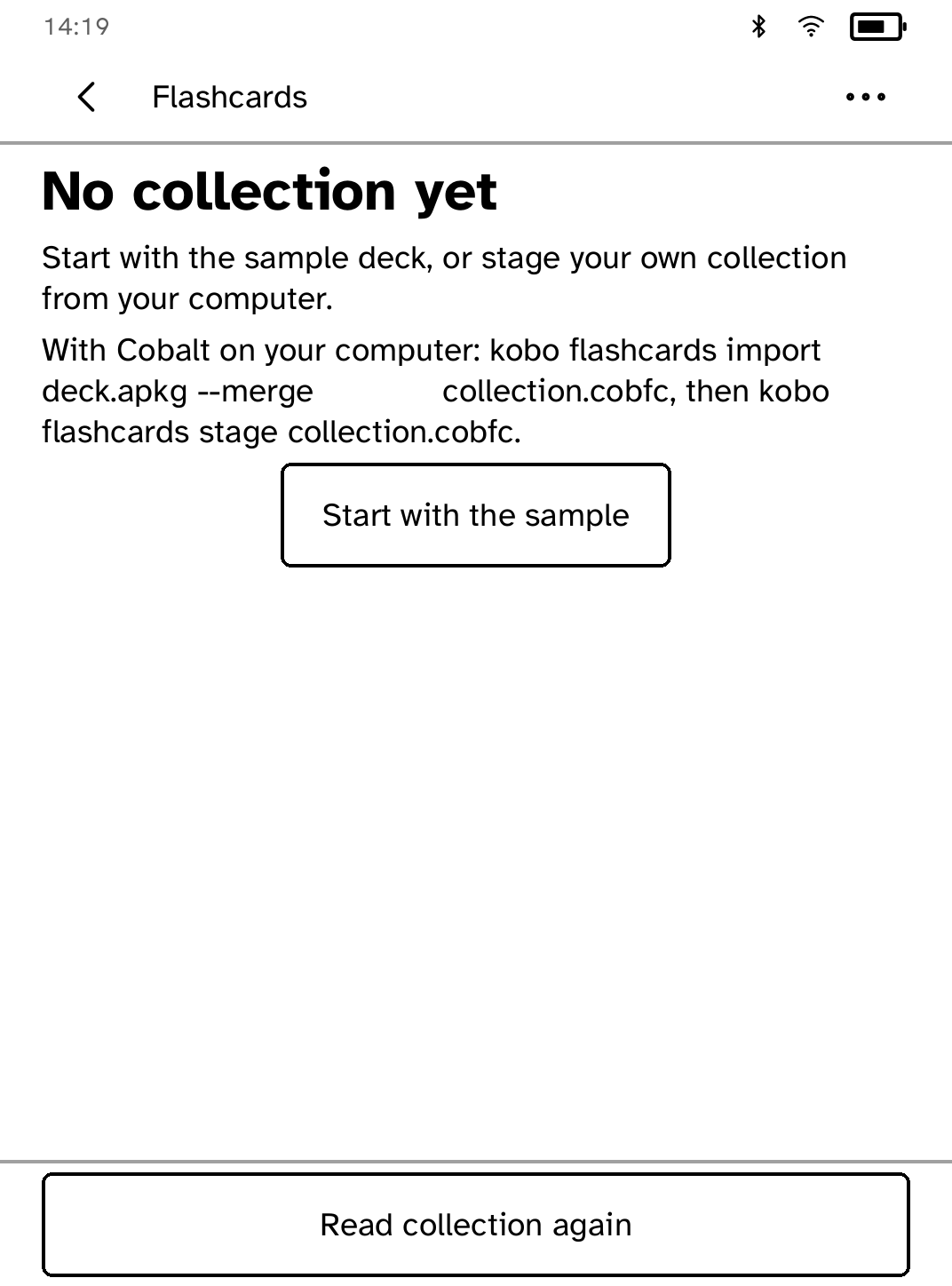
New in 0.2.9
Each deck shows how many cards are due as a count beside its name, and the first screen, Review settings and the licences list fit at every text size.
App setup
Before you install
- Or start with the sample deck in the app, no computer needed.
- Set up the reader once over USB, if you have not already.
kobo setup - Export a deck from Anki and turn it into a collection on this computer.
kobo flashcards import deck.apkg --merge collection.cobfc - Send the collection to the reader over Wi-Fi. Grades on the reader are kept.
kobo flashcards push collection.cobfc
Commands need the kobo command on macOS, Linux or Windows WSL. This installs it ready-built, without touching the reader:
curl -fsSL https://bandarlabs.github.io/Cobalt/install.sh | sh -s -- --no-setup
New to Cobalt?
Install Cobalt from your browser
Plug your Kobo into this computer and install Cobalt in about a minute. After that, apps install over Wi-Fi.
Works in Chrome, Edge and Opera. Check your Kobo is supported.
Already have Cobalt?
Link your Kobo to install
On your Kobo, open App Store, tap the globe in the top bar and choose Link browser. Scan the QR code, or enter the pairing code and verification key.
Install on your Kobo
Your Kobo checks the app's signature before installing it.