
Devices
Paperterm
Mirror a terminal session from your computer onto e-ink. The shell, credentials, and scrollback stay on the computer; the Kobo renders the session over a paired connection.
- Version
- 0.1.14
- Permissions
- network
- Requires
- Cobalt 0.3.31
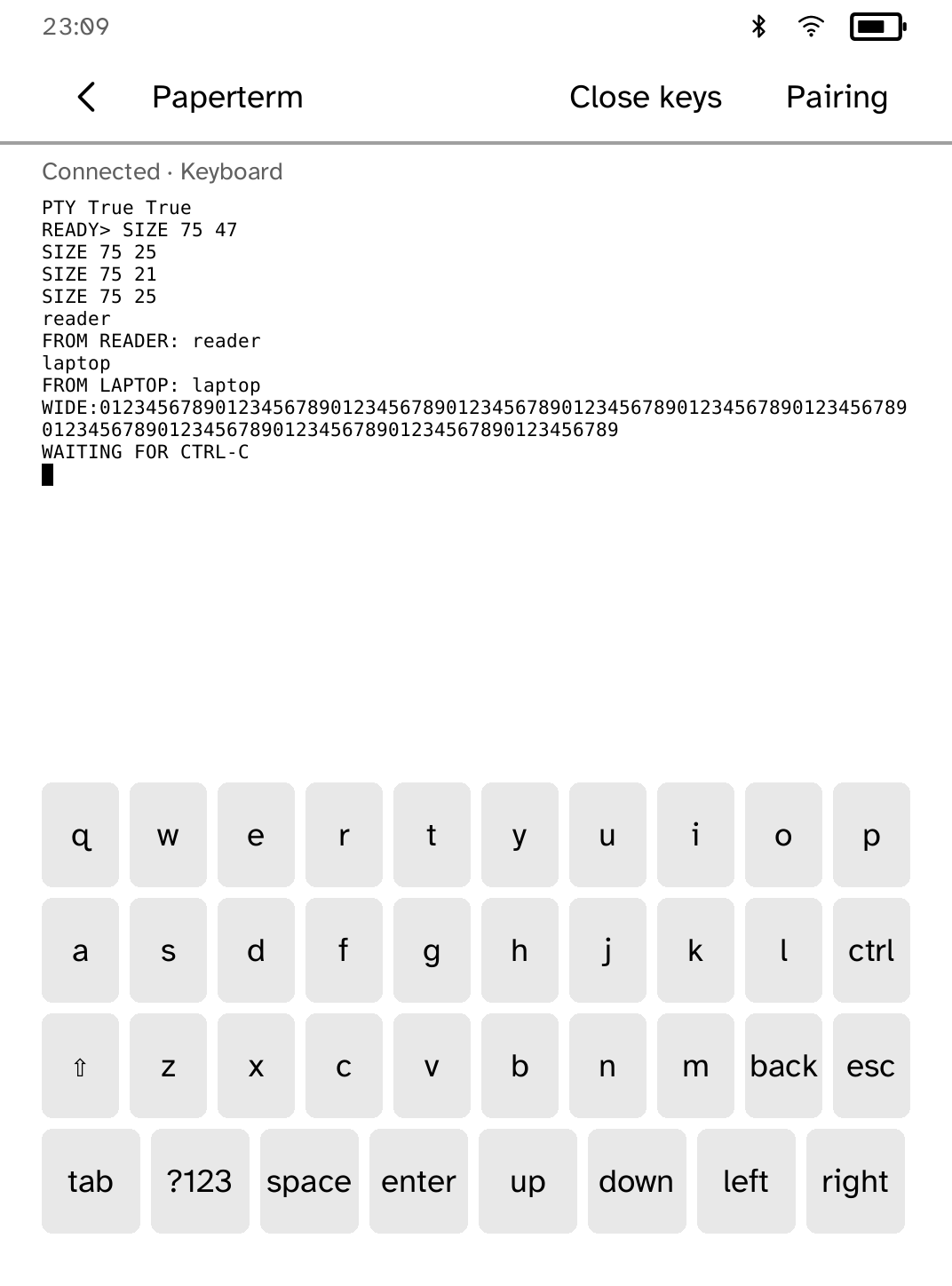
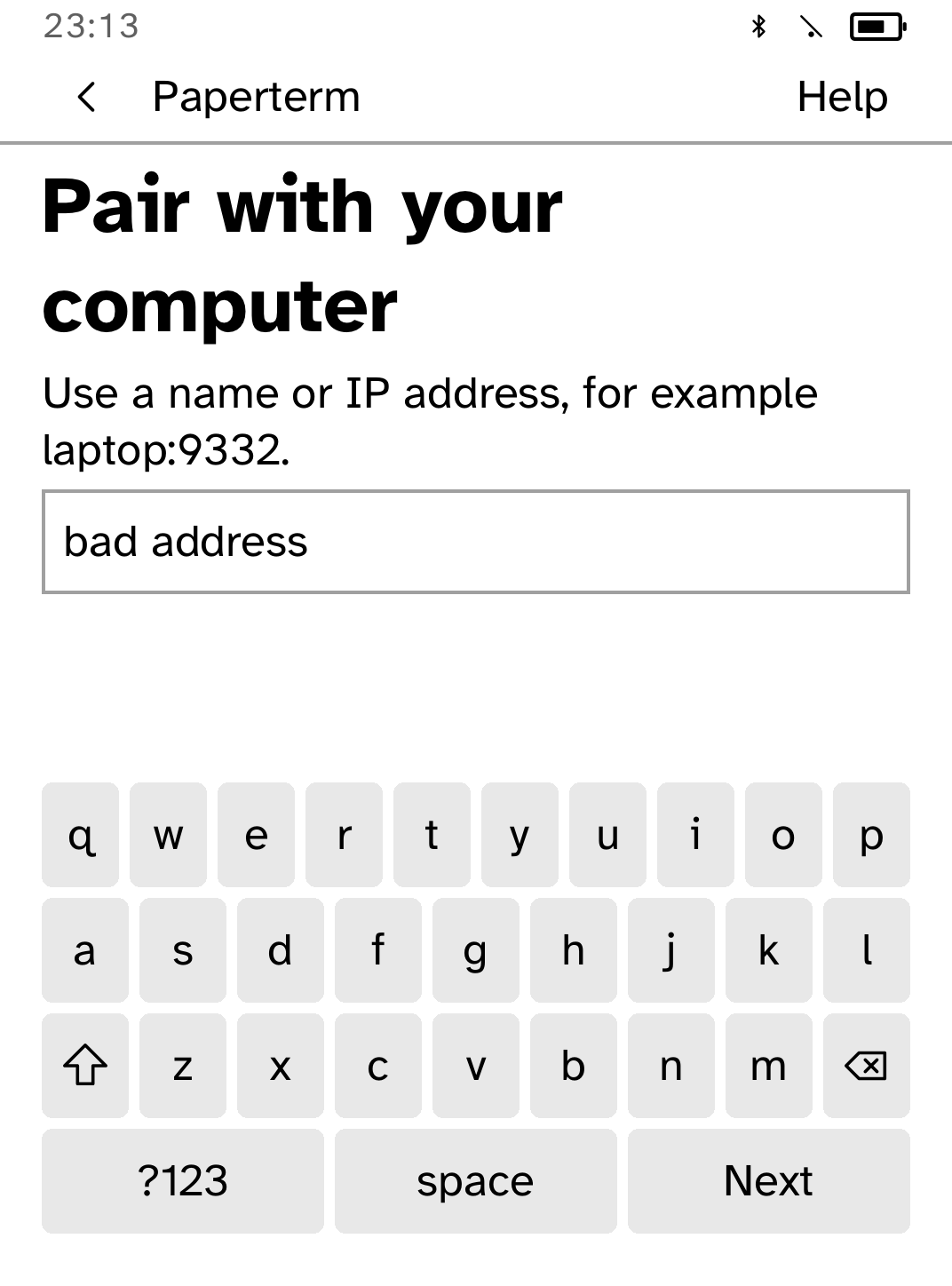
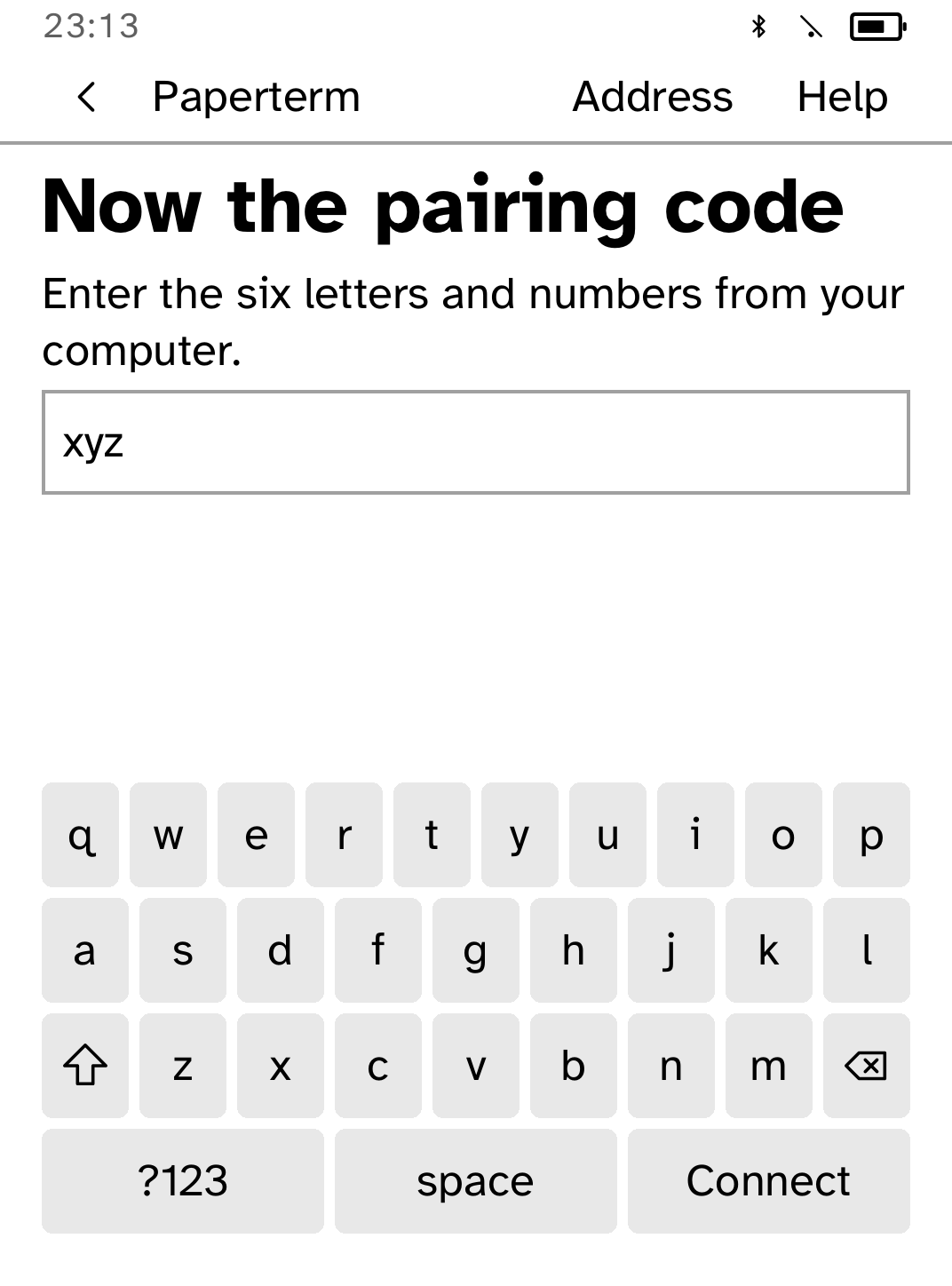
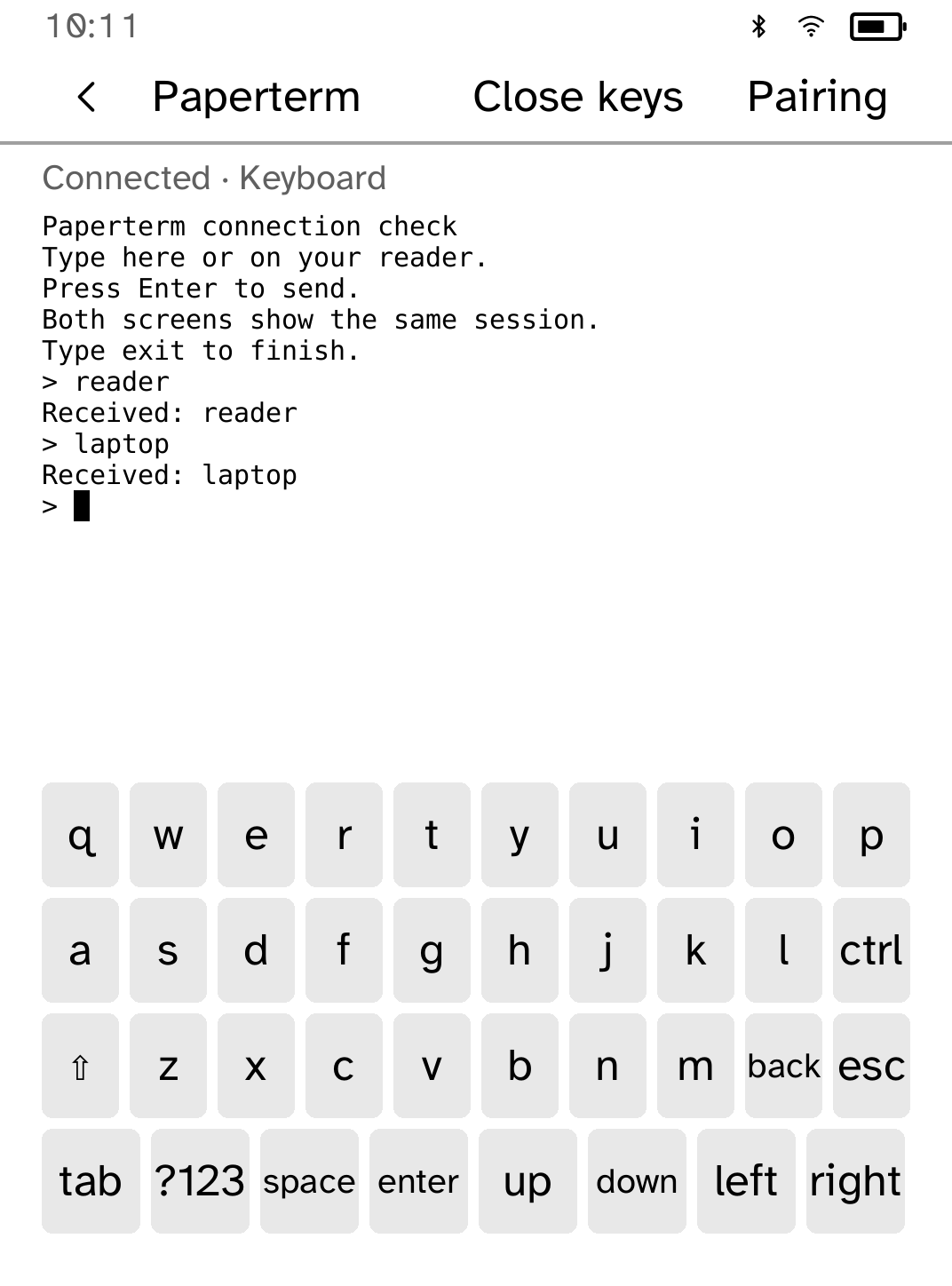
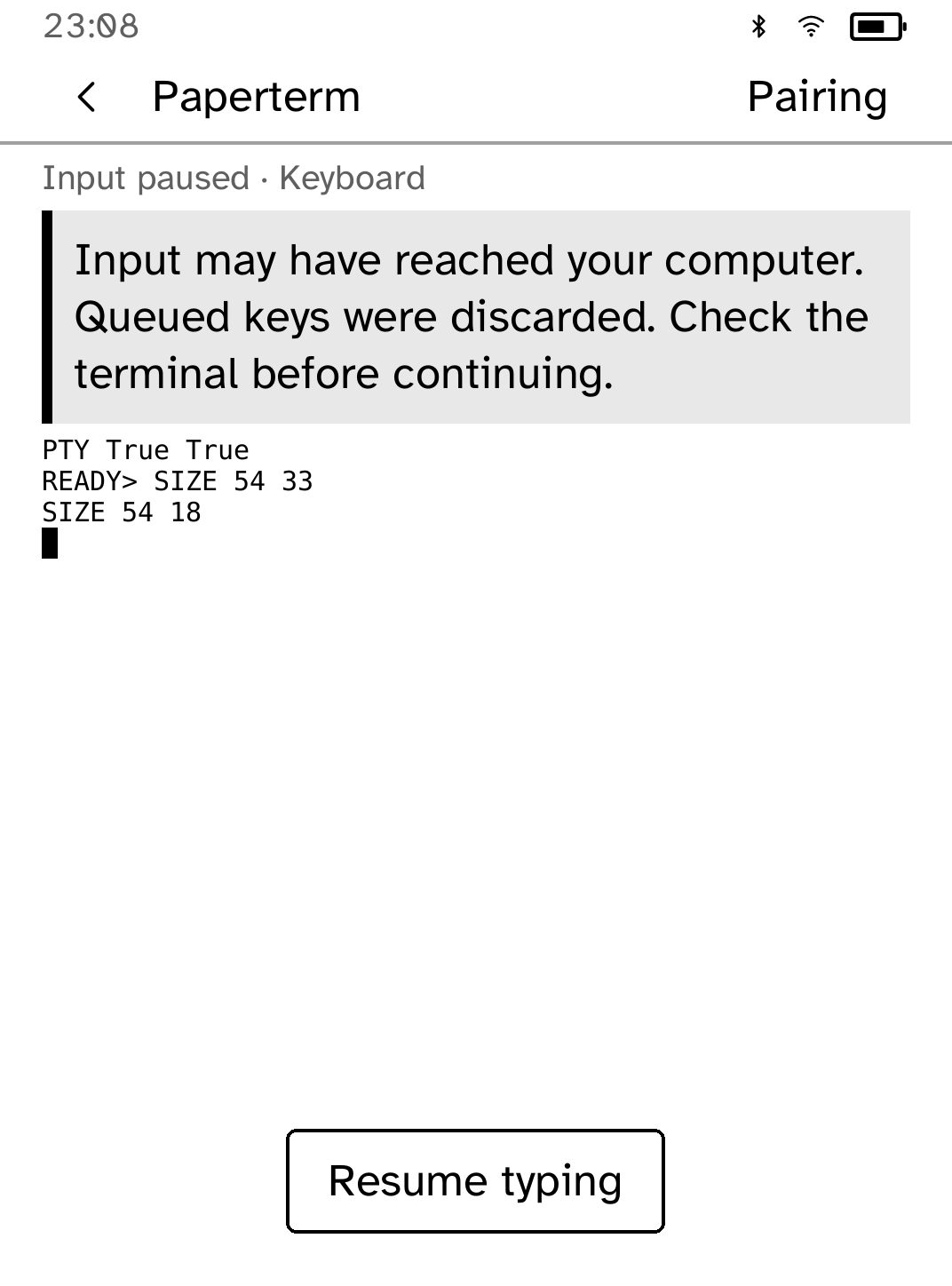
New in 0.1.14
The pairing address and code fields say what goes in them, a refused entry says why in place of the guidance, and a pairing that could not be saved offers Retry saving on its message.
App setup
Before you install
- Set up the reader once over USB, if you have not already.
kobo setup - Pair this computer with the reader. There is nothing to type on the reader. The first time, close Cobalt and open it again afterwards.
kobo stream init - Share a terminal and leave it open, then open Paperterm on the reader.
kobo stream terminal
Commands need the kobo command on macOS, Linux or Windows WSL. This installs it ready-built, without touching the reader:
curl -fsSL https://bandarlabs.github.io/Cobalt/install.sh | sh -s -- --no-setup
New to Cobalt?
Install Cobalt from your browser
Plug your Kobo into this computer and install Cobalt in about a minute. After that, apps install over Wi-Fi.
Works in Chrome, Edge and Opera. Check your Kobo is supported.
Already have Cobalt?
Link your Kobo to install
On your Kobo, open App Store, tap the globe in the top bar and choose Link browser. Scan the QR code, or enter the pairing code and verification key.
Install on your Kobo
Your Kobo checks the app's signature before installing it.