
Reading
Hacker News
Read Top, New, Ask, and Show stories with complete comment threads.
- Version
- 1.0.12
- Permissions
- network
- Requires
- Cobalt 0.3.31
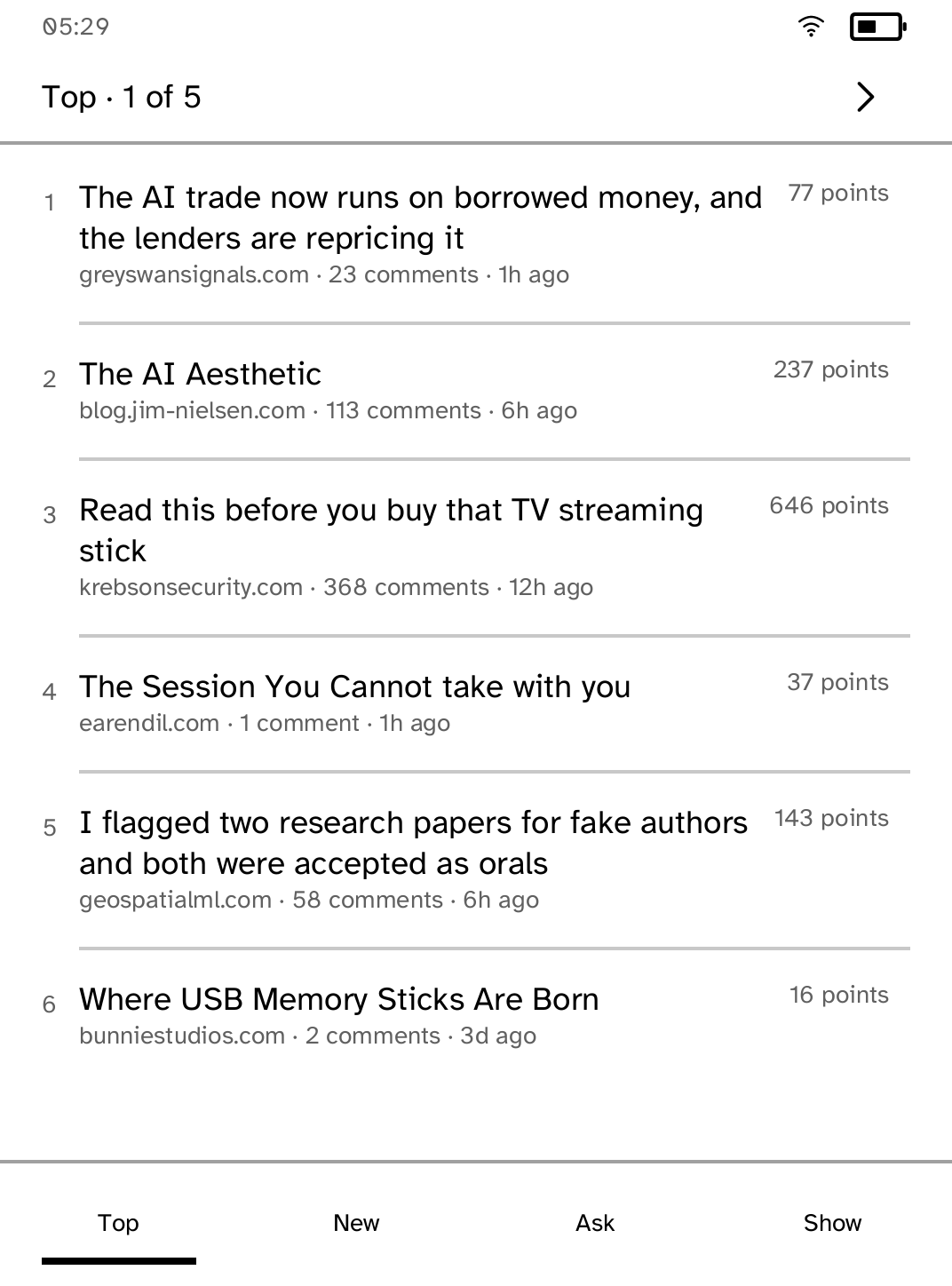
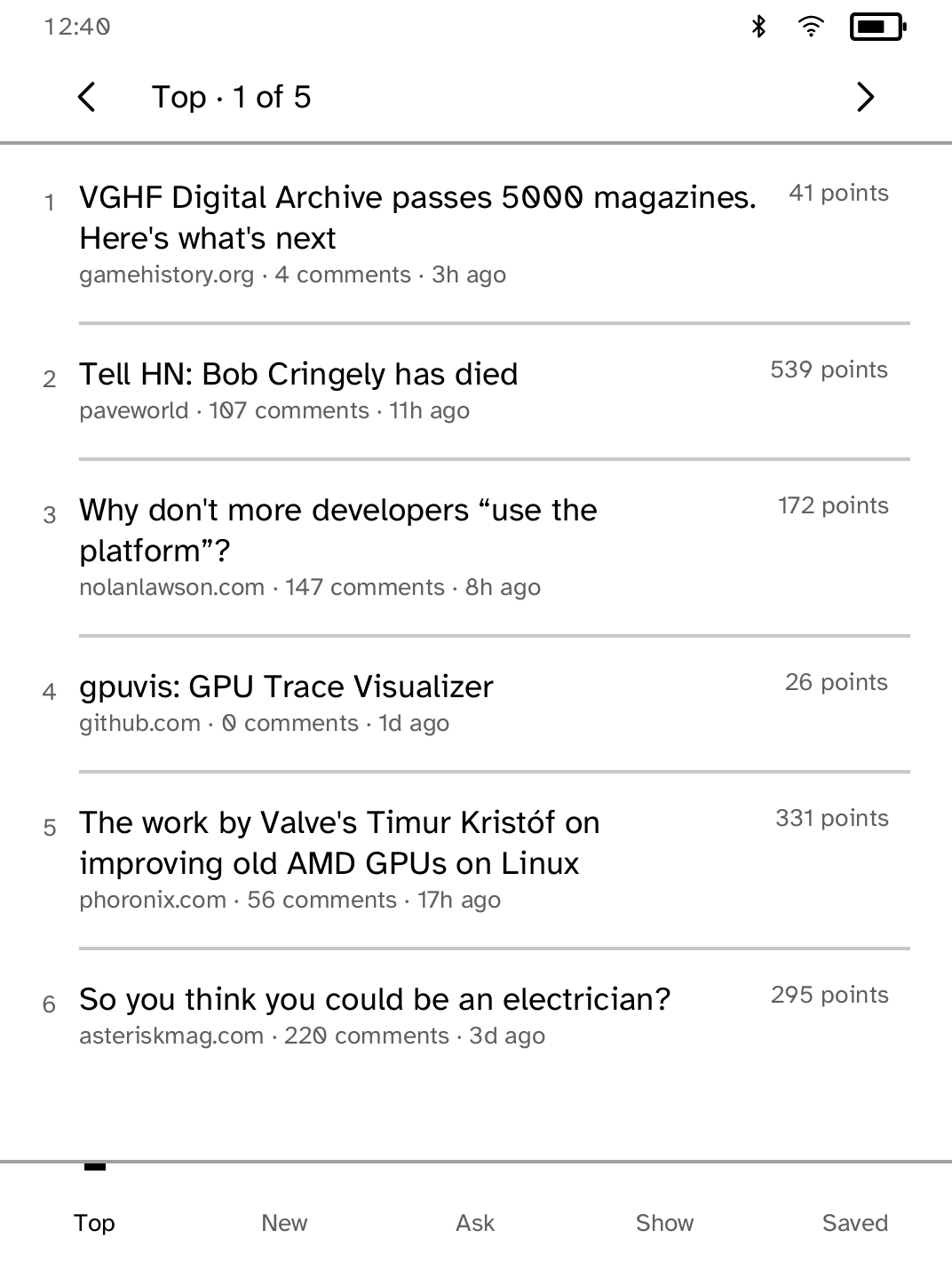

New in 1.0.12
A discussion that could not be fetched says why with Try again or Join Wi-Fi on the message, and the saved list offers Retry saving when it could not be written.
New to Cobalt?
Install Cobalt from your browser
Plug your Kobo into this computer and install Cobalt in about a minute. After that, apps install over Wi-Fi.
Works in Chrome, Edge and Opera. Check your Kobo is supported.
Already have Cobalt?
Link your Kobo to install
On your Kobo, open App Store, tap the globe in the top bar and choose Link browser. Scan the QR code, or enter the pairing code and verification key.
Install on your Kobo
Your Kobo checks the app's signature before installing it.