
Reading
Panels
Read CBZ comics on your Kobo with zoom, spreads and right-to-left reading. Add comics over USB or download them from your Komga library.
- Version
- 0.1.4
- Permissions
- network
- Requires
- Cobalt 0.3.18
New in 0.1.4
Clearer description in the Store. No change to how the app works.
App setup
Before you install
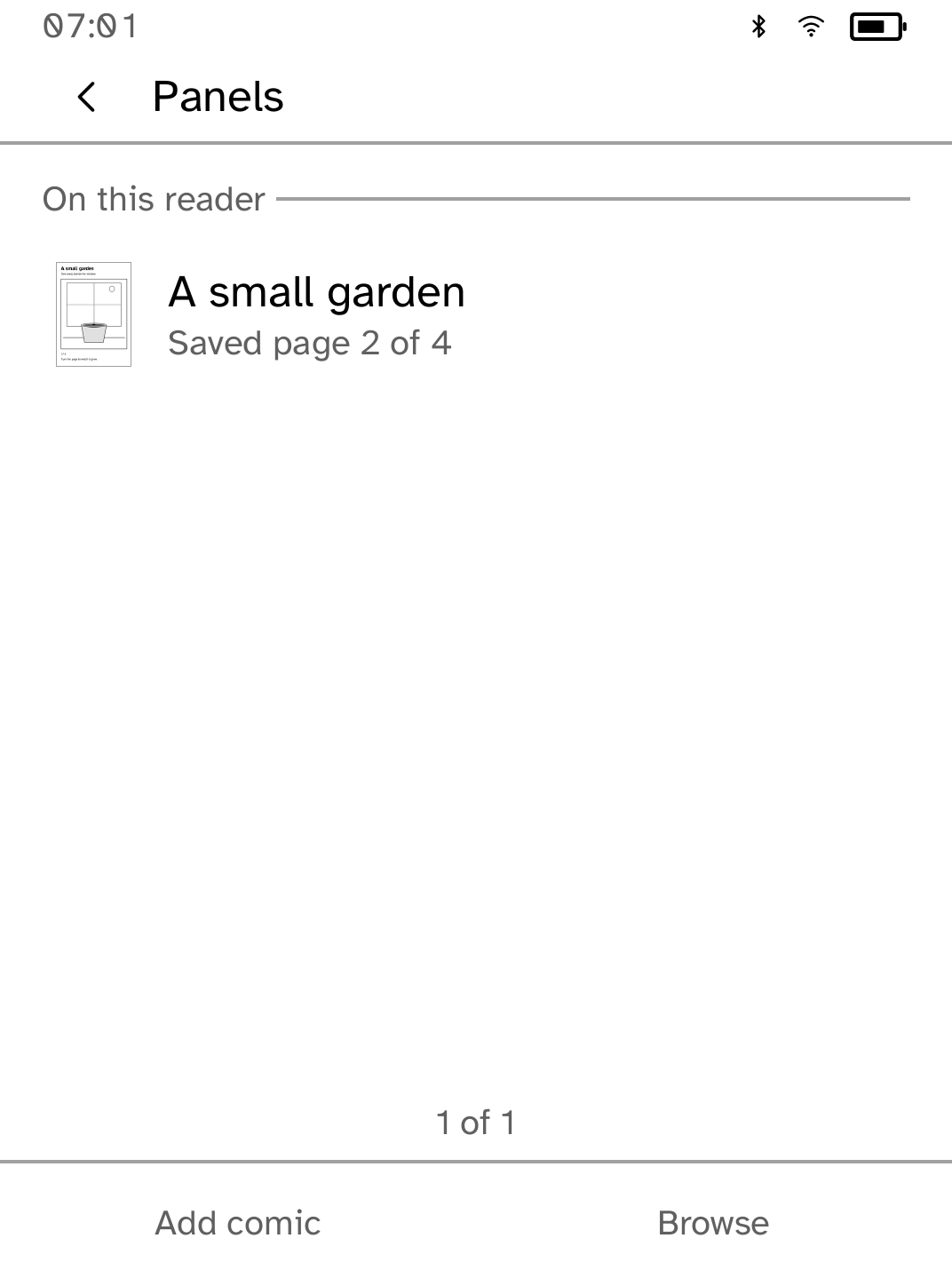
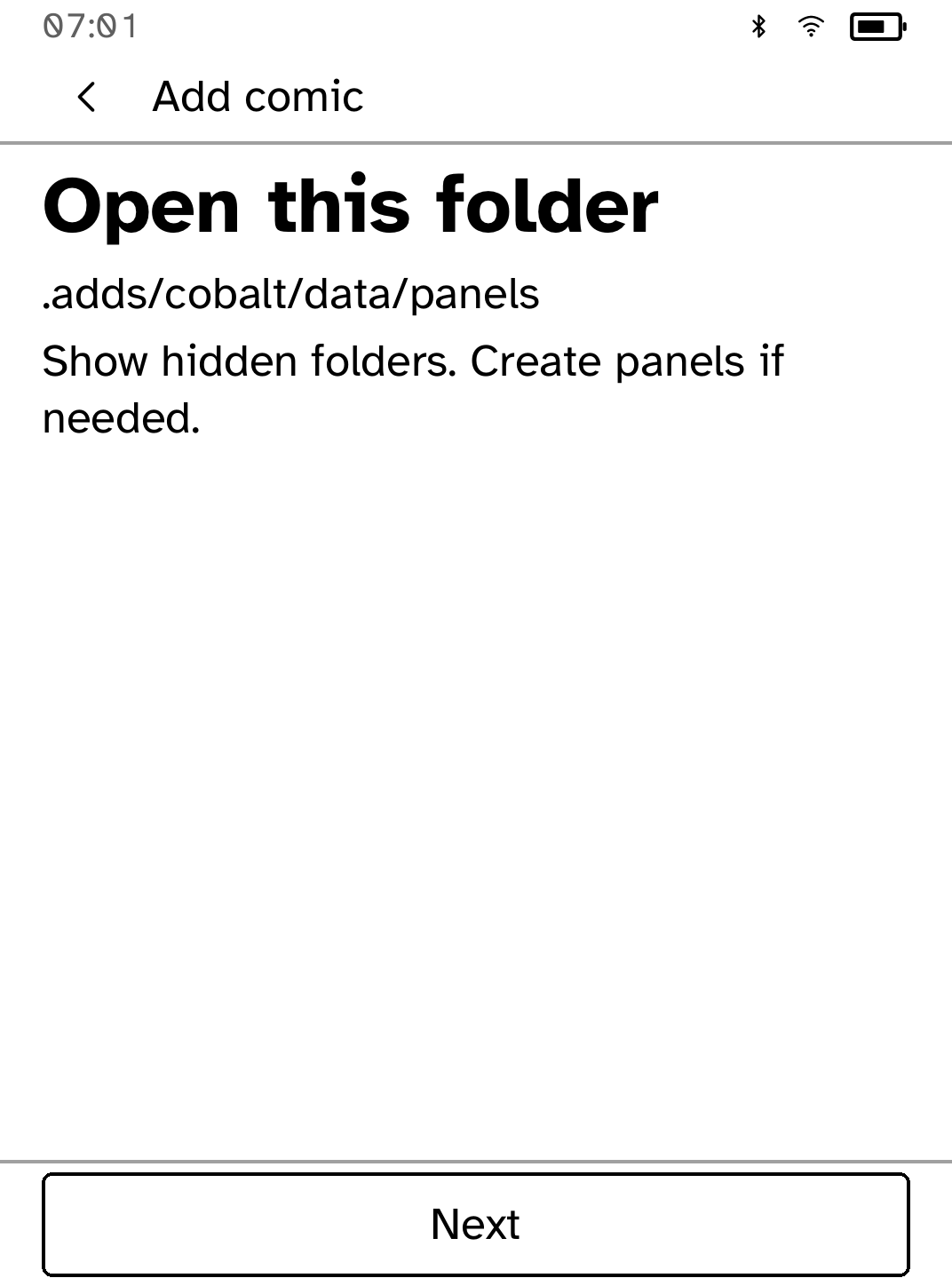
- Choose Try a sample comic to read offline, or Add comic for USB import instructions. CBZ files up to 32 MB are supported; CBR and PDF are not.
- To use Komga, choose Browse and enter your HTTPS server address. Add your username and password in Account details, then check the connection.
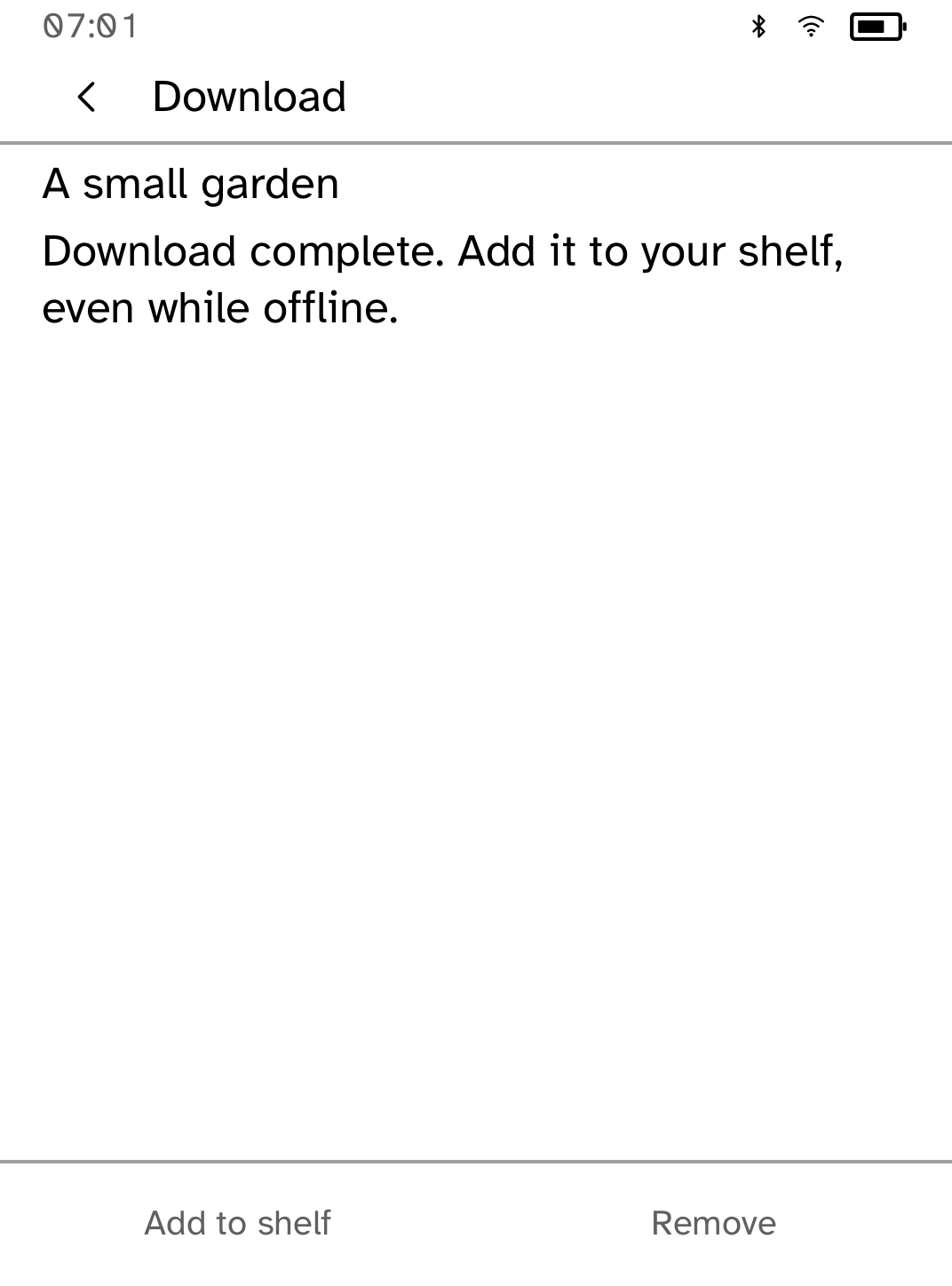
- Open Download on your shelf to retry a paused transfer. A completed download can be added to the shelf offline; saved comics remain available.
New to Cobalt?
Install Cobalt from your browser
Plug your Kobo into this computer and install Cobalt in about a minute. After that, apps install over Wi-Fi.
Works in Chrome, Edge and Opera. Check your Kobo is supported.
Already have Cobalt?
Link your Kobo to install
On your Kobo, open App Store, tap the globe in the top bar and choose Link browser. Scan the QR code, or enter the pairing code and verification key.
Install on your Kobo
Your Kobo checks the app's signature before installing it.