
Vault
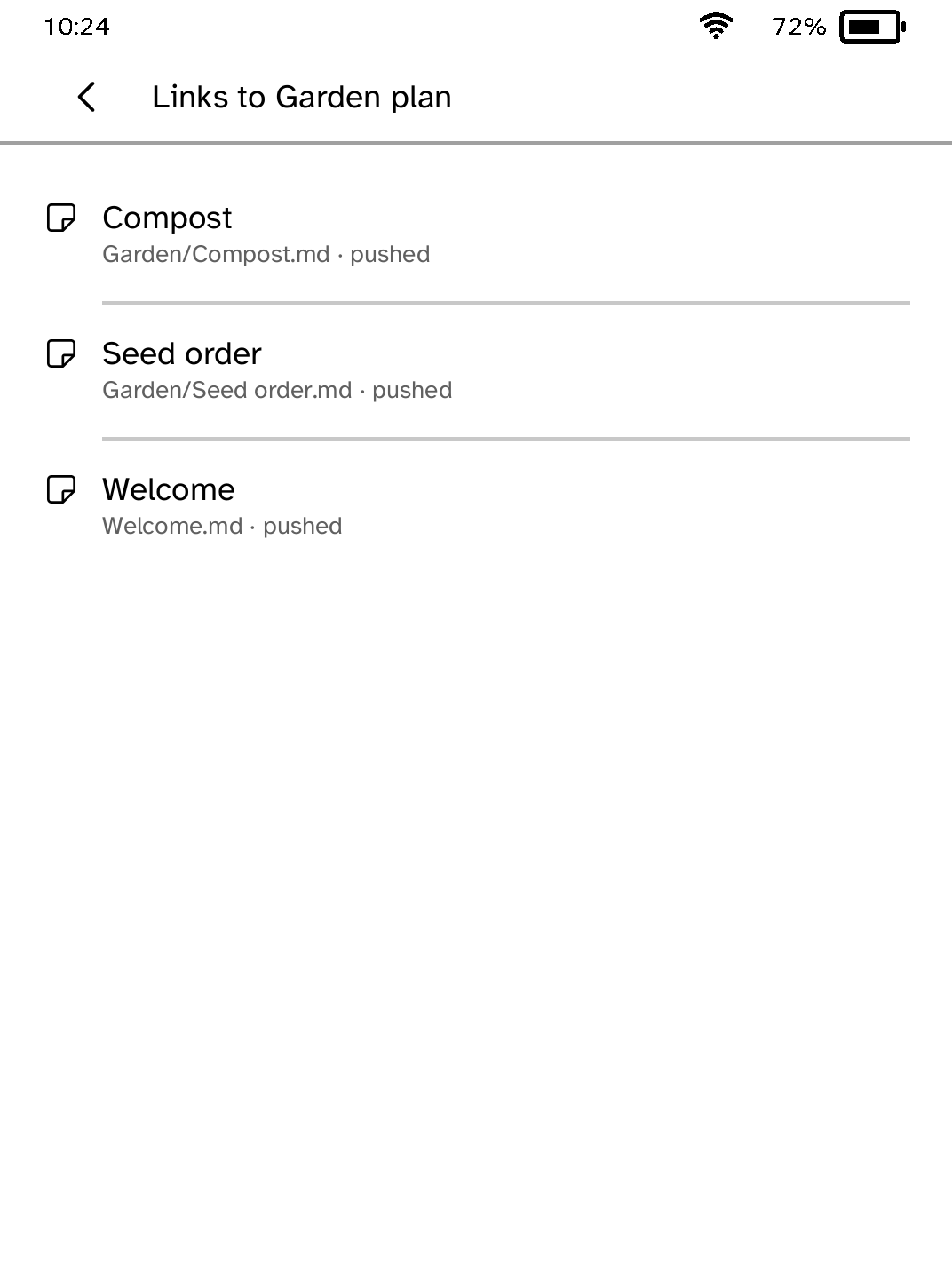
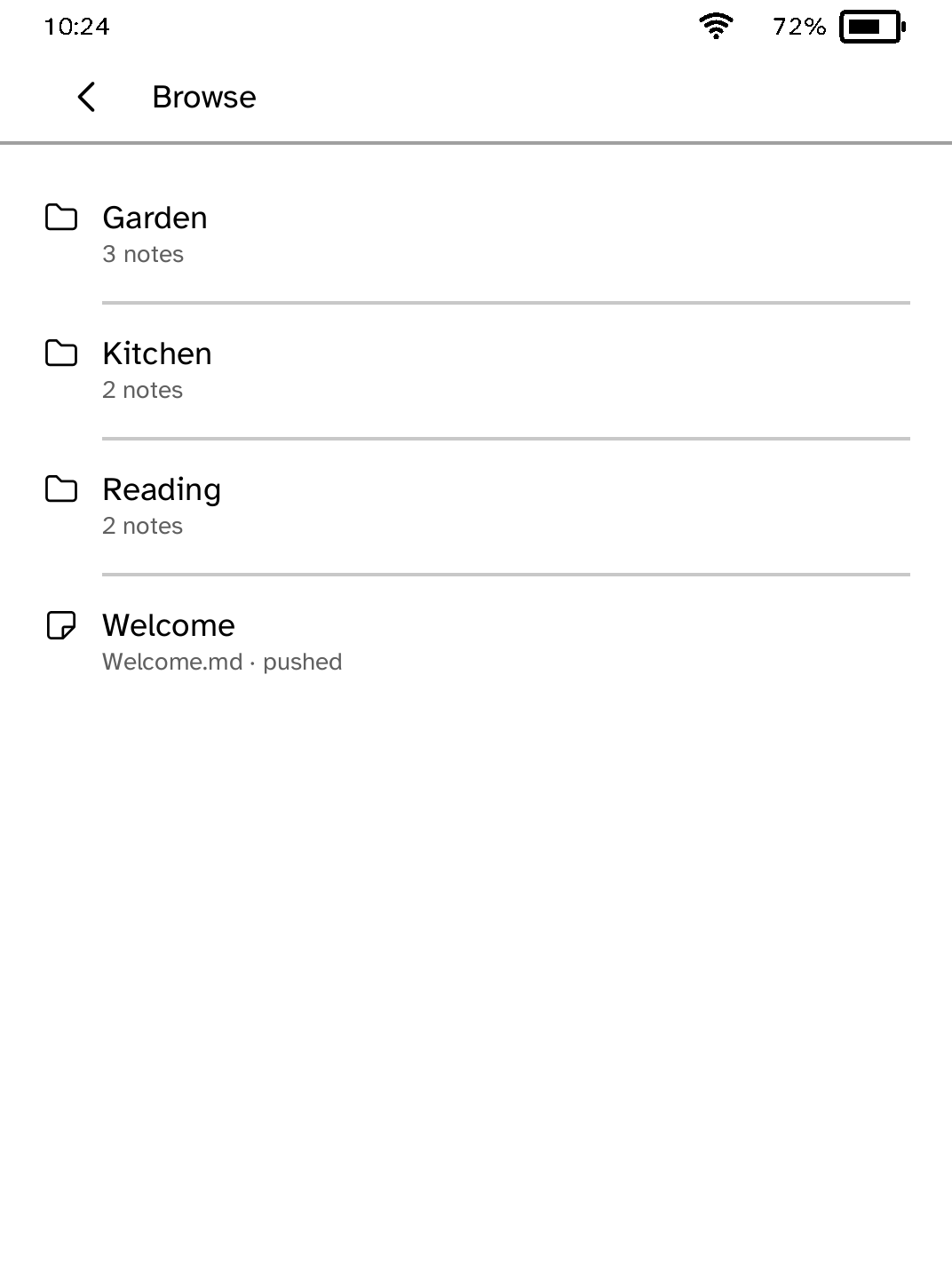
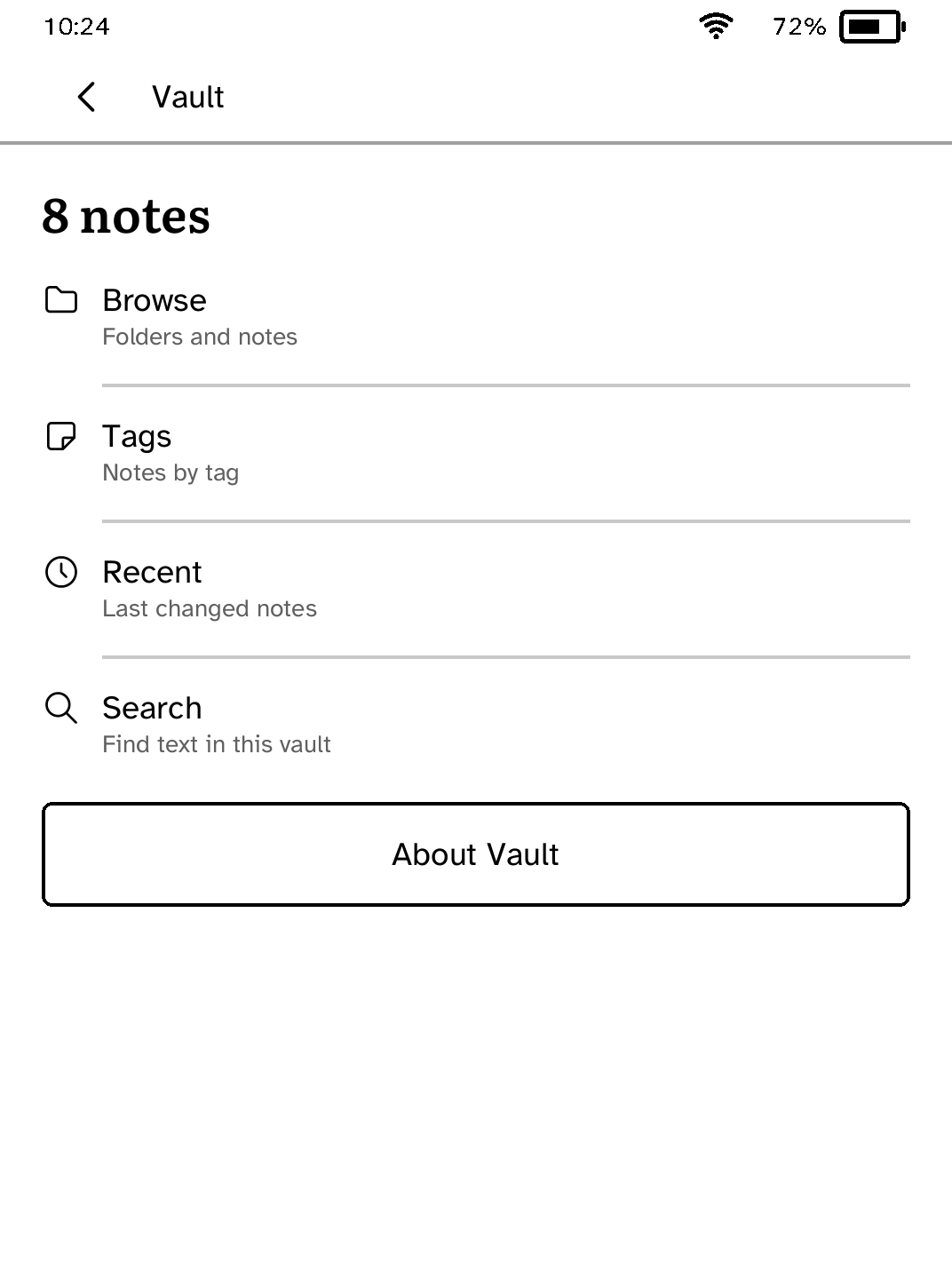
Keep a searchable copy of your note library ready to read on your Kobo.
- Version
- 0.1.13
- Needs
- Cobalt 0.3.34 or newer
- May use
- Nothing beyond its own storage
Before you install
- Set up the reader once over USB, if you have not already.
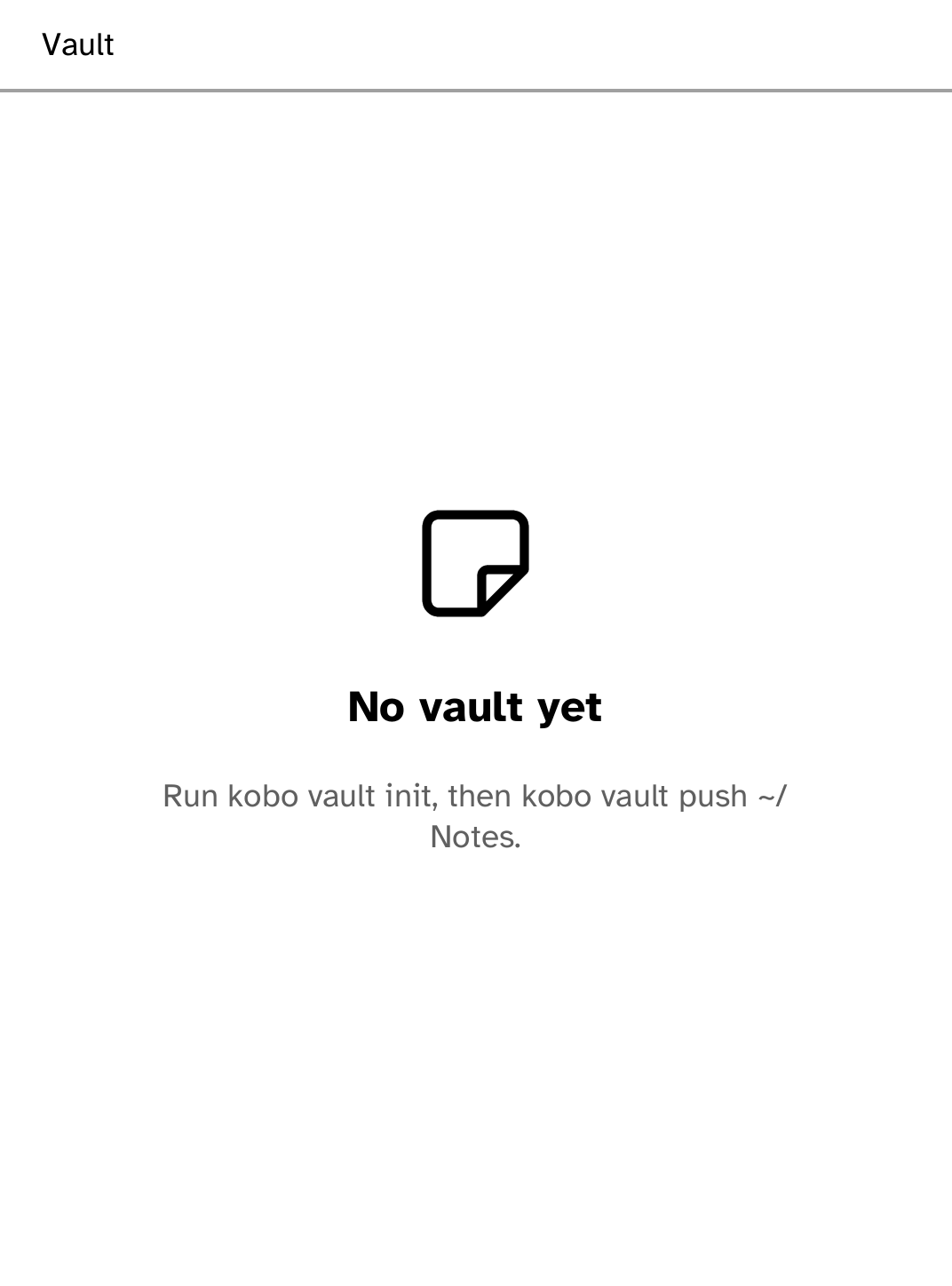
kobo setup - Send a folder of Markdown notes. Push again whenever your notes change: only changed notes are sent.
kobo vault push ~/Notes
Commands need the kobo command on macOS, Linux or Windows WSL. This installs it ready-built, without touching the reader:
curl -fsSL https://bandarlabs.github.io/Cobalt/install.sh | sh -s -- --no-setup
New to Cobalt? Install it from your browser.
Plug your Kobo into this computer and install Cobalt in about a minute. After that, apps install over Wi-Fi.
Works in Chrome, Edge and Opera. Check your Kobo is supported.
Already have Cobalt? Link your Kobo.
On your Kobo, open App Store and tap Link a browser in the top bar, then Link a browser again. Scan the QR code, or enter the pairing code and verification key it shows.
Install on your Kobo
Your Kobo checks the app's signature before installing it.
New in 0.1.13
Search results now say what you searched for and show the words around each match, and opening a result goes straight to the page that holds them.
Want another Kobo app? Request it, suggest a feature or report a bug in r/CobaltForKobo.