
Productivity
Post
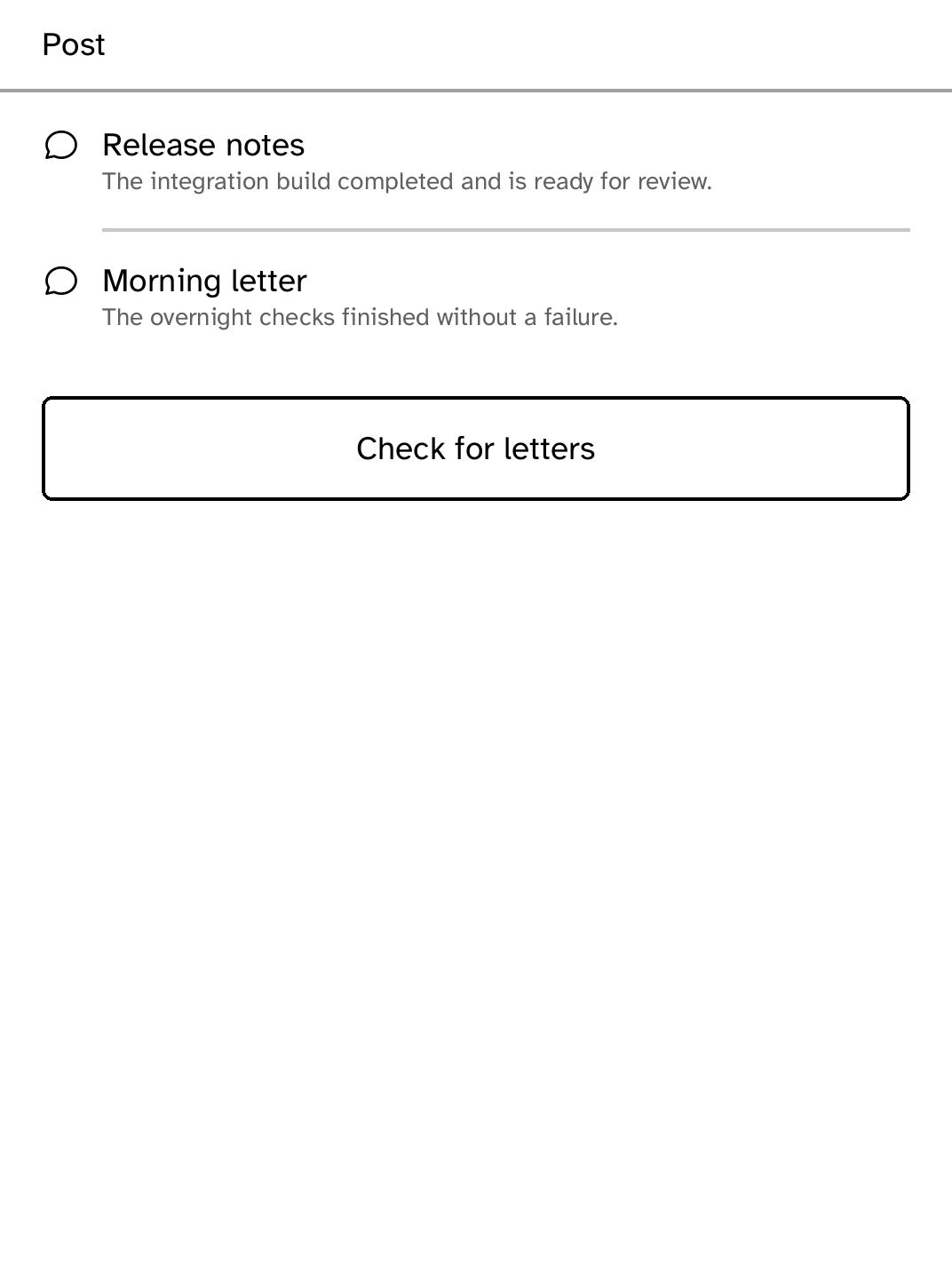
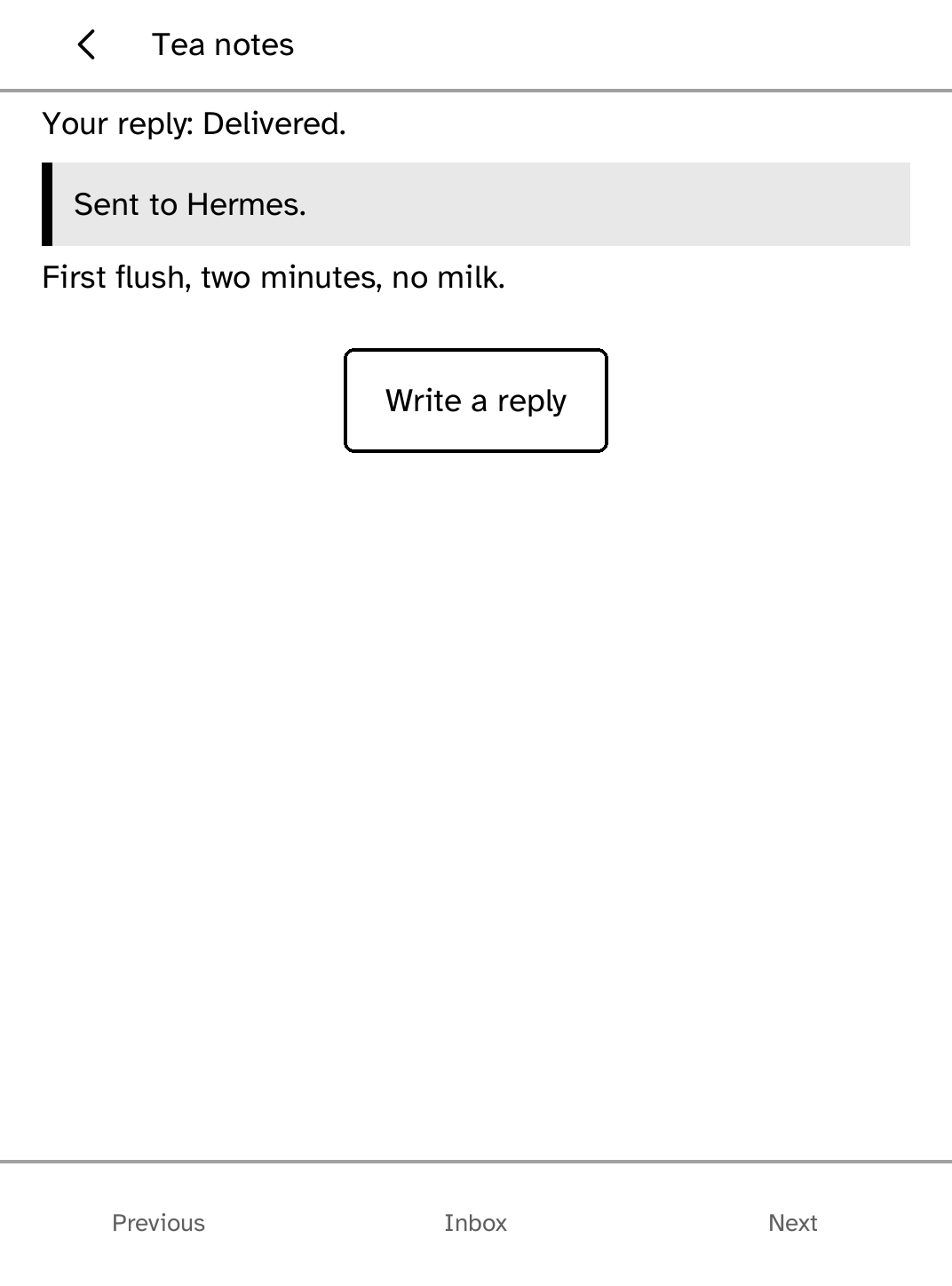
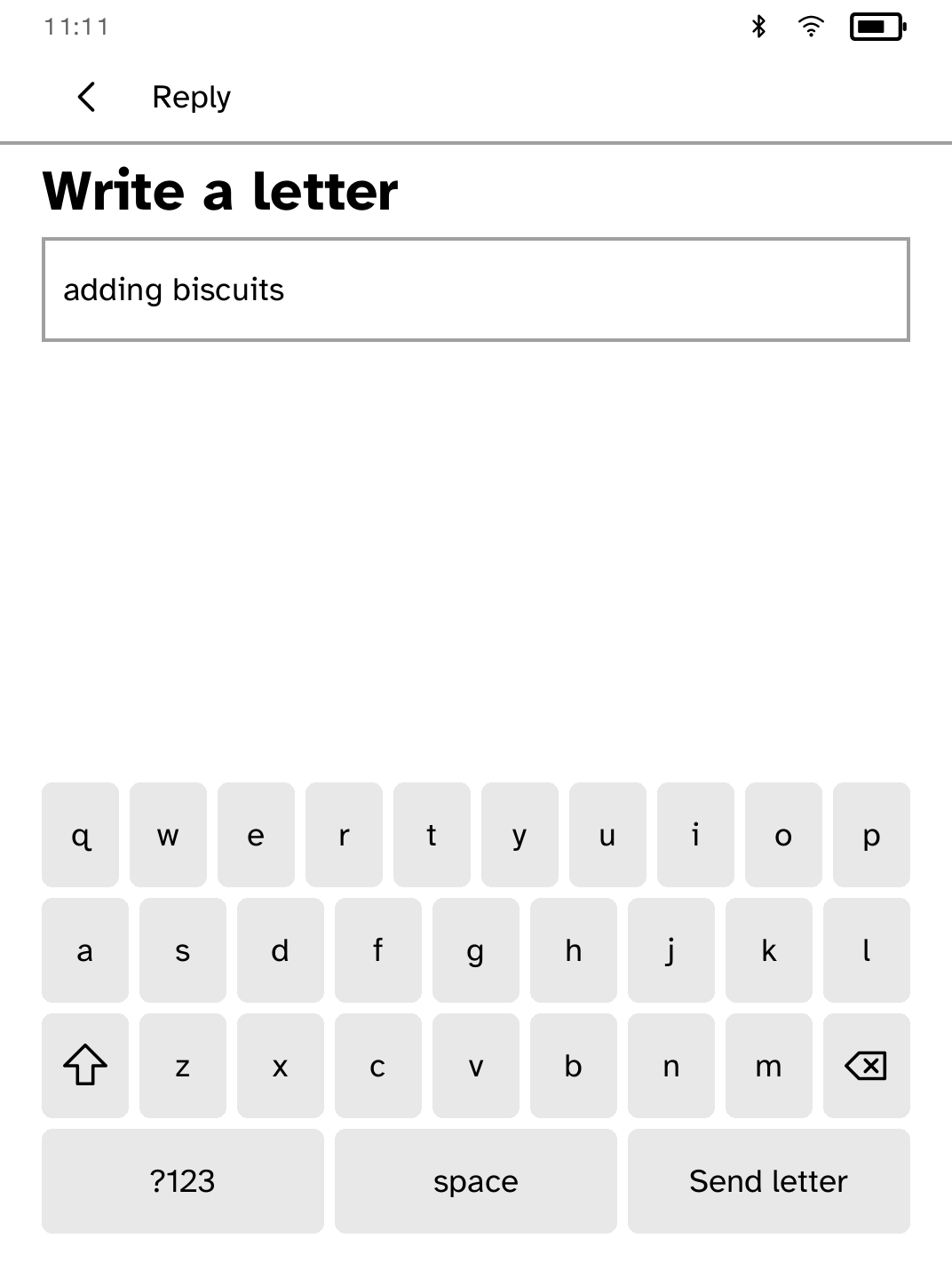
Read and reply to letters from your own Hermes Agent. The inbox and your drafts stay readable offline, and replies are sent when the gateway is back.
- Version
- 0.2.3
- Permissions
- network
- Requires
- Cobalt 0.3.18
New in 0.2.3
Clearer description in the Store. No change to how the app works.
App setup
Before you install
- Deploy a compatible Hermes gateway behind HTTPS and note its public URL.
- Install the gateway bearer token under the exact name hermes-post.
kobo secret set hermes-post --device <address>
New to Cobalt?
Install Cobalt from your browser
Plug your Kobo into this computer and install Cobalt in about a minute. After that, apps install over Wi-Fi.
Works in Chrome, Edge and Opera. Check your Kobo is supported.
Already have Cobalt?
Link your Kobo to install
On your Kobo, open App Store, tap the globe in the top bar and choose Link browser. Scan the QR code, or enter the pairing code and verification key.
Install on your Kobo
Your Kobo checks the app's signature before installing it.