
Fieldbook
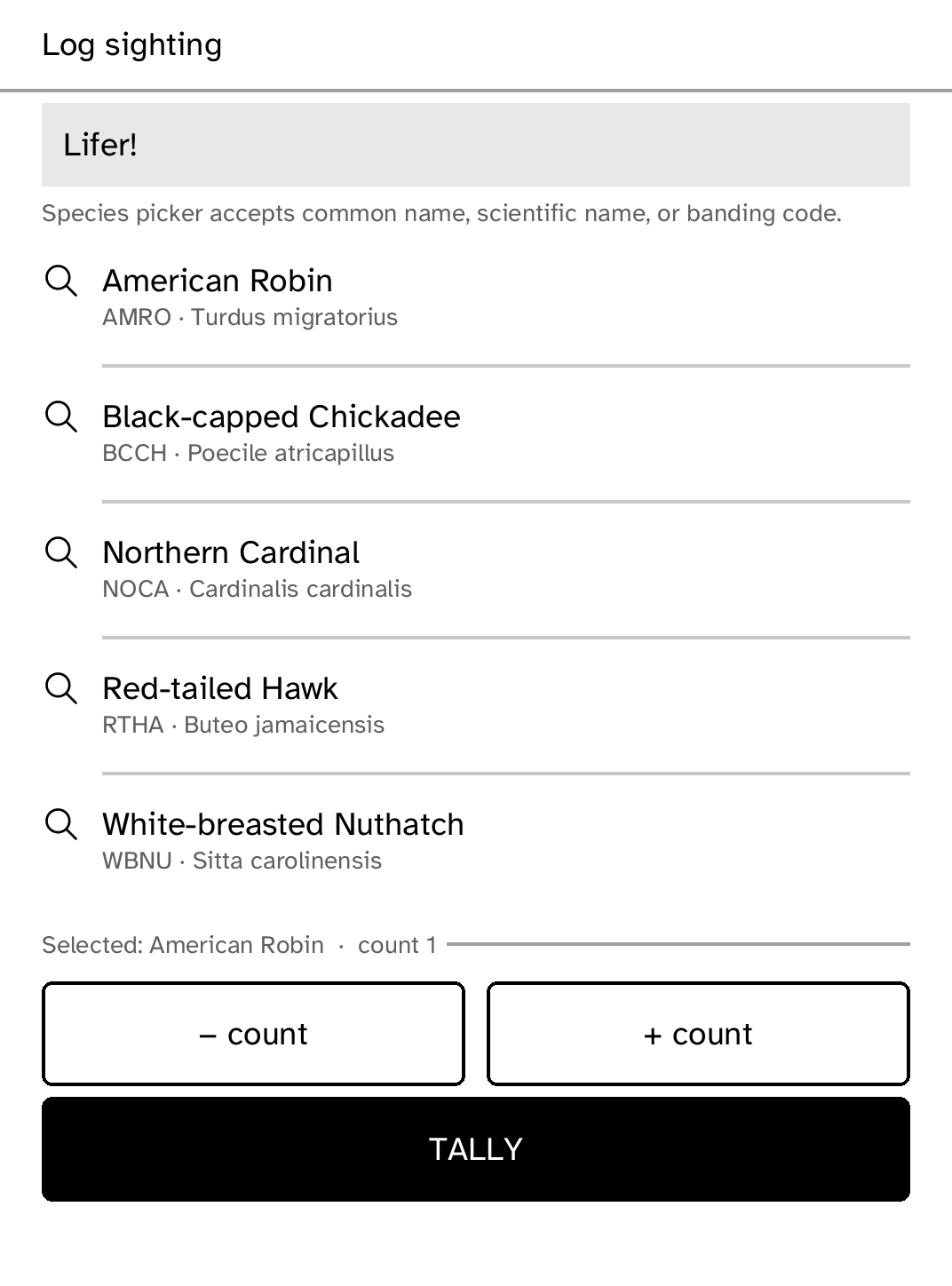
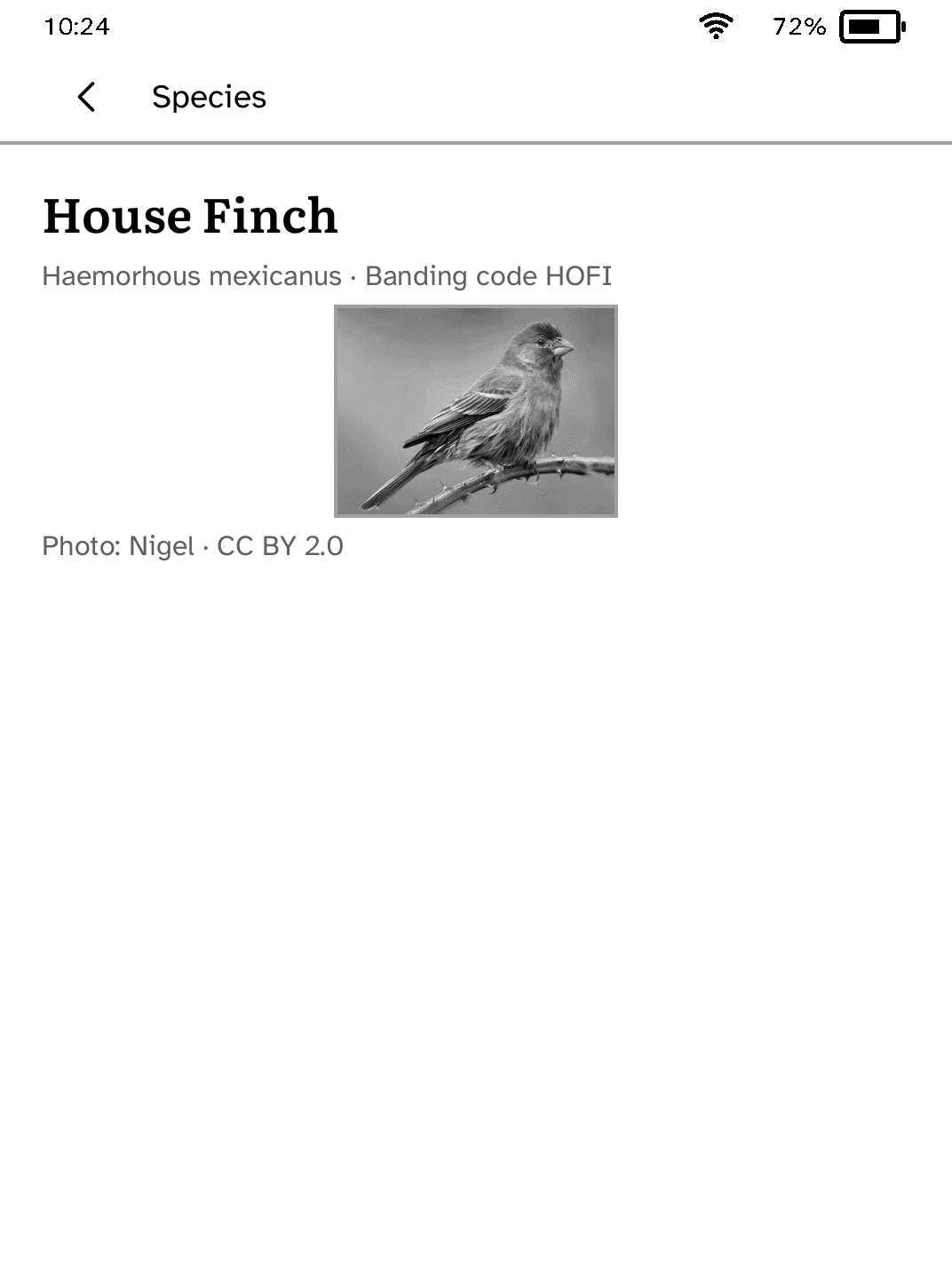
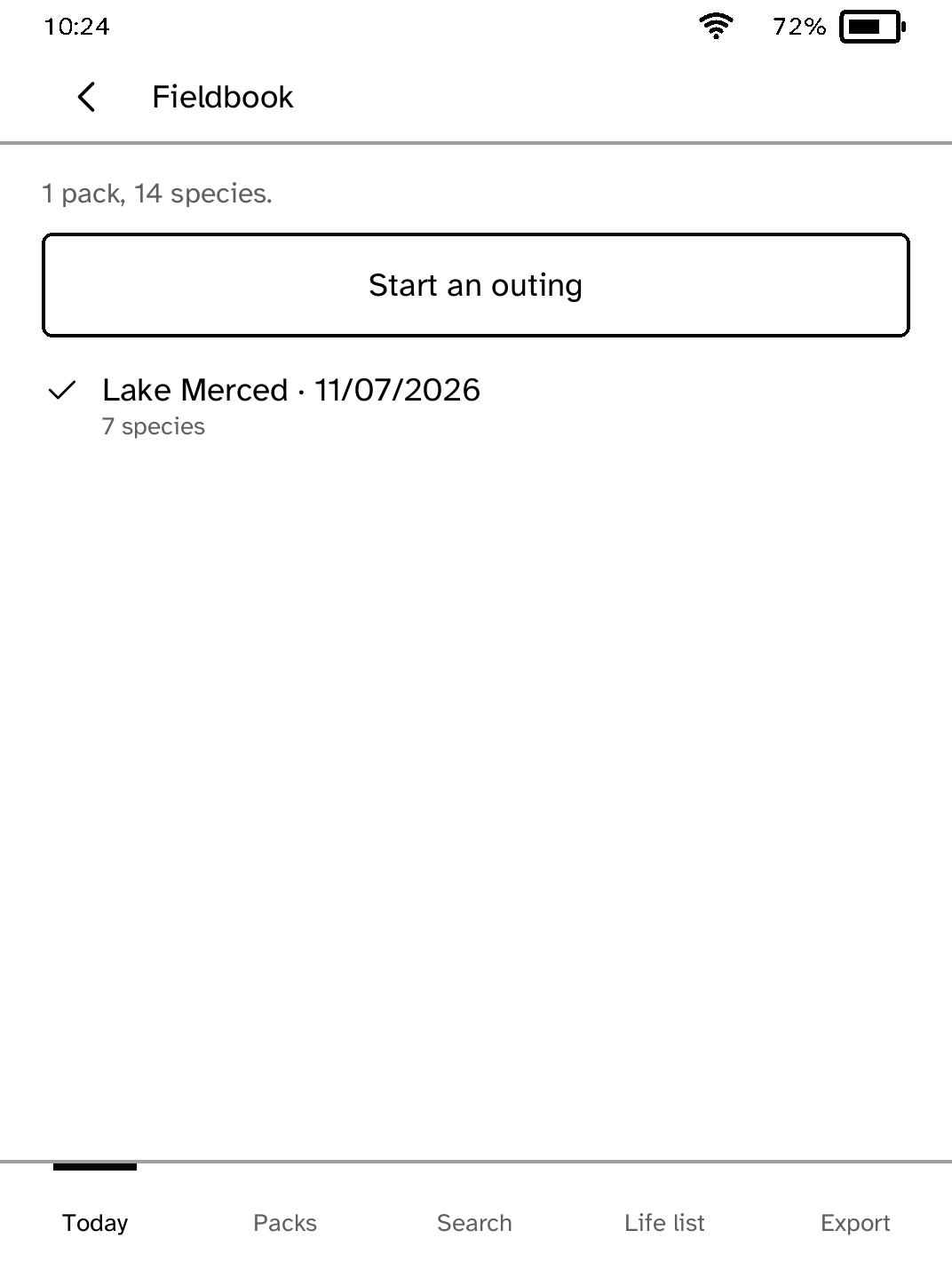
A field-ready eBird companion for quick sightings, species lookup, life lists, and checklist sharing.
- Version
- 0.3.11
- Needs
- Cobalt 0.3.34 or newer
- May use
- Nothing beyond its own storage
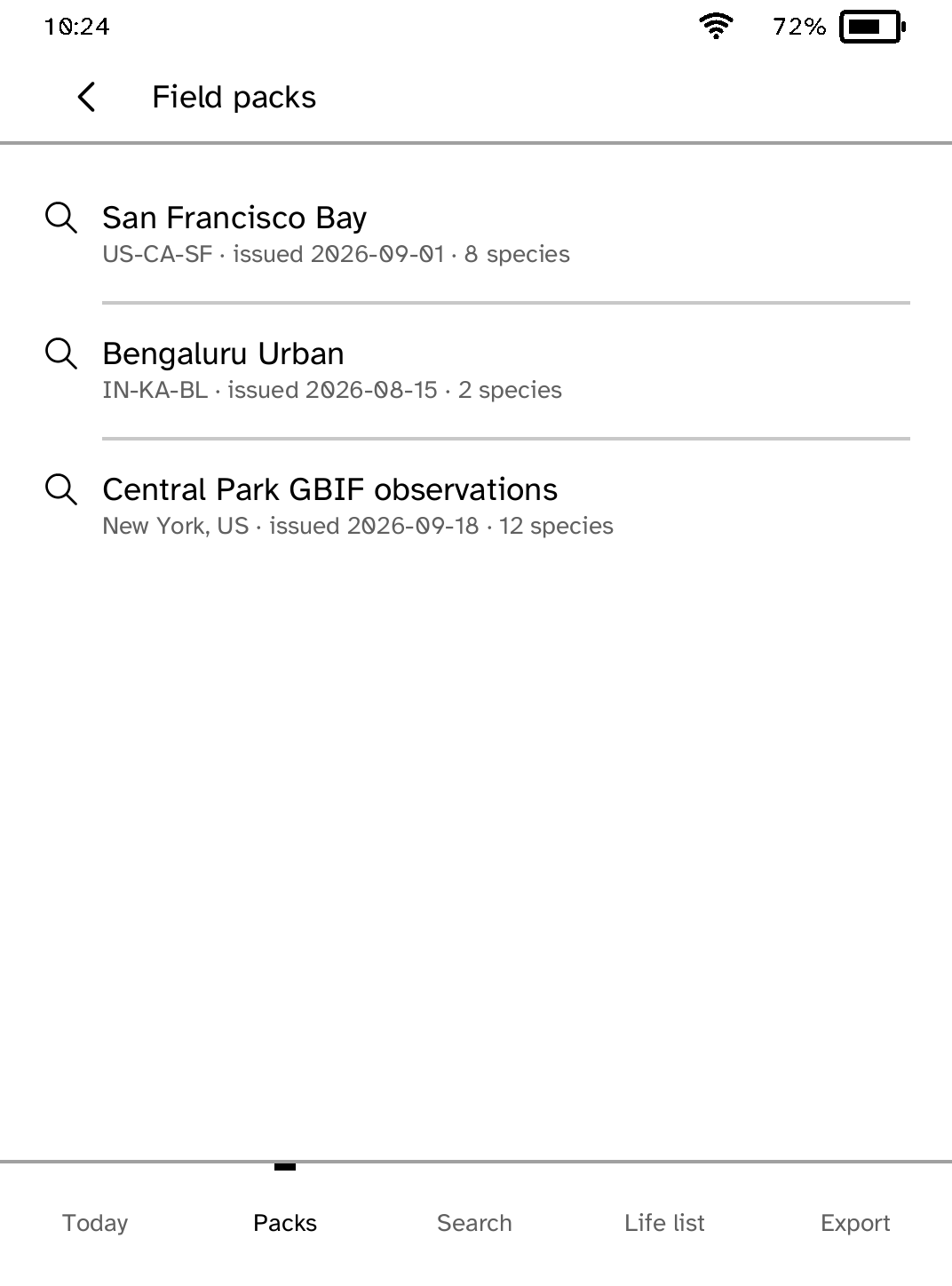
Before you install
- Set up the reader once over USB, if you have not already.
kobo setup - Make a field pack from a CSV list of birds, such as your eBird data download.
kobo fieldbook new MyEBirdData.csv --title "Local birds" --out pack.json - Send the pack. Each push adds packs; the ones already there stay.
kobo fieldbook push pack.json - Later, bring your outings back as an eBird checklist.
kobo fieldbook export --out outings.csv
Commands need the kobo command on macOS, Linux or Windows WSL. This installs it ready-built, without touching the reader:
curl -fsSL https://bandarlabs.github.io/Cobalt/install.sh | sh -s -- --no-setup
New to Cobalt? Install it from your browser.
Plug your Kobo into this computer and install Cobalt in about a minute. After that, apps install over Wi-Fi.
Works in Chrome, Edge and Opera. Check your Kobo is supported.
Already have Cobalt? Link your Kobo.
On your Kobo, open App Store and tap Link a browser in the top bar, then Link a browser again. Scan the QR code, or enter the pairing code and verification key it shows.
Install on your Kobo
Your Kobo checks the app's signature before installing it.
New in 0.3.11
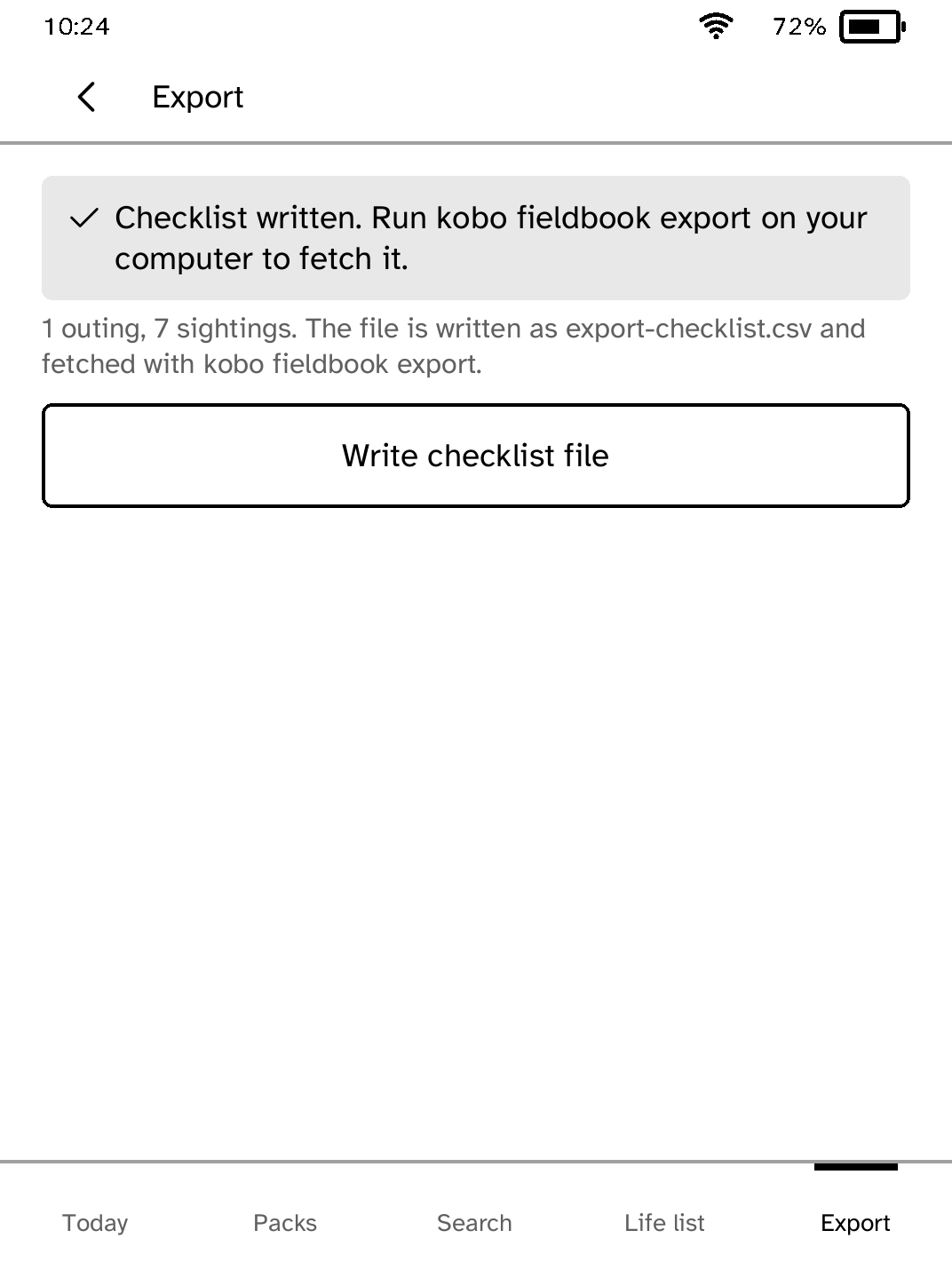
Search and Export keep the tabs along the bottom when empty, and Back returns to the list you came from. Birds logged by name no longer show an empty banding code, and writing the checklist file now says when it is done.
Want another Kobo app? Request it, suggest a feature or report a bug in r/CobaltForKobo.