
Devices
Birds
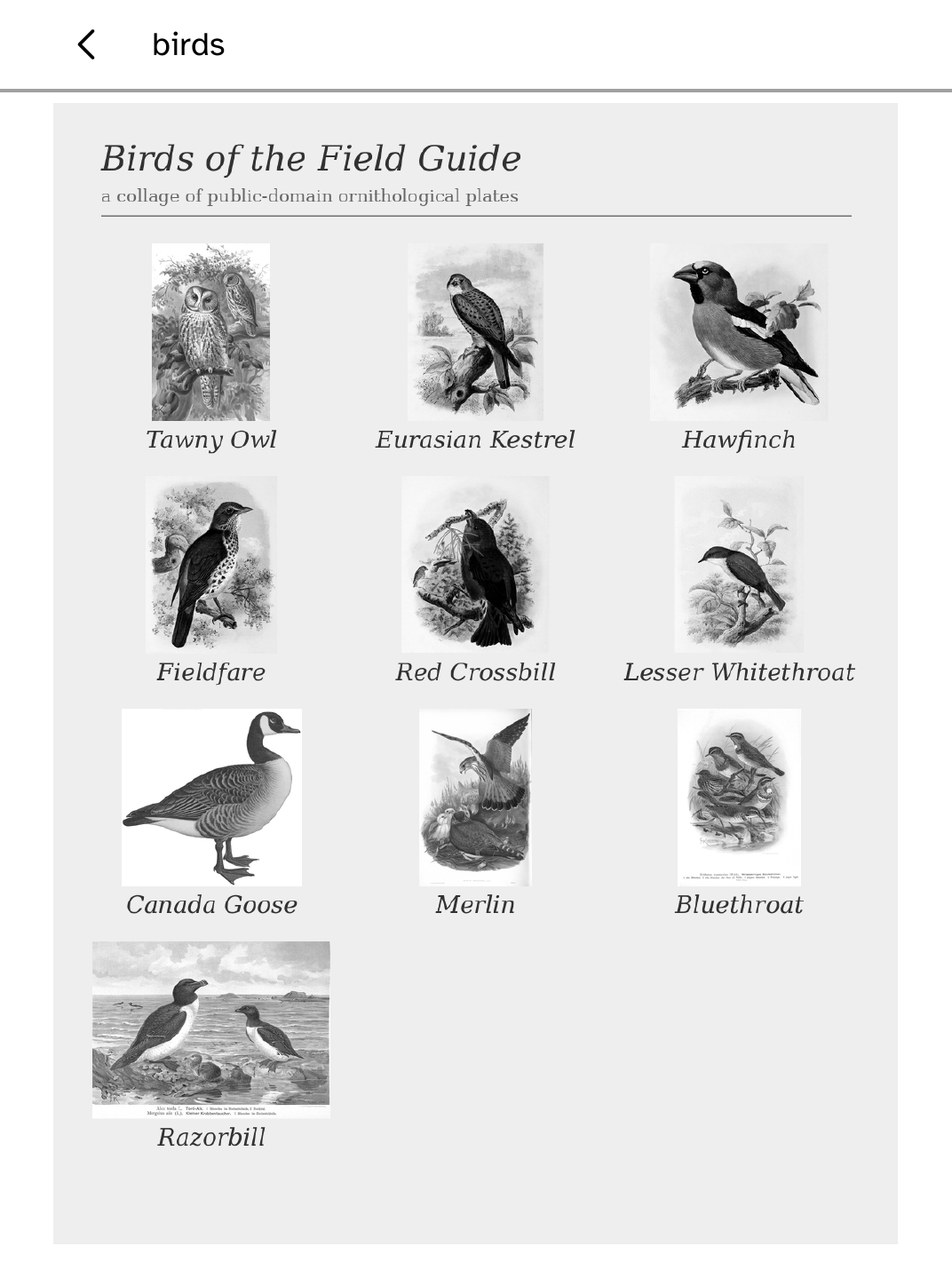
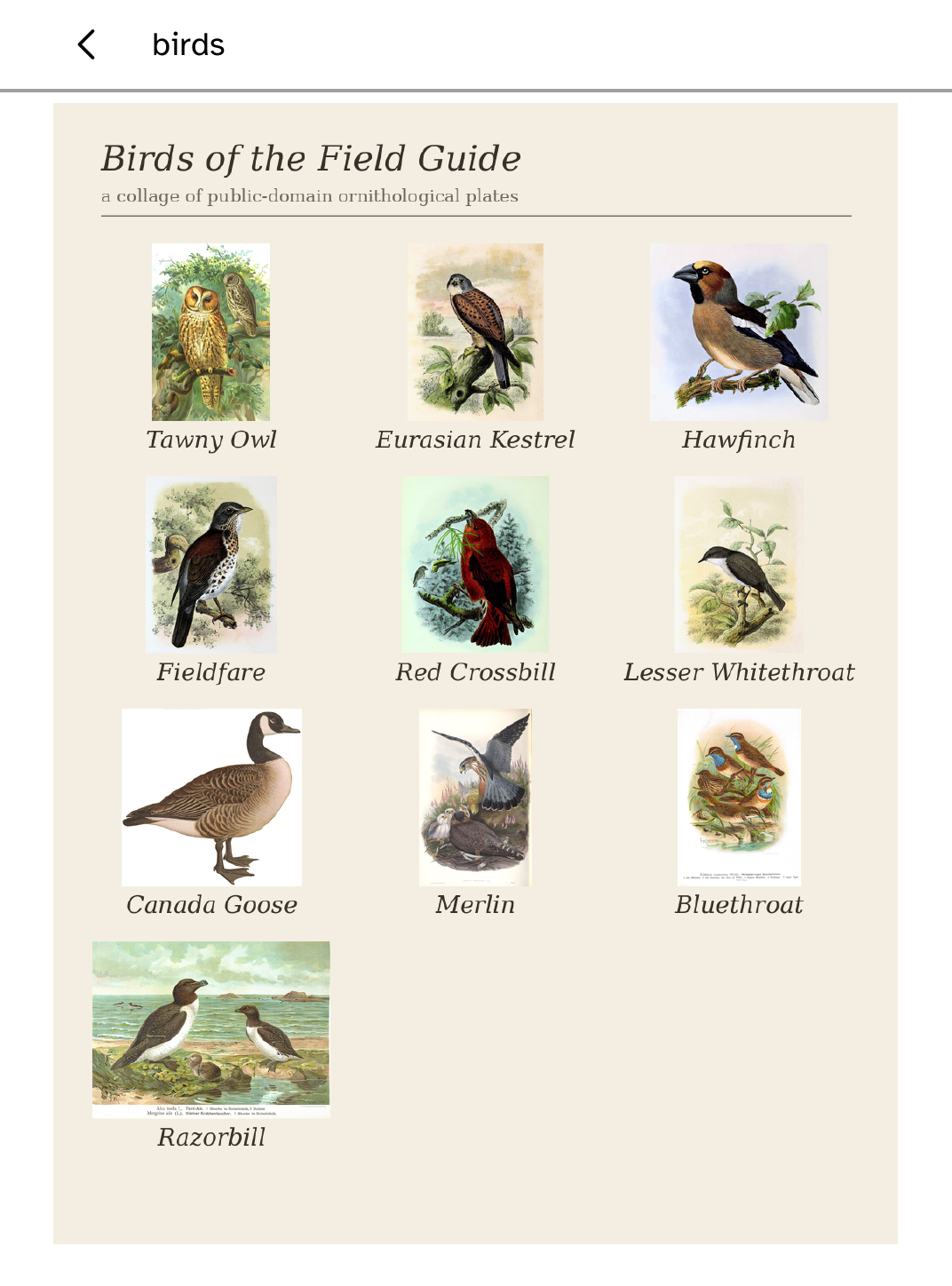
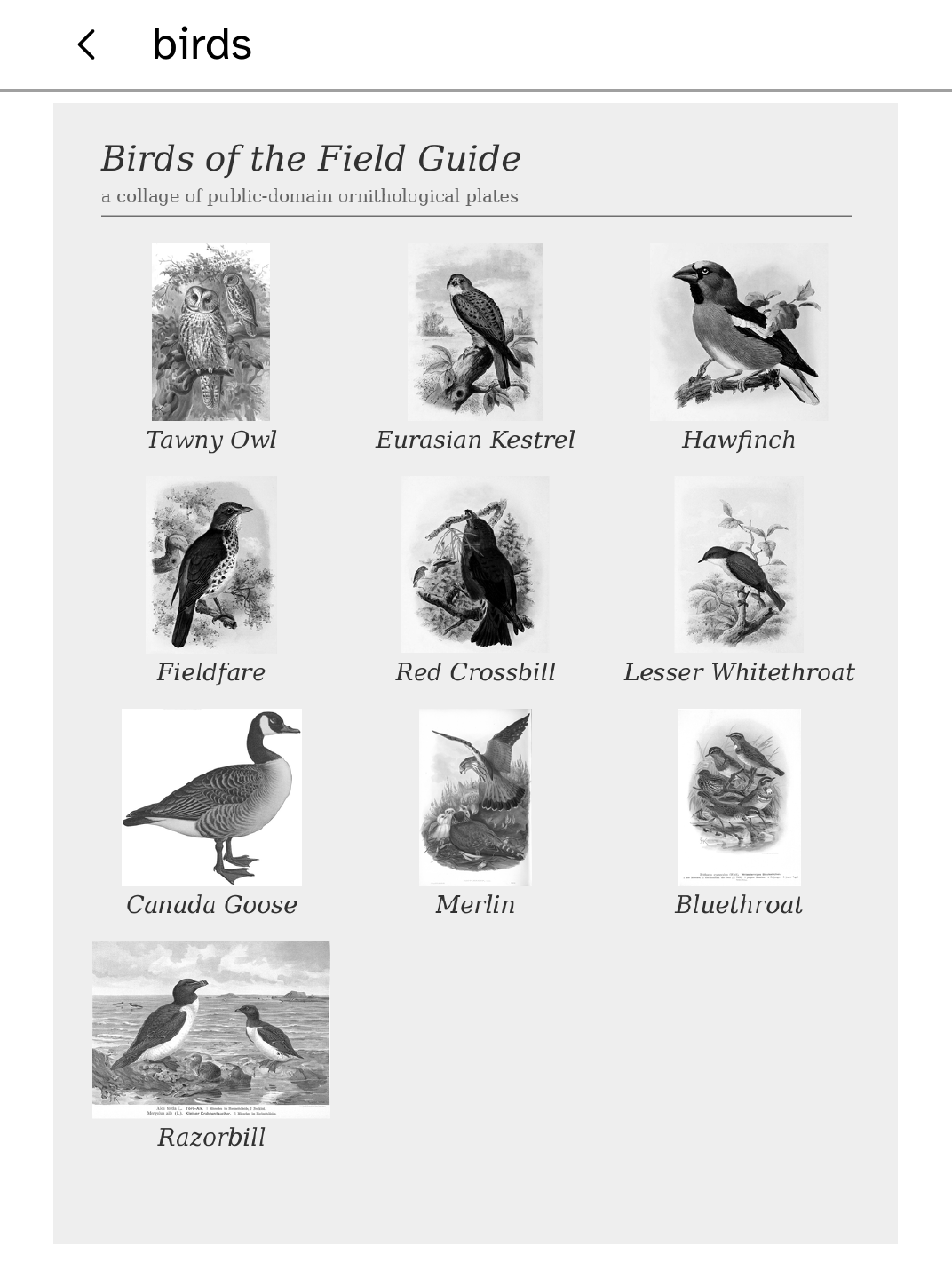
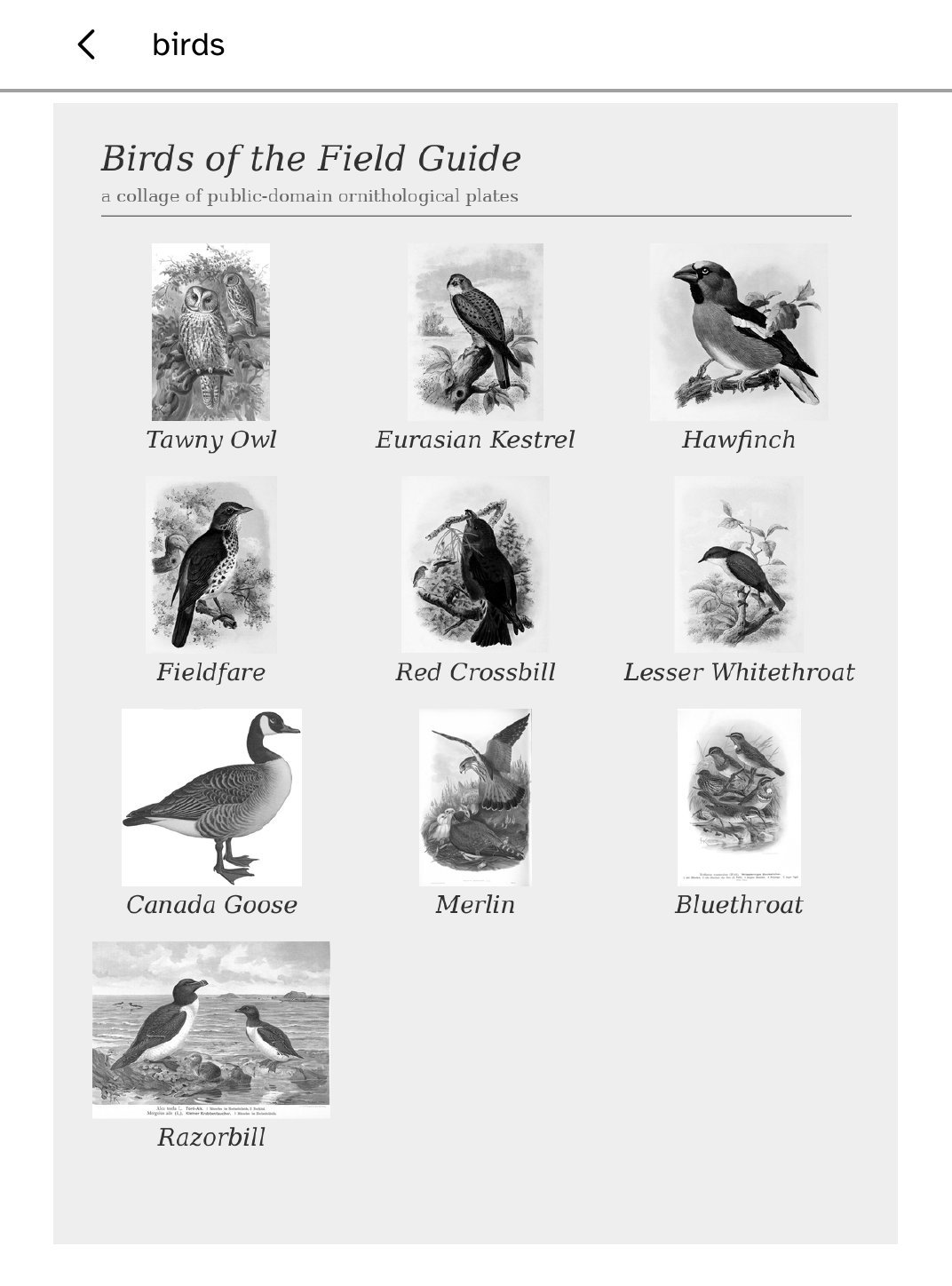
See the birds BirdNET-Go hears on your computer, drawn as Fugleramme's labelled plates and sent to your Kobo. The last collage stays on screen offline.
- Version
- 0.1.4
- Permissions
- No additional permissions
- Requires
- Cobalt 0.3.18
New in 0.1.4
Clearer description and setup steps in the Store. No change to how the app works.
App setup
Before you install
- Run BirdNET-Go and Fugleramme on a Mac or Linux computer with a microphone.
See apps/birds/README.md - Enable SSH with kobo setup --enable-ssh, then start the companion on the computer.
kobo birds listen --source http://<host>:8080 --device <reader>
New to Cobalt?
Install Cobalt from your browser
Plug your Kobo into this computer and install Cobalt in about a minute. After that, apps install over Wi-Fi.
Works in Chrome, Edge and Opera. Check your Kobo is supported.
Already have Cobalt?
Link your Kobo to install
On your Kobo, open App Store, tap the globe in the top bar and choose Link browser. Scan the QR code, or enter the pairing code and verification key.
Install on your Kobo
Your Kobo checks the app's signature before installing it.