
Reading
Preprints
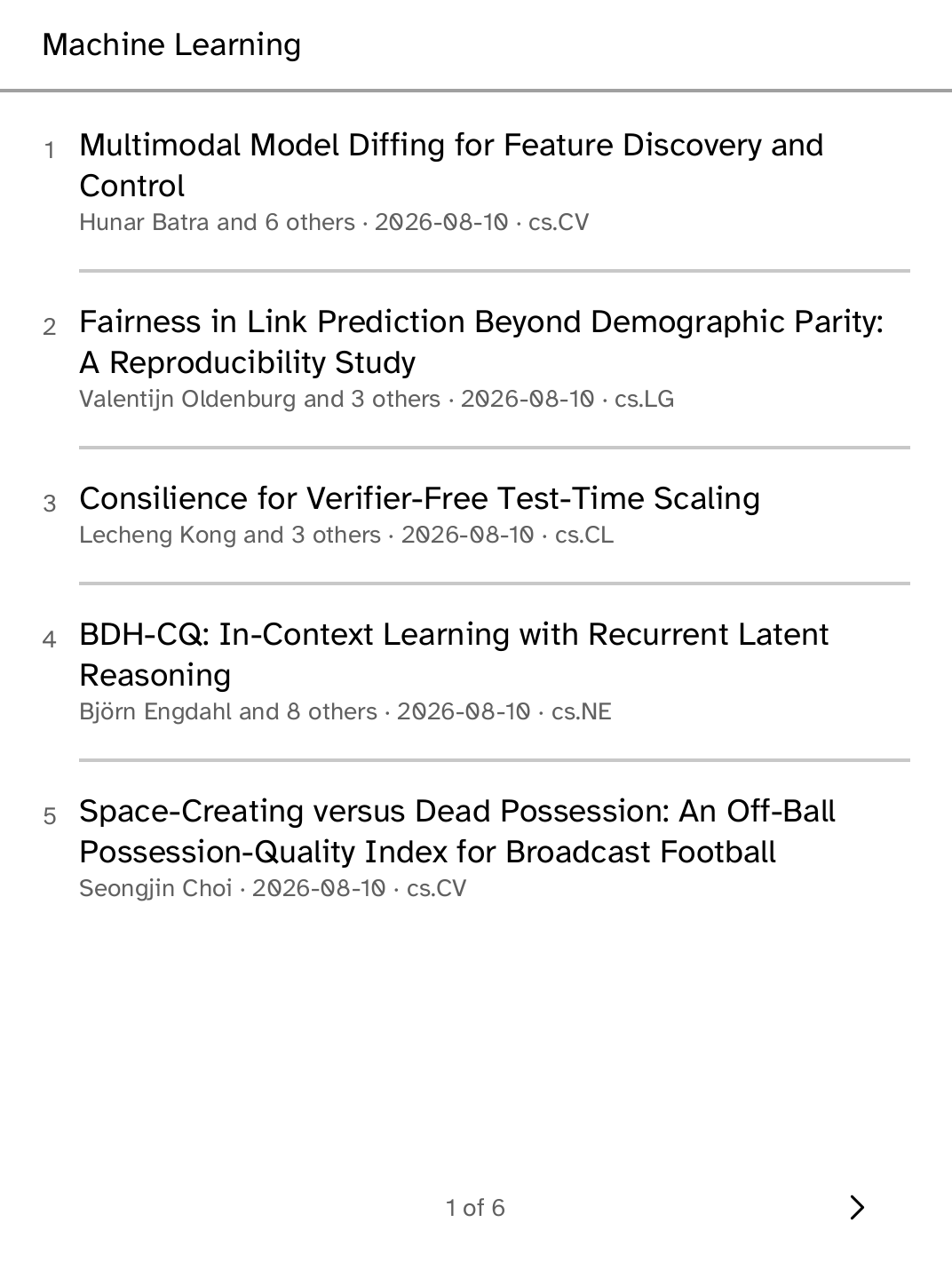
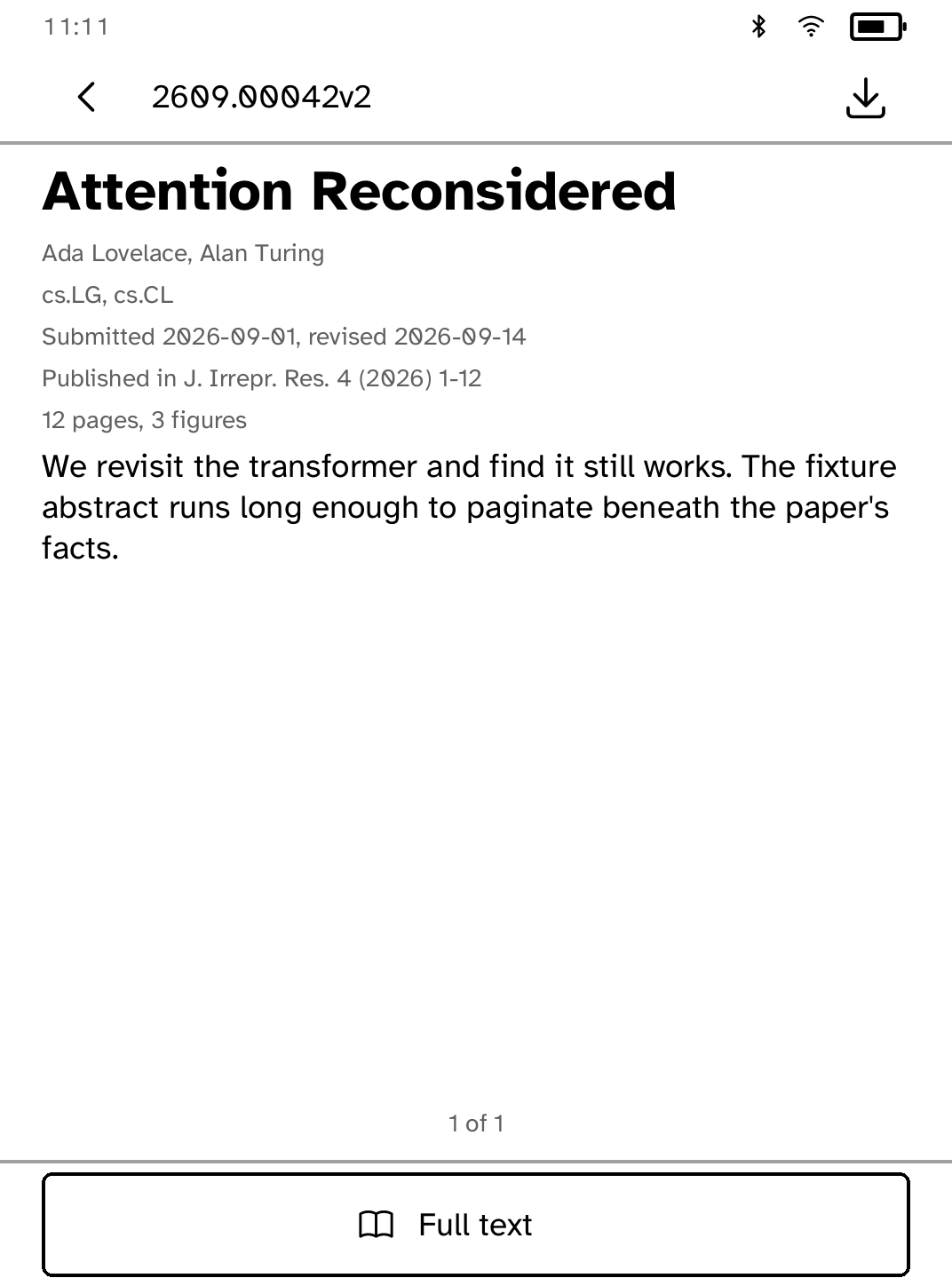
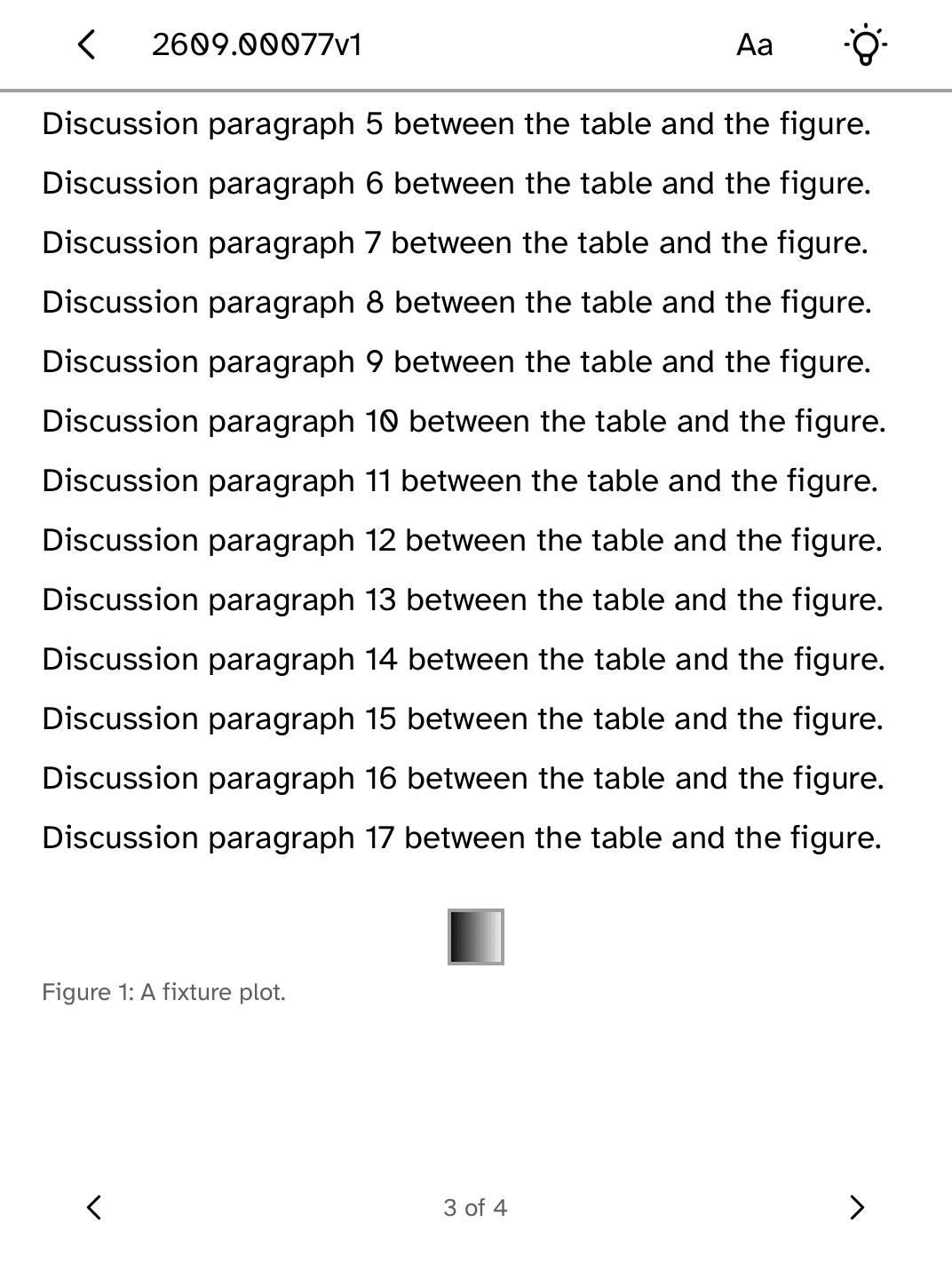
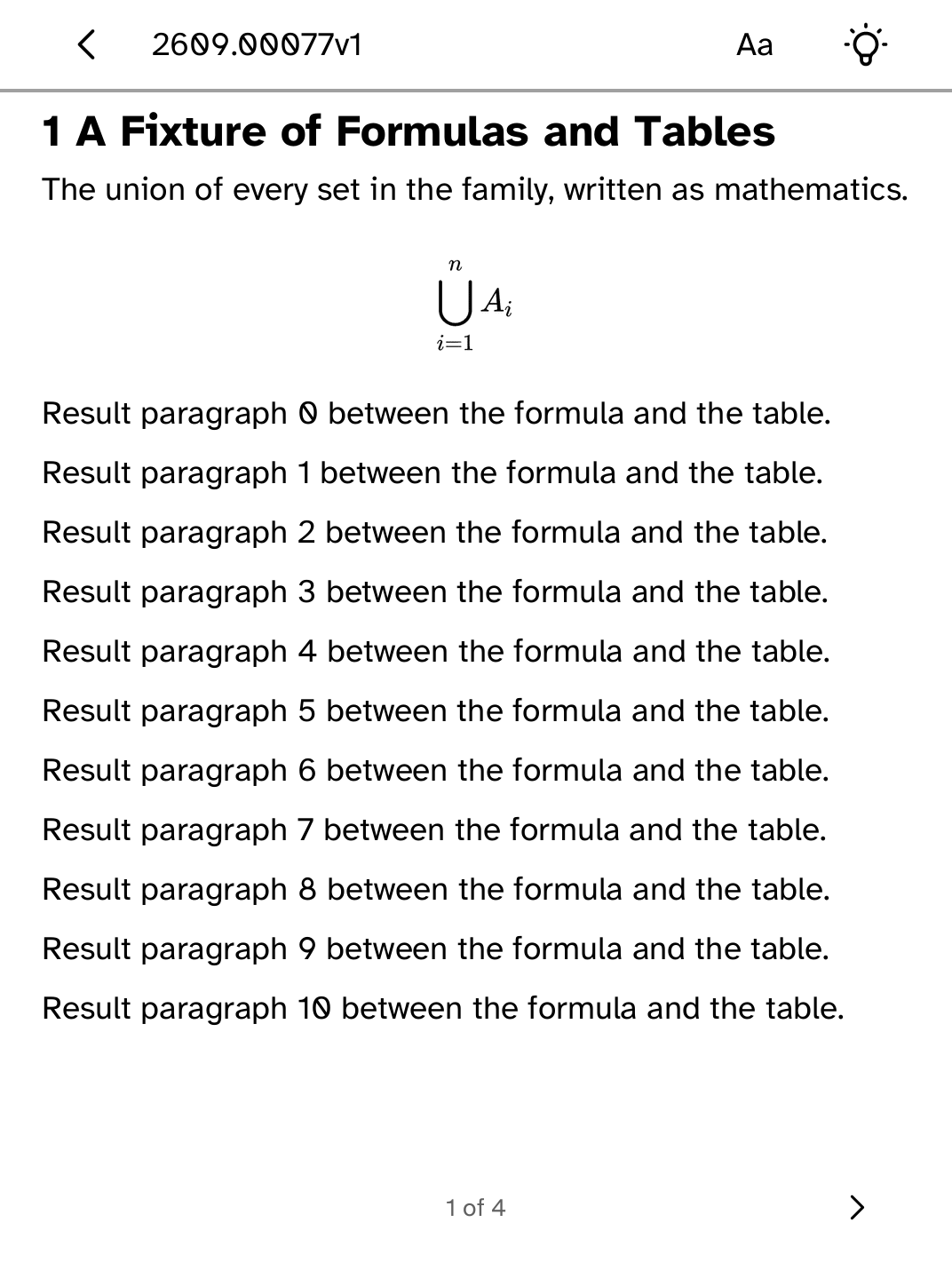
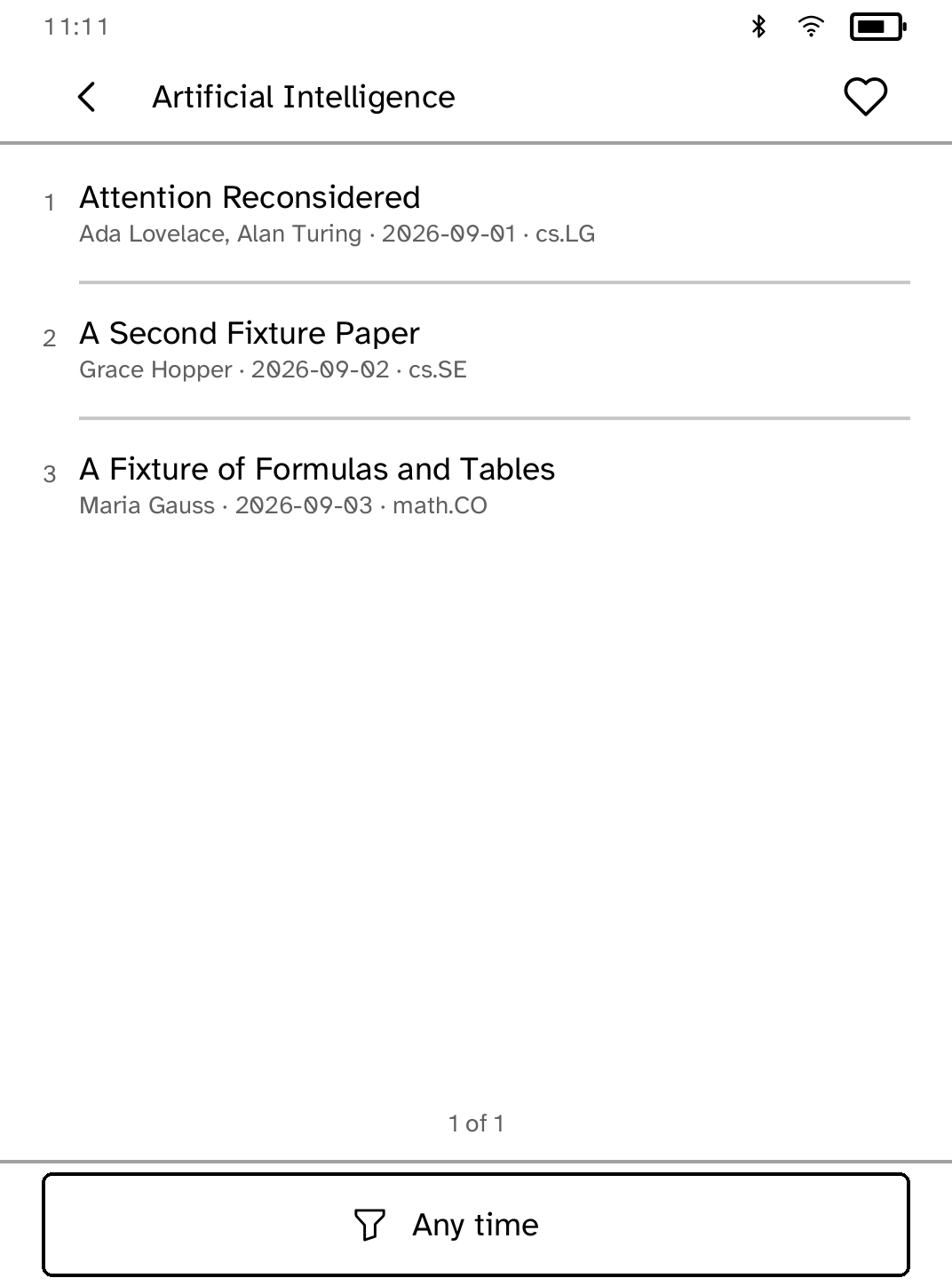
Browse the newest arXiv preprints in any category, grouped under arXiv's own headings, or search the archive, then read the abstract and the paper's HTML rendering on the panel instead of downloading a PDF. Keep preprints with their figures for offline reading on your Kobo. Preprints is an unofficial reader and is not affiliated with or endorsed by arXiv. Thank you to arXiv for use of its open access interoperability.
- Version
- 1.4.7
- Permissions
- network
- Requires
- Cobalt 0.3.31
New in 1.4.7
Search is typed on Cobalt's own keyboard, and Try again sits on the message that says what failed. A listing still loading no longer stops the screen drawing at the largest text sizes.
New to Cobalt?
Install Cobalt from your browser
Plug your Kobo into this computer and install Cobalt in about a minute. After that, apps install over Wi-Fi.
Works in Chrome, Edge and Opera. Check your Kobo is supported.
Already have Cobalt?
Link your Kobo to install
On your Kobo, open App Store, tap the globe in the top bar and choose Link browser. Scan the QR code, or enter the pairing code and verification key.
Install on your Kobo
Your Kobo checks the app's signature before installing it.