
Developer
Components
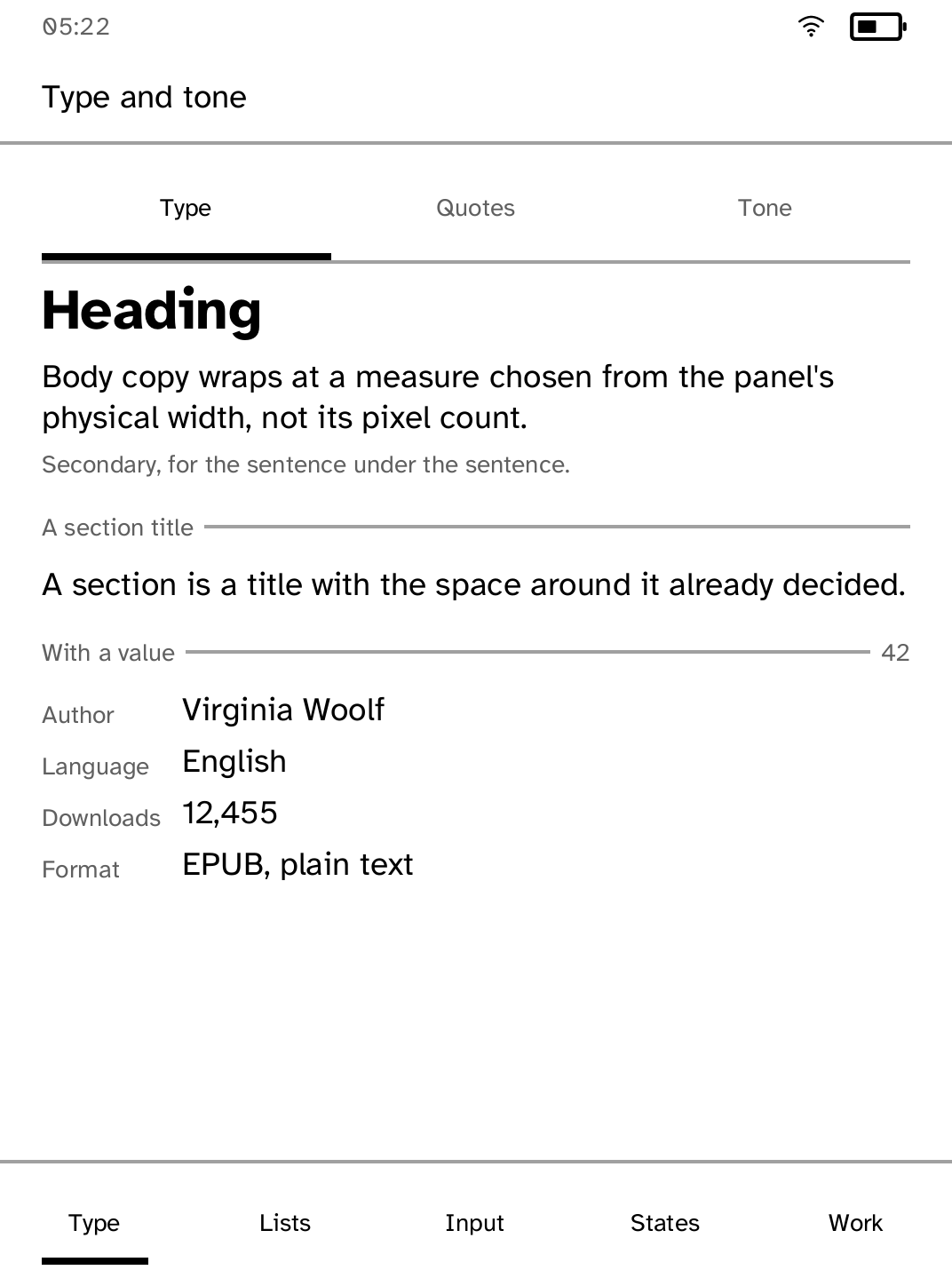
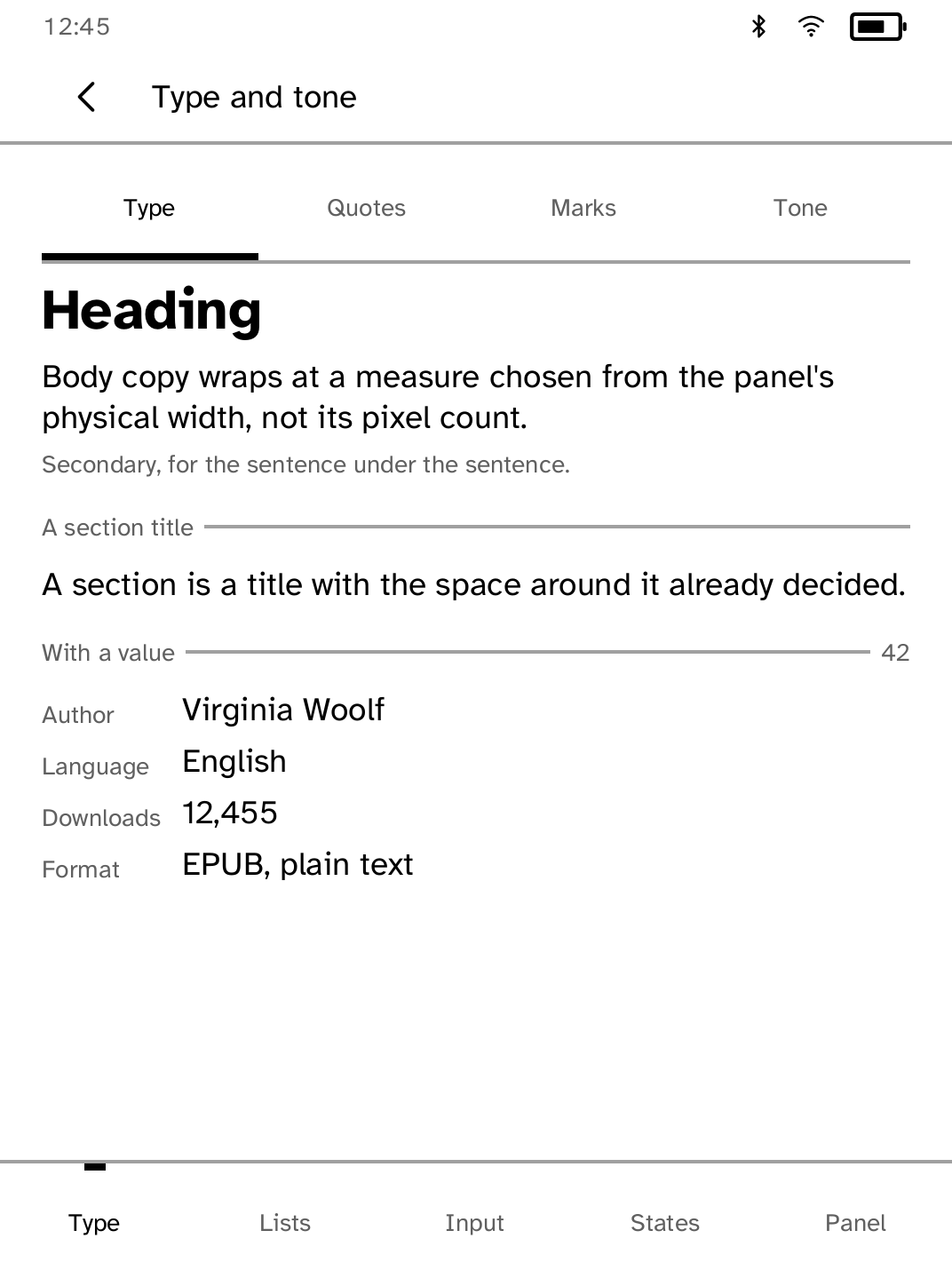
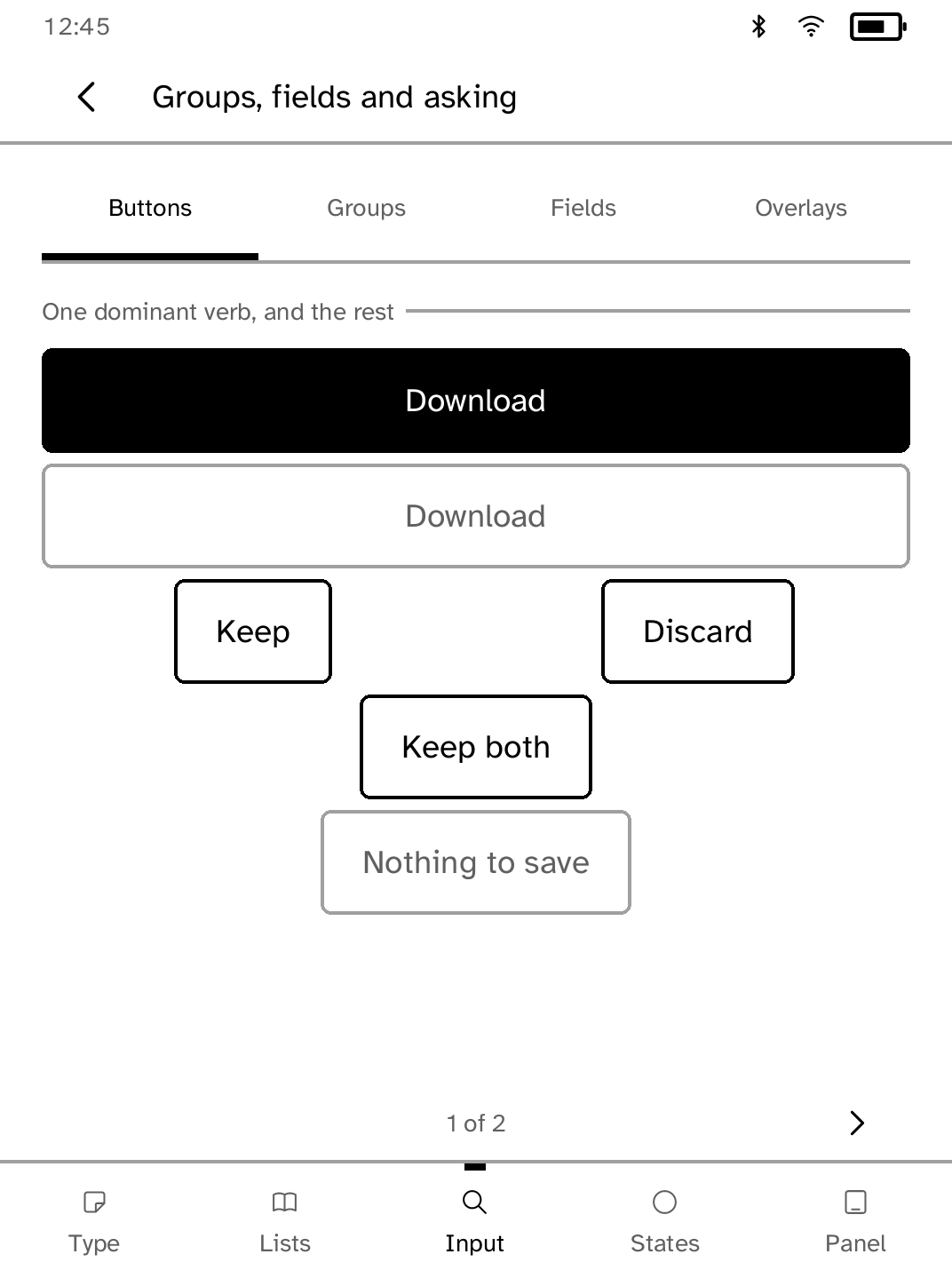
See every Cobalt UI component on the device in one reference app.
- Version
- 1.0.18
- Permissions
- network
- Requires
- Cobalt 0.3.31
New in 1.0.18
Shows the controls Cobalt now draws: switches, rows you can tick and the bar that acts on them, long lists of choices, labelled fields, banners with an action, step counts and QR codes.
New to Cobalt?
Install Cobalt from your browser
Plug your Kobo into this computer and install Cobalt in about a minute. After that, apps install over Wi-Fi.
Works in Chrome, Edge and Opera. Check your Kobo is supported.
Already have Cobalt?
Link your Kobo to install
On your Kobo, open App Store, tap the globe in the top bar and choose Link browser. Scan the QR code, or enter the pairing code and verification key.
Install on your Kobo
Your Kobo checks the app's signature before installing it.