
Productivity
Todo
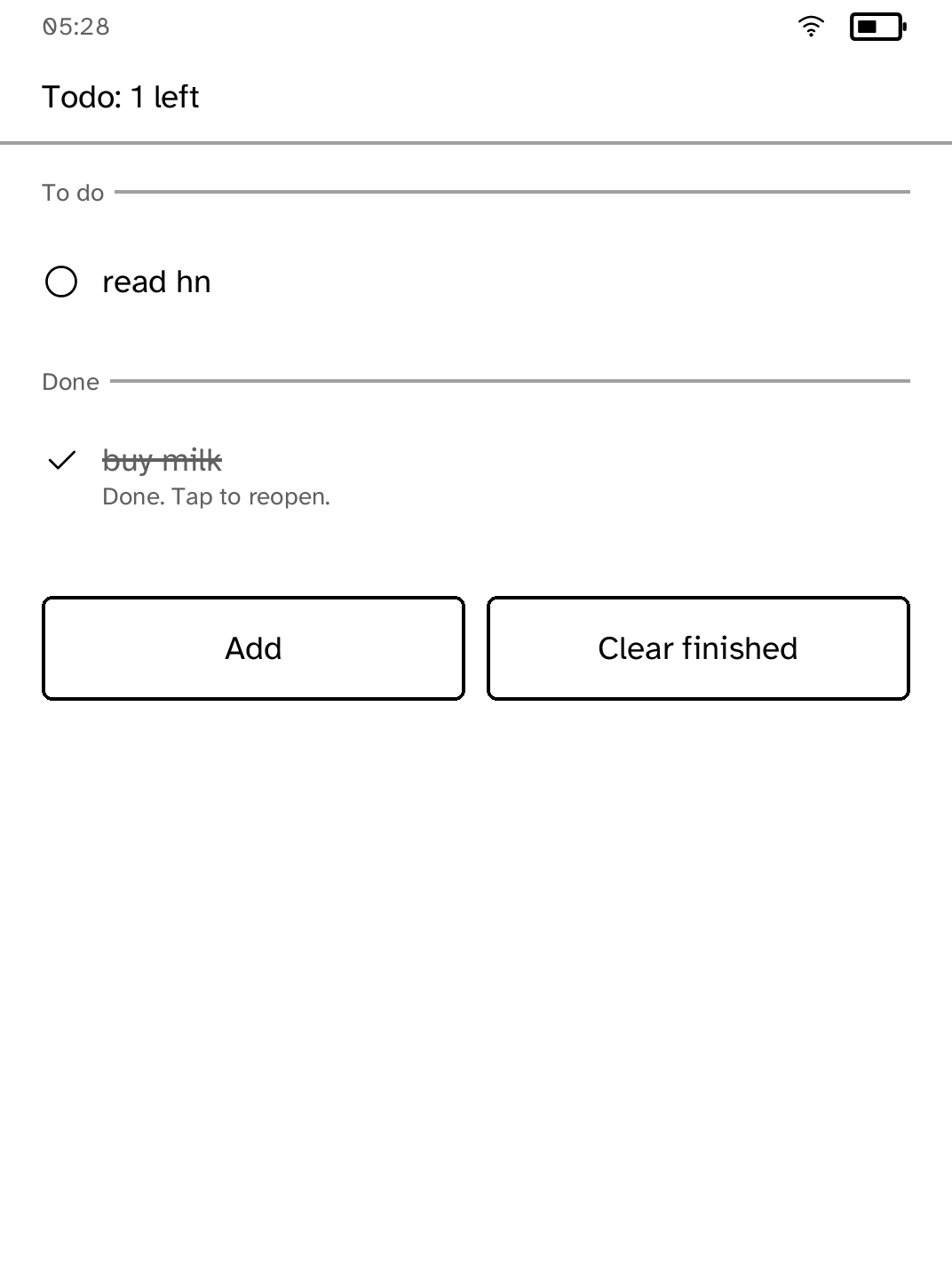
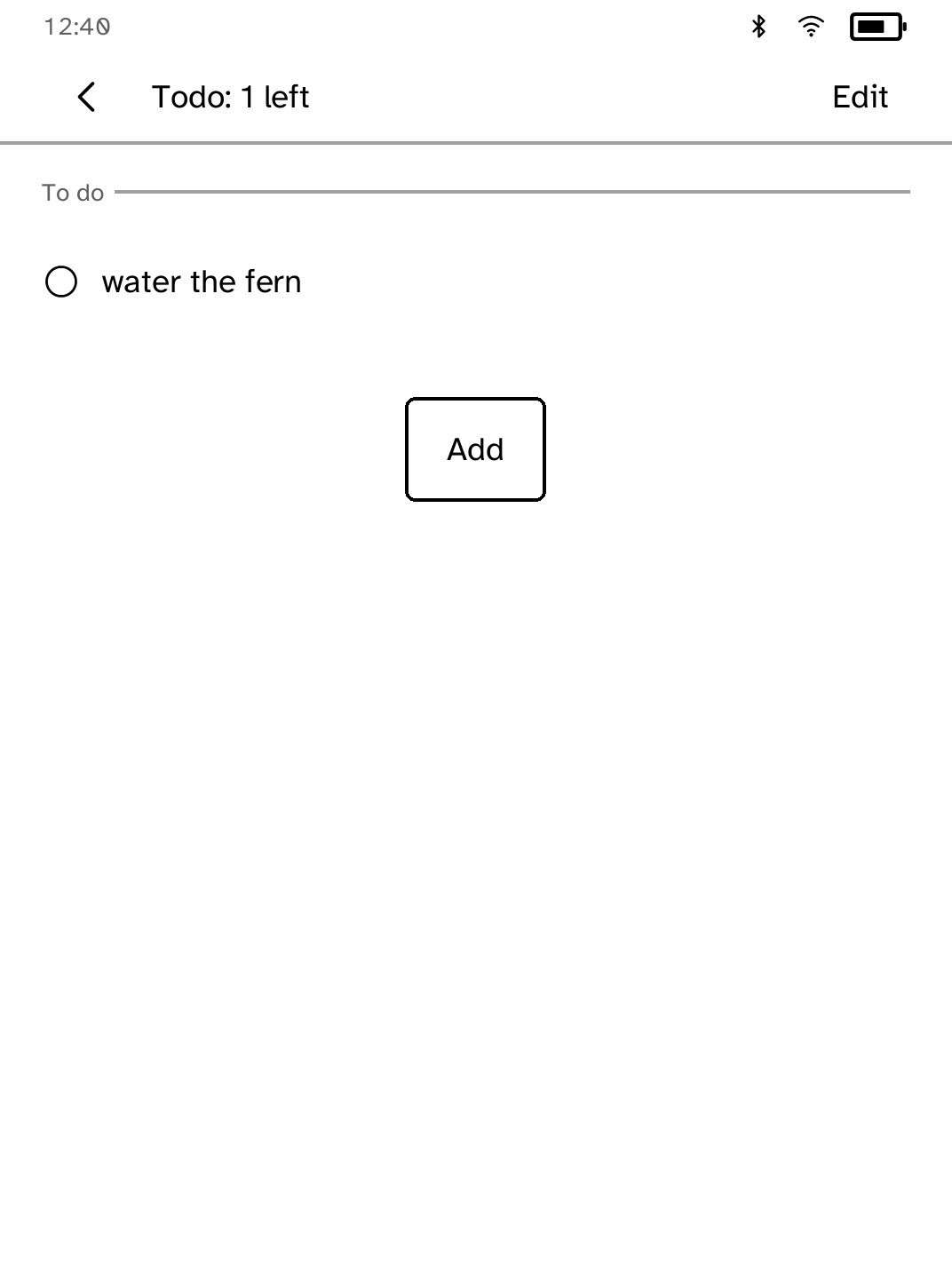
Keep a simple to-do list that stays on your Kobo.
- Version
- 1.0.13
- Permissions
- No additional permissions
- Requires
- Cobalt 0.3.31
New in 1.0.13
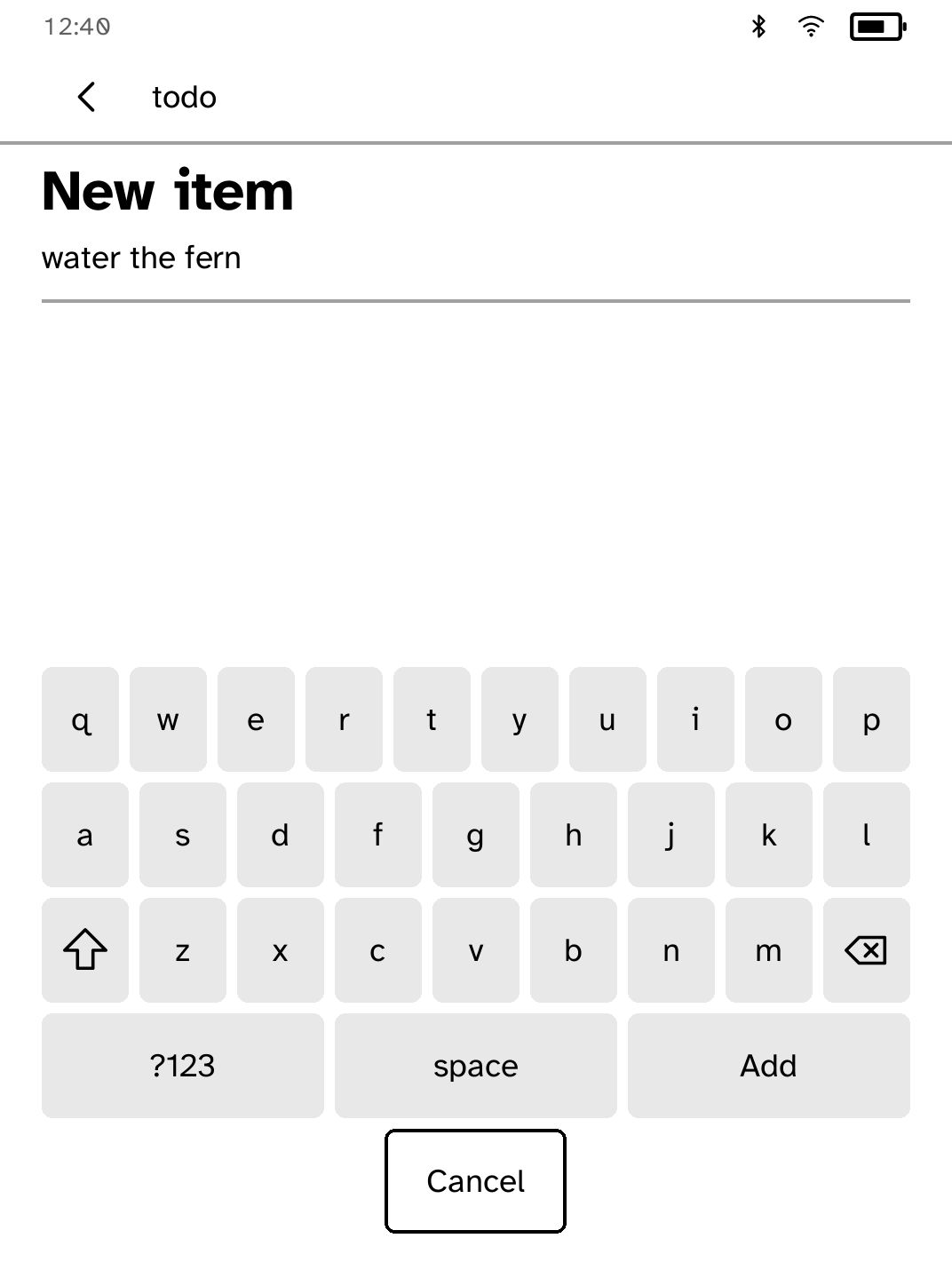
Items are typed on Cobalt's own keyboard, and Select ticks several to finish or delete in one go, with Undo putting deleted items back where they were. A due date is one choice of four side by side.
New to Cobalt?
Install Cobalt from your browser
Plug your Kobo into this computer and install Cobalt in about a minute. After that, apps install over Wi-Fi.
Works in Chrome, Edge and Opera. Check your Kobo is supported.
Already have Cobalt?
Link your Kobo to install
On your Kobo, open App Store, tap the globe in the top bar and choose Link browser. Scan the QR code, or enter the pairing code and verification key.
Install on your Kobo
Your Kobo checks the app's signature before installing it.